GUI Scaler Mod (26.2, 1.20.1) – Never Adjust Your Menu Size Between Screens
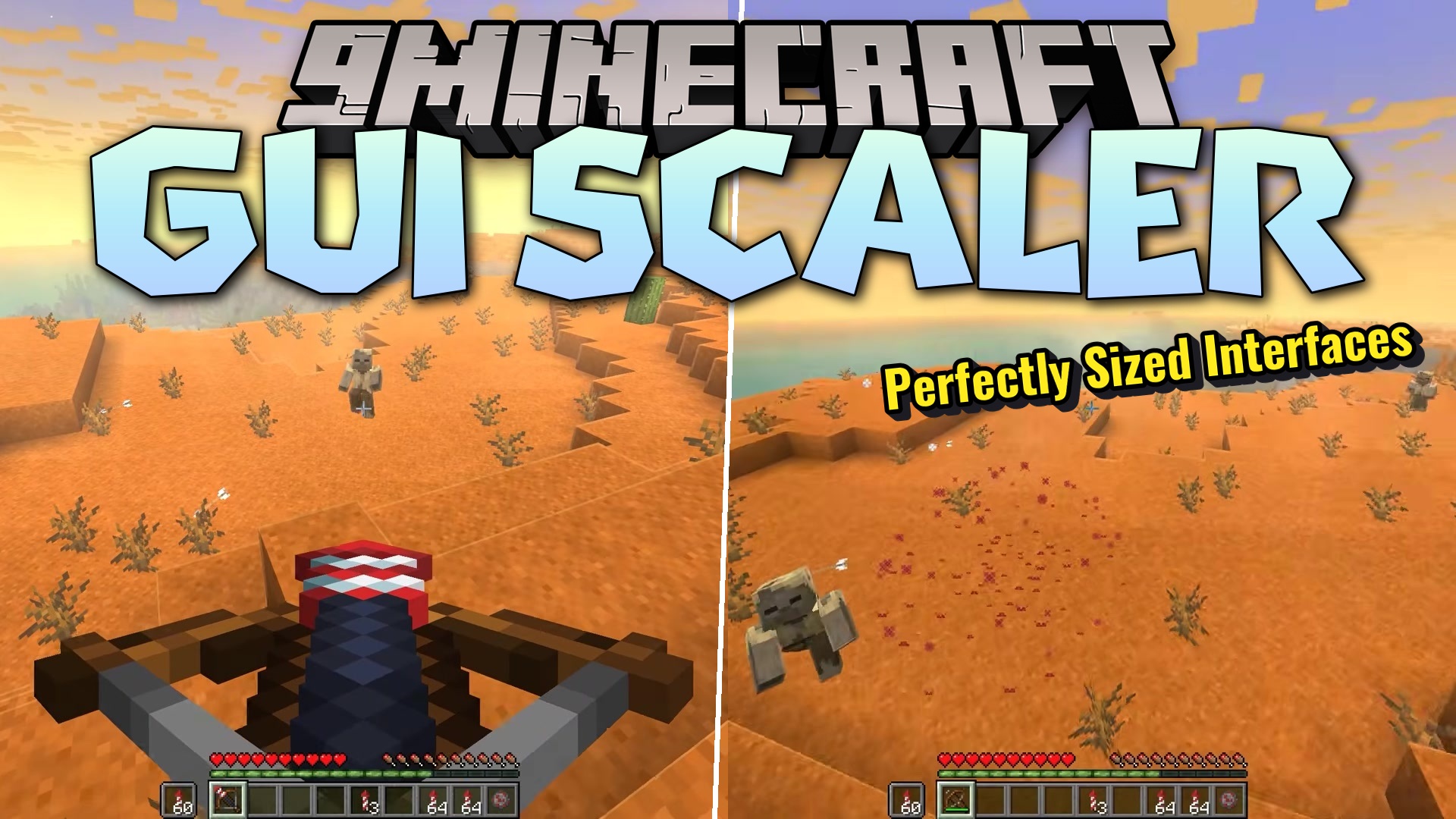
GUI Scaler Mod automatically adjusts menu sizes based on window dimensions and screen resolution, eliminating manual GUI scale adjustments across different displays and fullscreen modes.
0
2
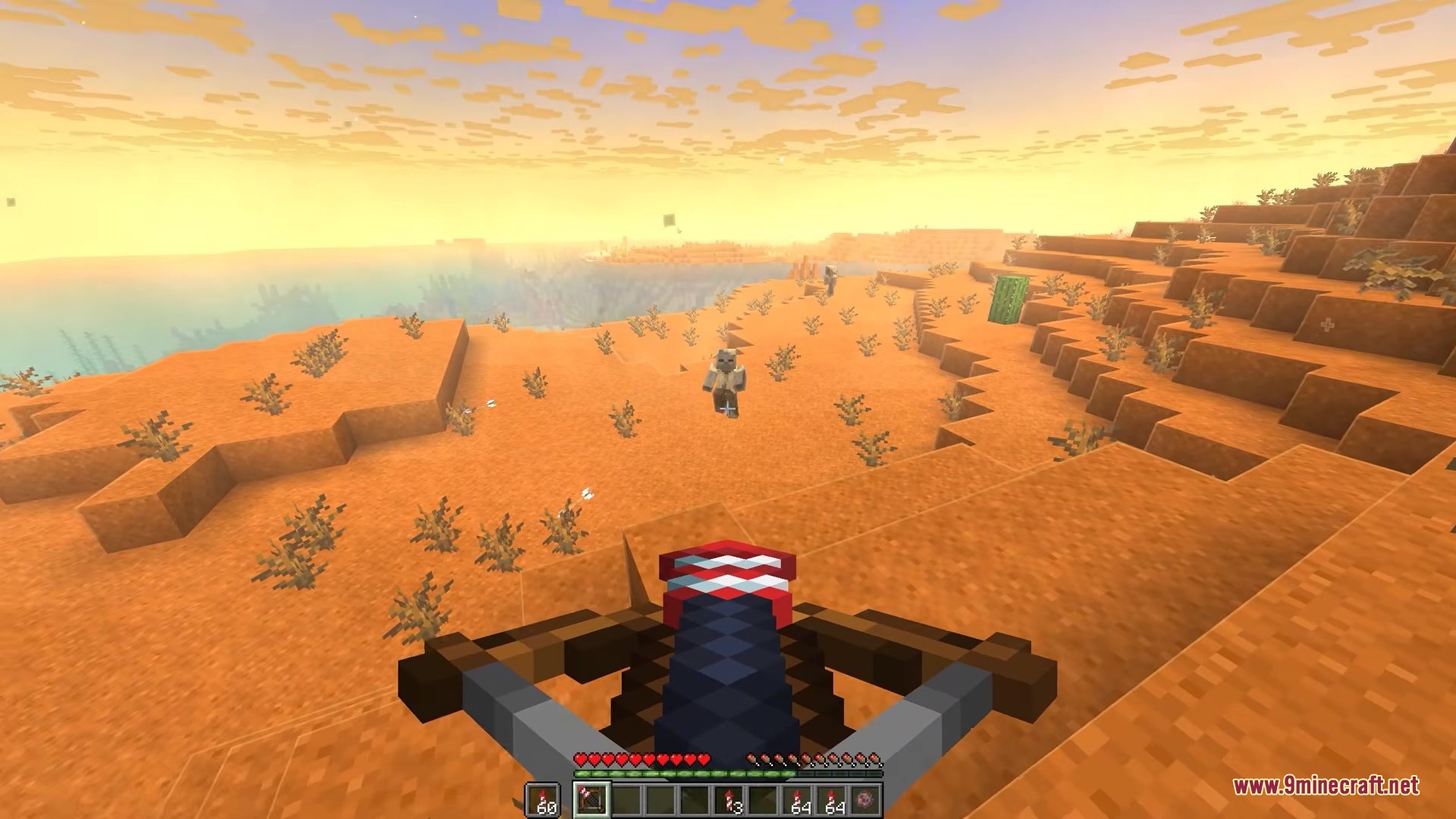
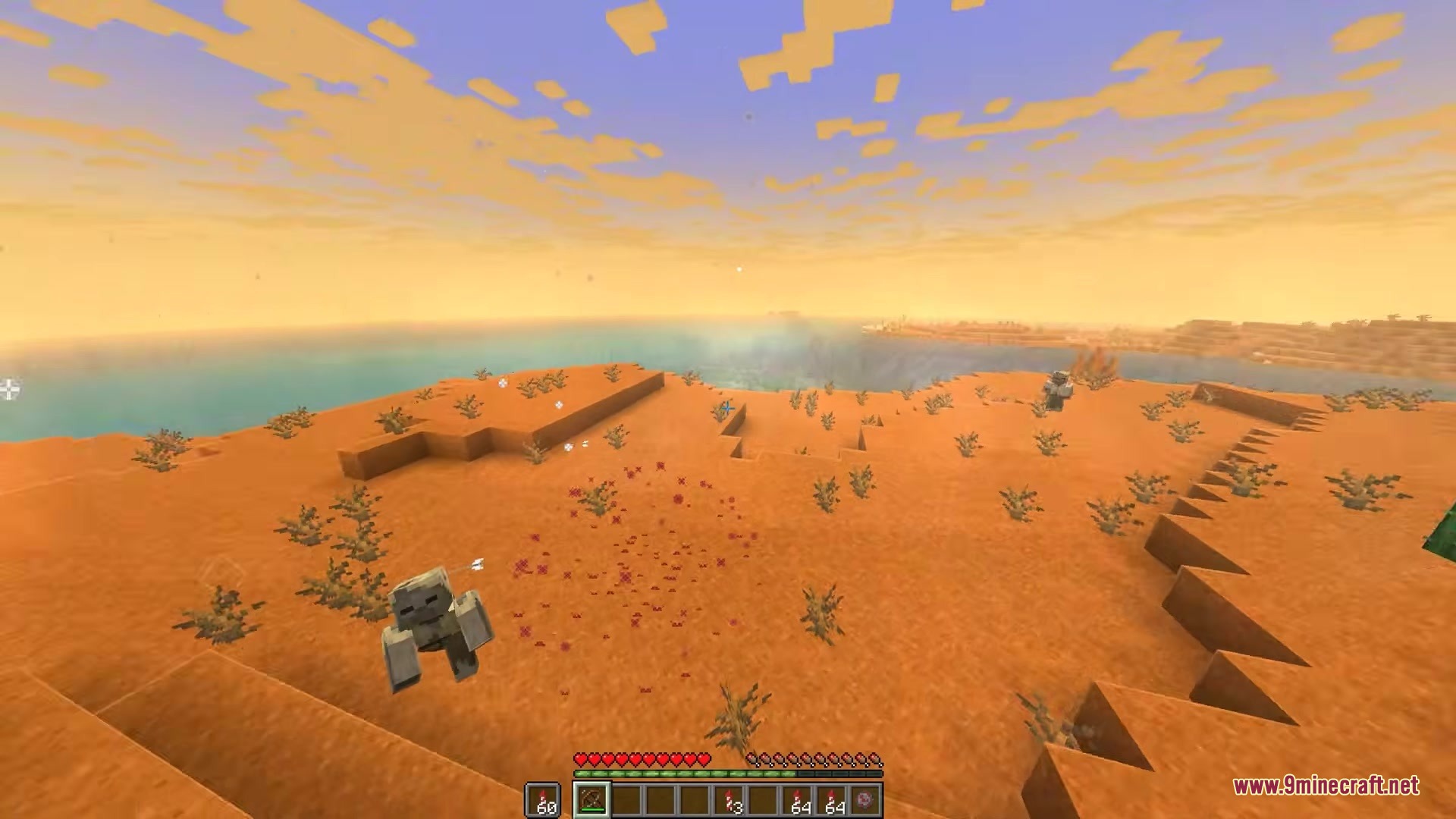
GUI Scaler Mod automatically adjusts your menu interface sizes to match your current window dimensions and screen resolution. The mod monitors changes to your game window and fullscreen state, dynamically scaling buttons, inventory, and text so they remain appropriately sized without manual intervention.
Features
- Automatic Resizing: Changes menu scale instantly when you resize your game window or toggle fullscreen mode.
- Smart Screen Detection: Analyzes monitor resolution to select appropriate scaling for readability.
- Provides an AUTO mode that optimizes scaling for standard, HD, and high-resolution displays.
- Supports CUSTOM mode for defining specific menu scales based on window width thresholds.
- Integrates with ModMenu on Fabric-based installations.
Installation
- Download the mod file for your desired Minecraft version and mod loader.
- Locate your Minecraft installation directory and open the mods folder.
- Place the downloaded mod file into the mods folder.
- Launch Minecraft and verify the mod loads successfully.
Compatibility
GUI Scaler Mod is available for Minecraft Java Edition 1.20.1. Configuration options include enableAutoScale, mode selection between AUTO and CUSTOM, and customRules for defining window width and menu scale pairs.