
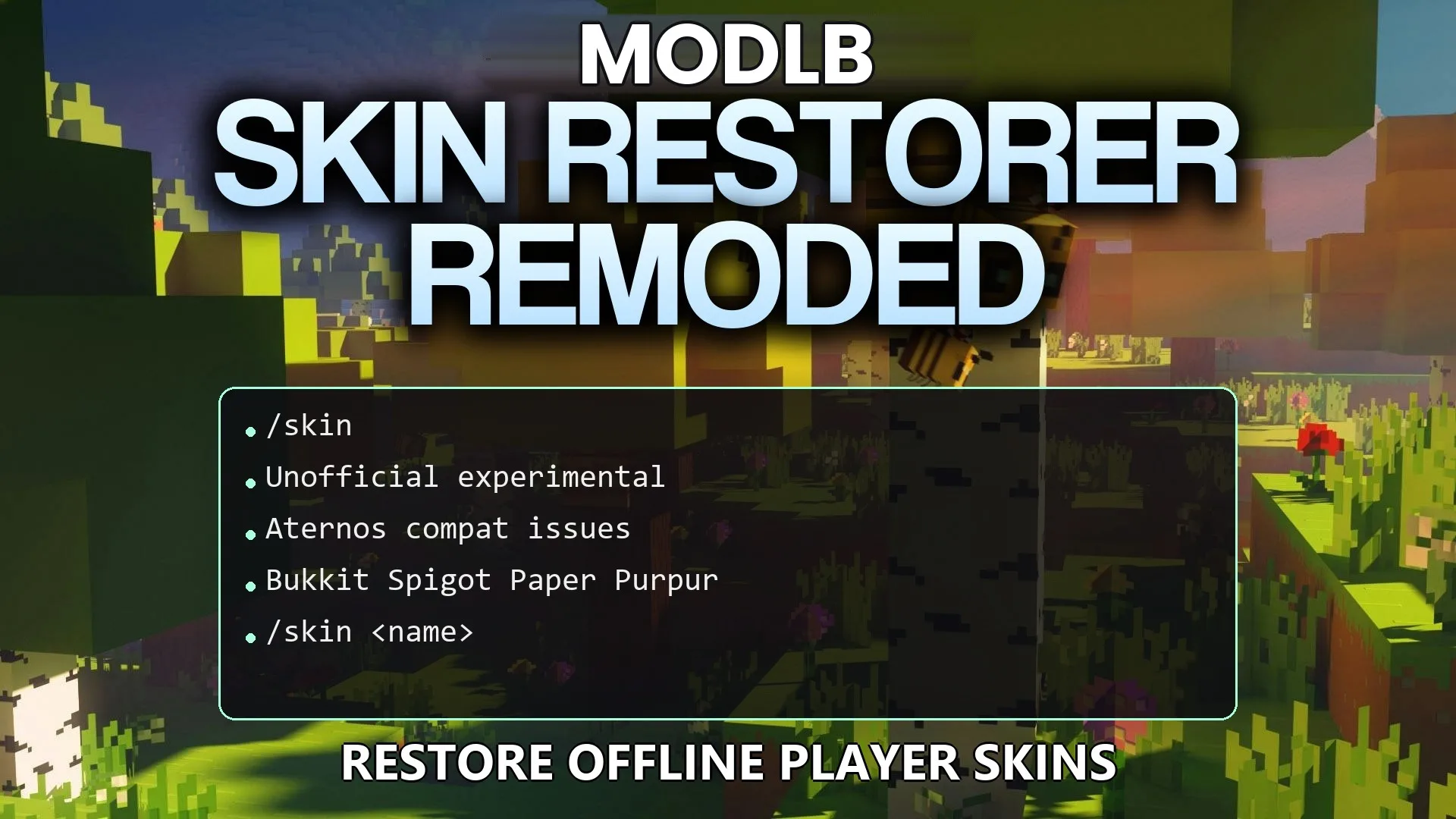
Skin Restorer Remoded Plugin (26.2, 1.20.1) – Bring Back Custom Skins
Skin Restorer Remoded Plugin fixes skin compatibility problems found in the original SkinsRestorer plugin. It brings back player skins on offline-mode Minecraft servers where custom looks usually break. The plugin runs lightly in the background so it does not slow down the game. It offers a simple way to manage player
- 1.11 → 1.21.11 +34
Show all 34 versions
- 1.21.11
- 1.21.10
- 1.21.9
- 1.21.8
- 1.21.7
- 1.21.6
- 1.21.5
- 1.21.4
- 1.21.3
- 1.21.2
- 1.21.1
- 1.21
- 1.20.6
- 1.20.5
- 1.20.4
- 1.20.3
- 1.20.2
- 1.20.1
- 1.20
- 1.19.4
- 1.19.3
- 1.19.2
- 1.19.1
- 1.19
- 1.18.2
- 1.18.1
- 1.18
- 1.17
- 1.16
- 1.15
- 1.14
- 1.13
- 1.12
- 1.11
Features:
- Restores missing player skins on servers running in offline mode.
- Runs lightly in the background to keep server performance high.
- Offers a simple setup process without confusing settings.
- Improves compatibility for server hosts that struggle with normal skin plugins.
Commands:
/skin <name>: Change your current character skin to match another player./skin update: Refresh your current skin to fix visual glitches./skin clear: Reset your appearance back to the default look.
Configuration:
myskins.skin: Grants access to basic skin changing commands.myskins.admin: Unlocks administrative commands for server management.
How to Use:
- Join the server and open your chat window.
- Type the skin command followed by a name to change your appearance.
- Type the update command if your new look does not show up right away.
- Clear your skin anytime to return to the default character.
DOWNLOAD FILES
- jar