
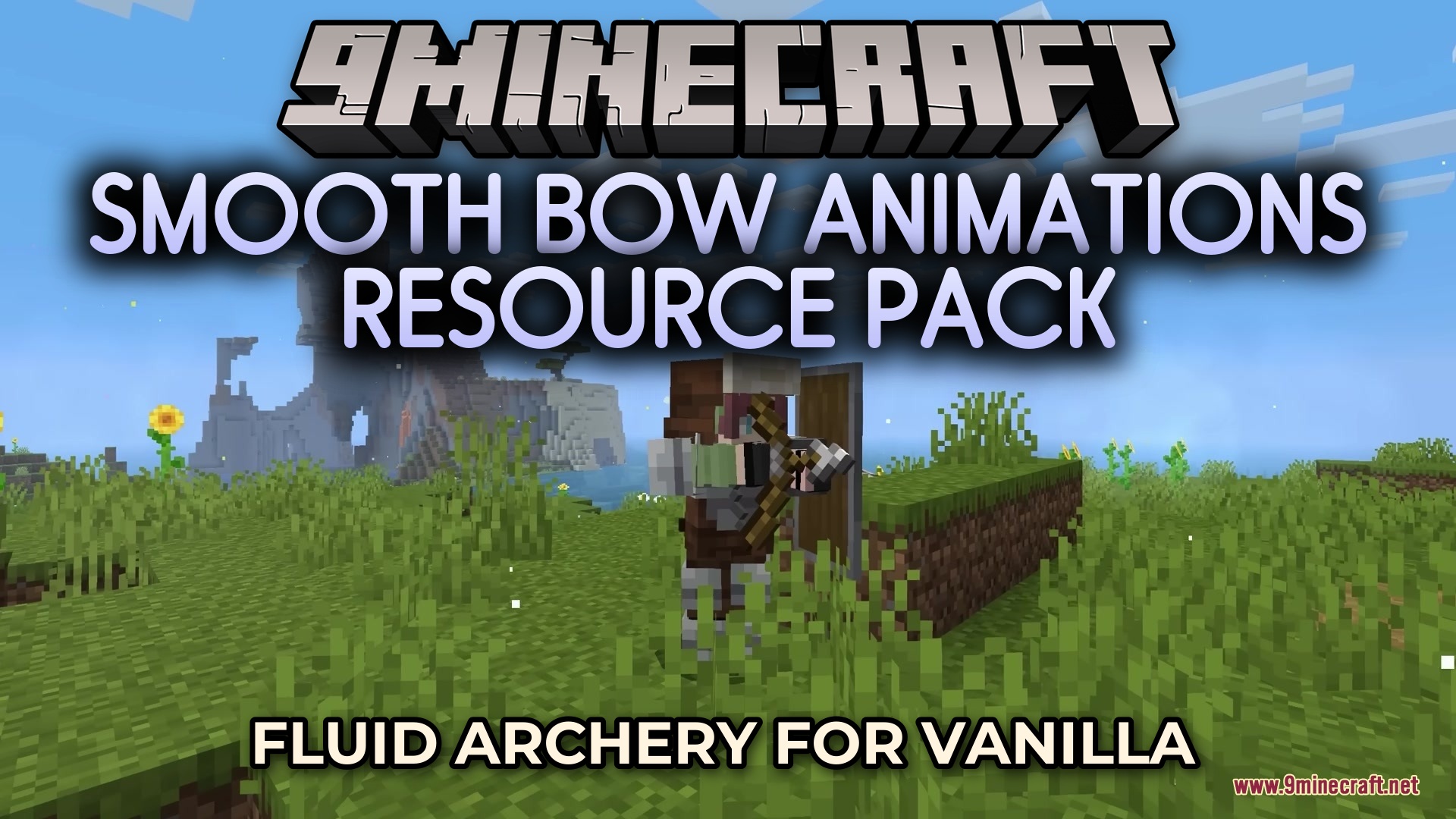
Smooth Bow Animations Resource Pack (26.2, 1.21.11) – Fluid Archery for Vanilla
A resource pack that doubles bow and crossbow animation frames for smoother, more fluid ranged weapon drawing mechanics in Minecraft Java Edition.
- 1.21.11
Smooth Bow Animations modernizes the way ranged weapons look when drawing in Minecraft Java Edition. The pack increases animation frames for bows and crossbows, replacing the standard three-frame system with smoother motion sequences while maintaining vanilla aesthetics.
Features
- Doubles bow drawing animation from three to six frames for fluid motion
- Updates crossbow loading sequence to appear more natural
- Improves shot timing visibility by clearly showing when weapons are fully drawn
- Preserves original vanilla style while refining weapon handling visuals
Installation
- Download the resource pack file
- Open your Minecraft launcher and navigate to the resource packs folder
- Move the downloaded file into the resource packs directory
- Launch Minecraft Java Edition 1.21.11 and enable the resource pack in Settings
- Apply changes and start a world to see the updated animations
Compatibility
This resource pack is designed for Minecraft Java Edition version 1.21.11.
DOWNLOAD FILES
- resource