
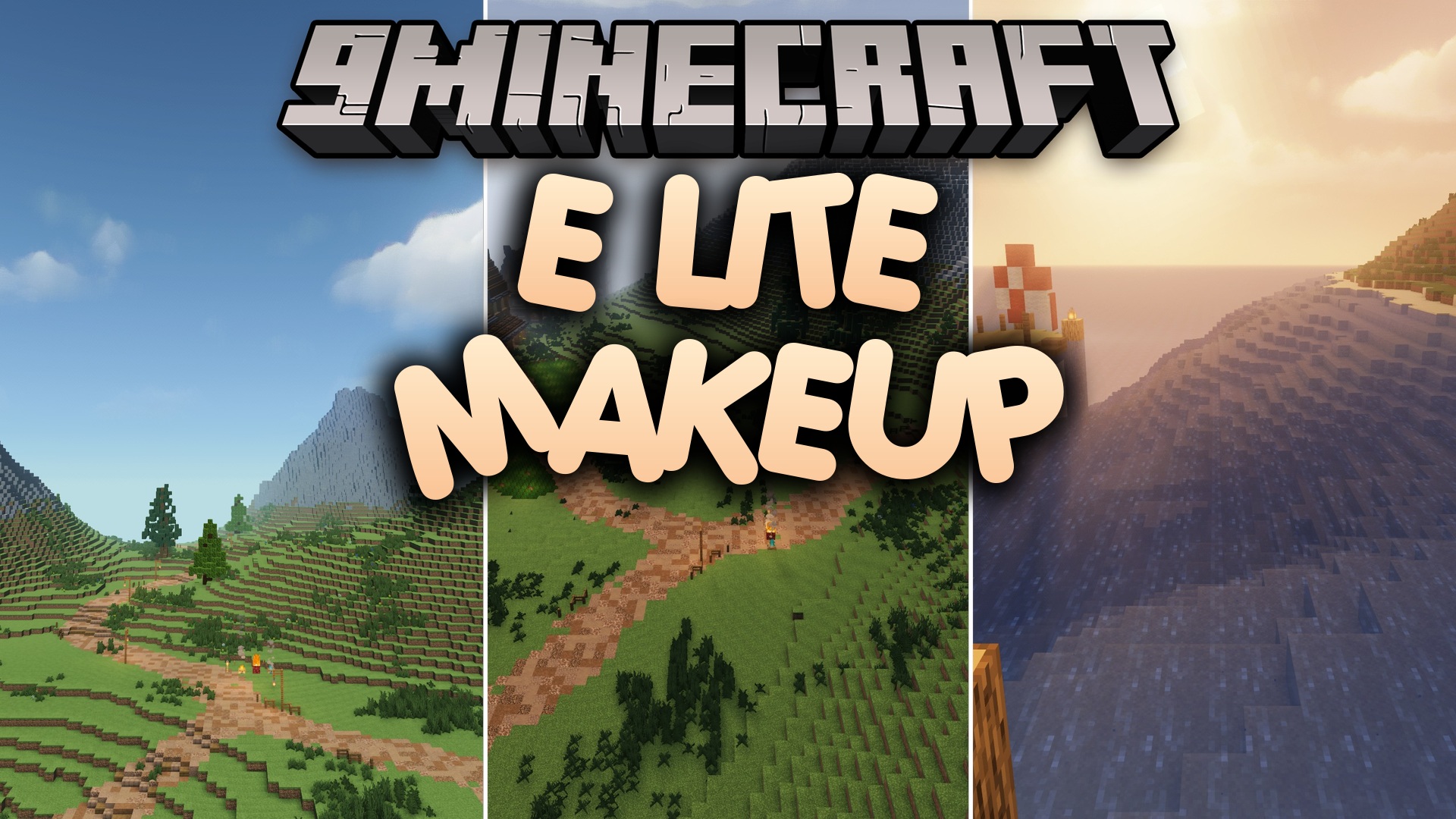
E LITE MakeUp Shaders (26.2, 1.20.1) – Customizable Styles with High FPS
E LITE MakeUp is a customizable shader pack for Minecraft Java Edition that enhances lighting and visual styles while maintaining high framerates for accessible gameplay.
- 1.20.1
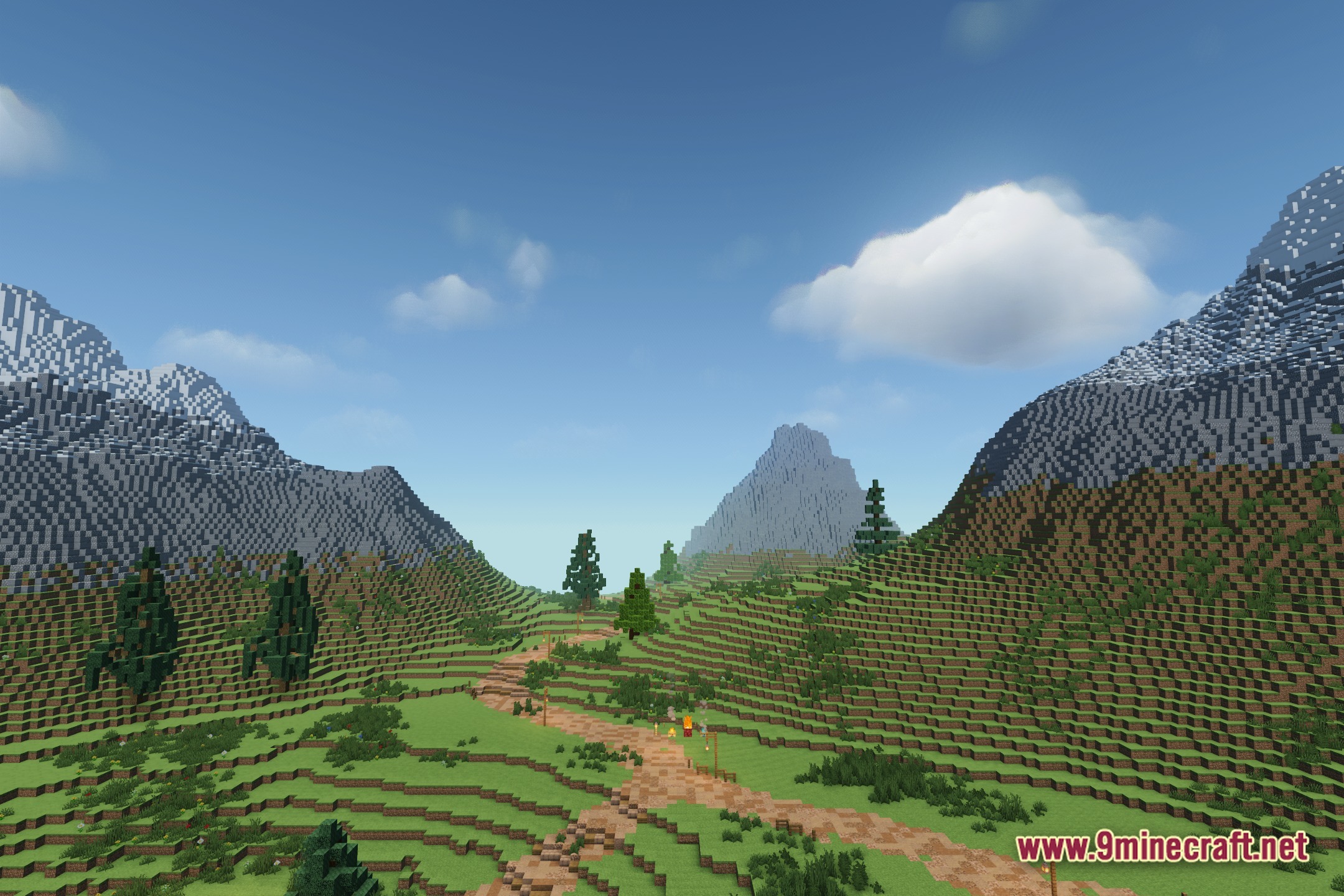
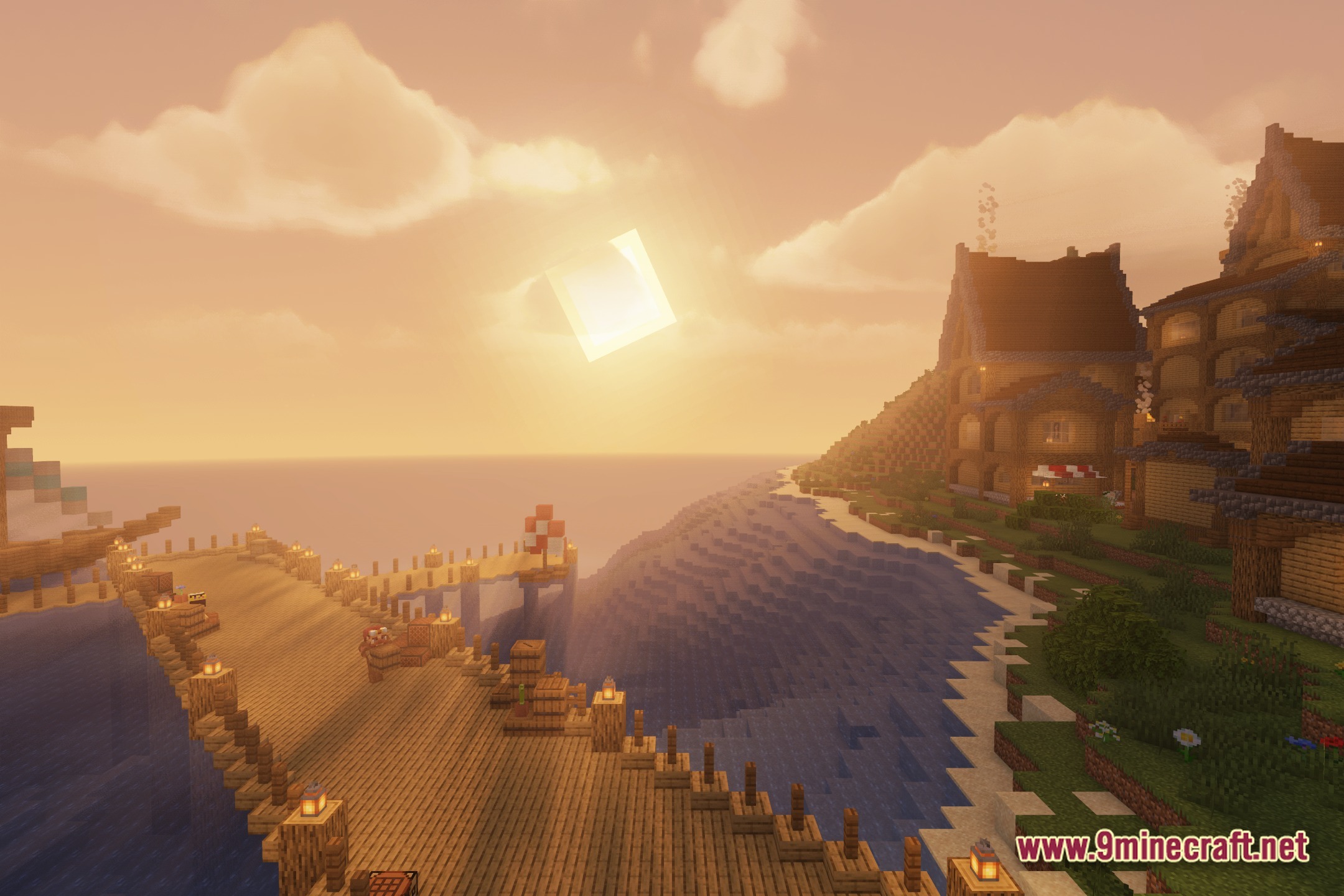
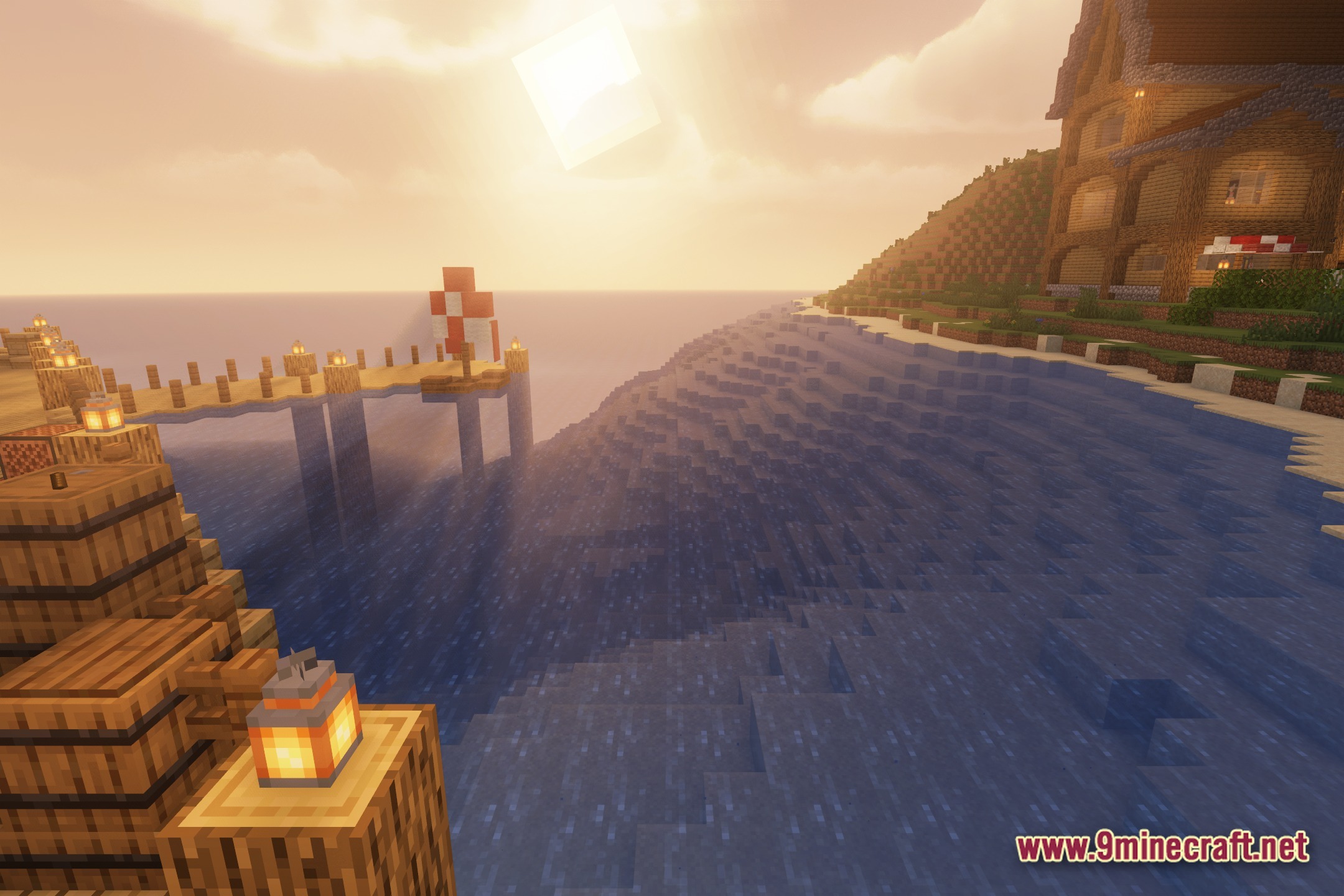
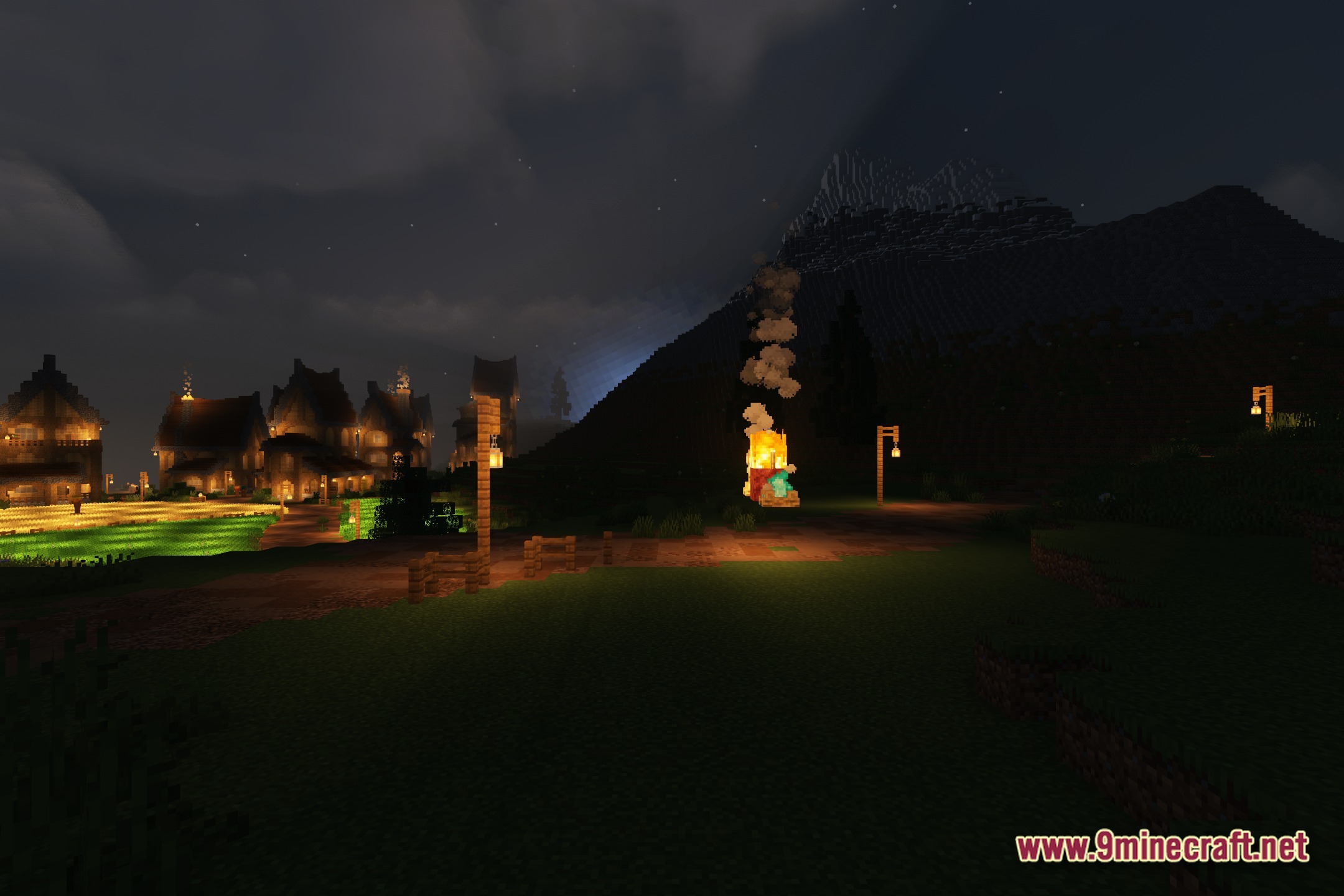
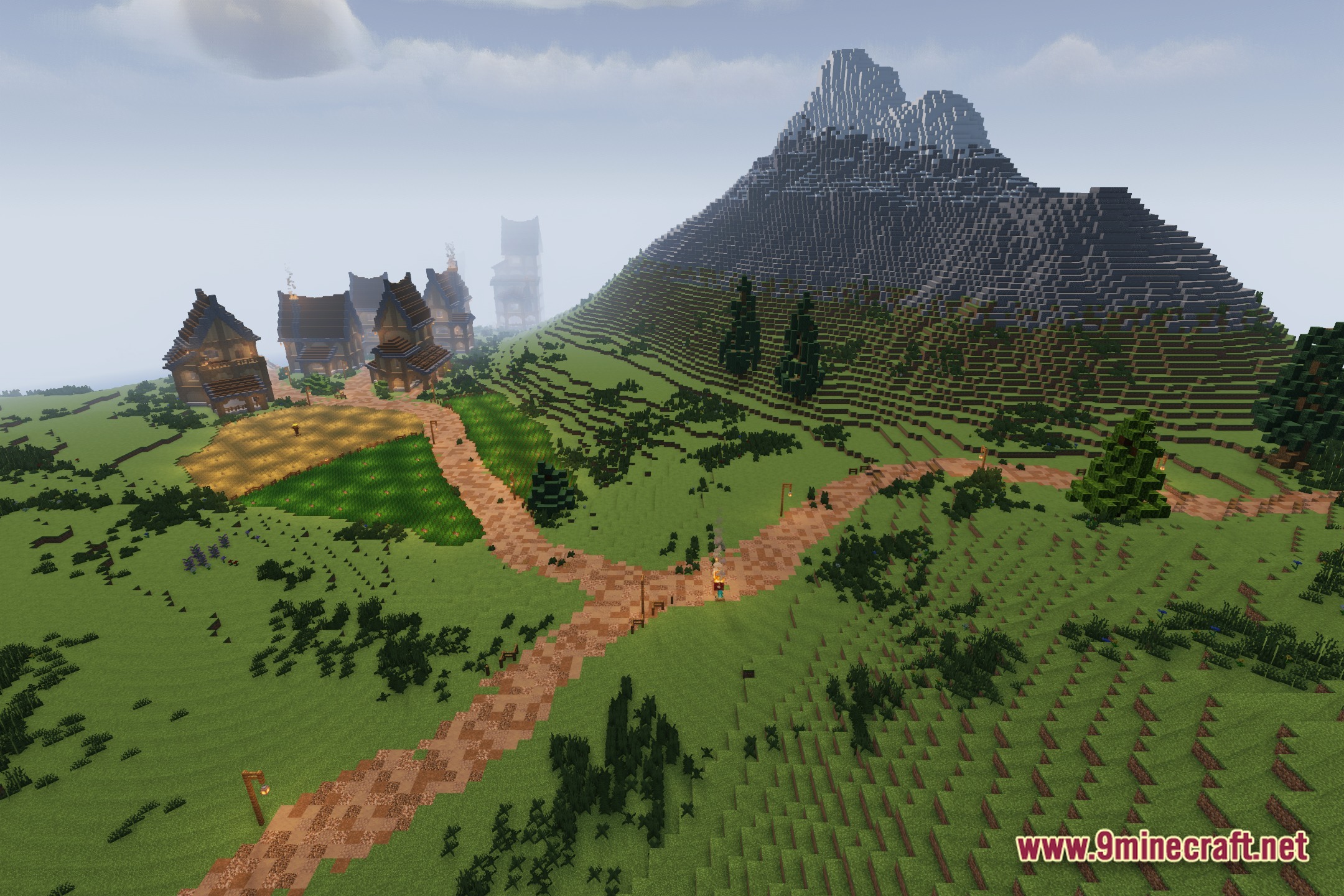
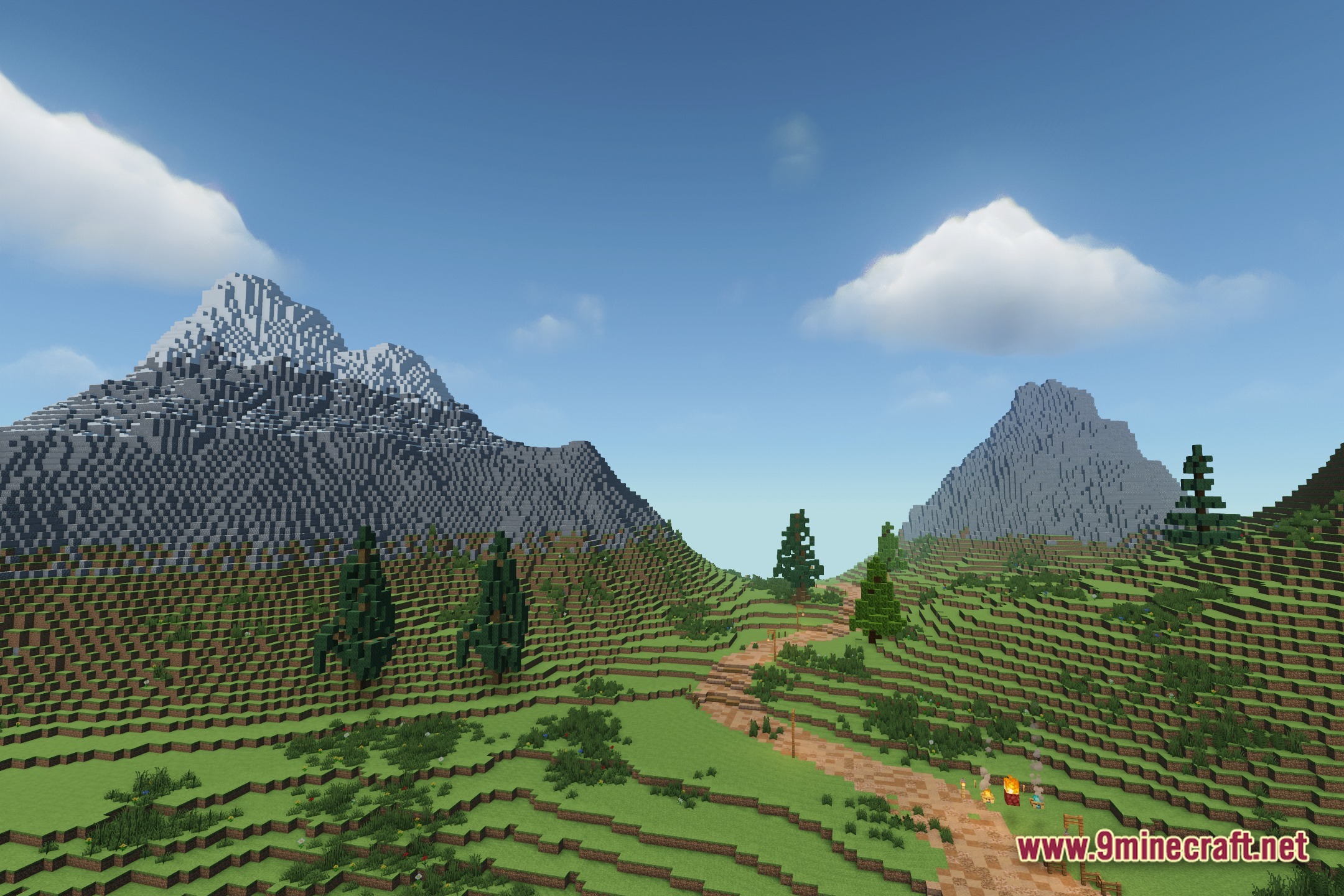
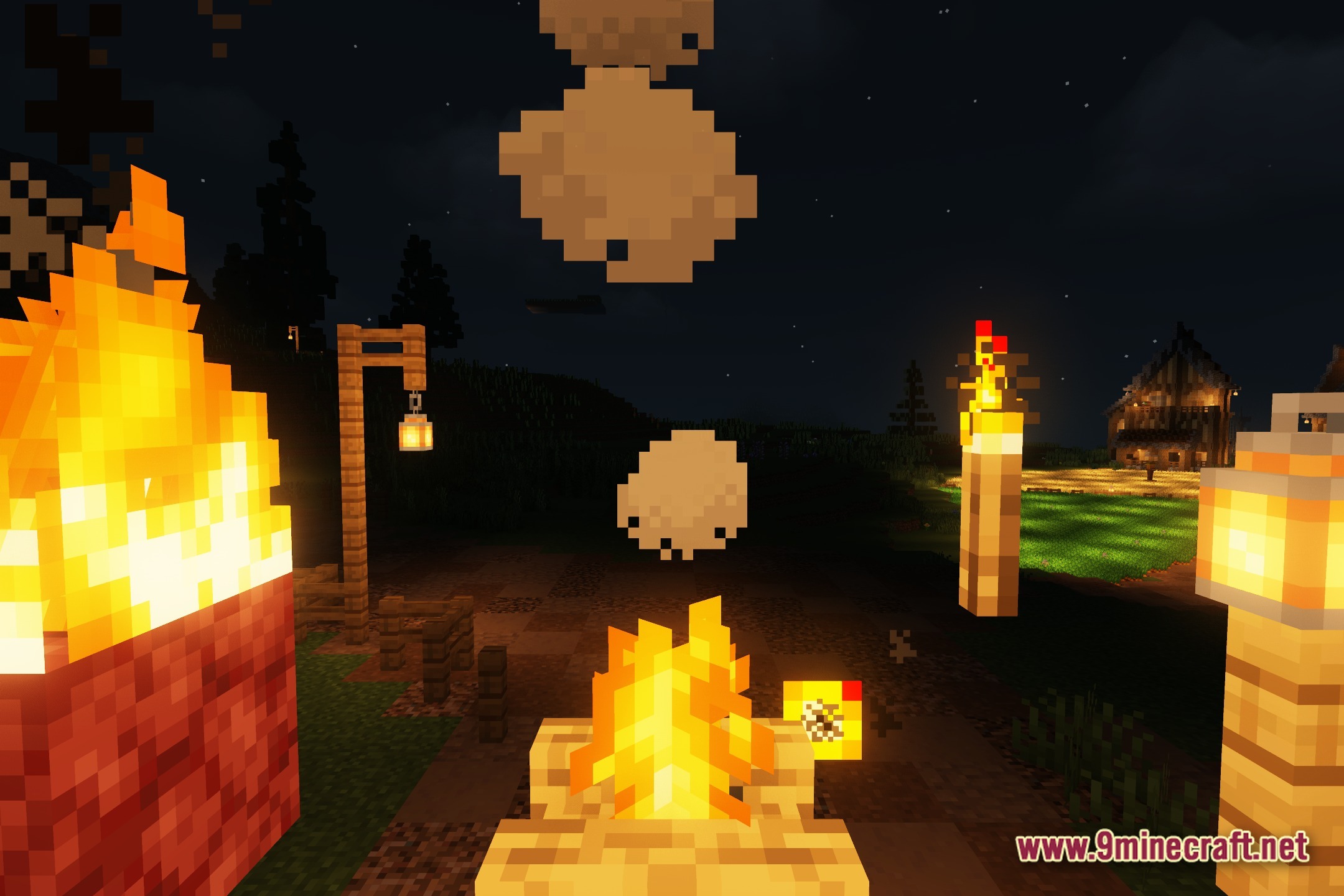
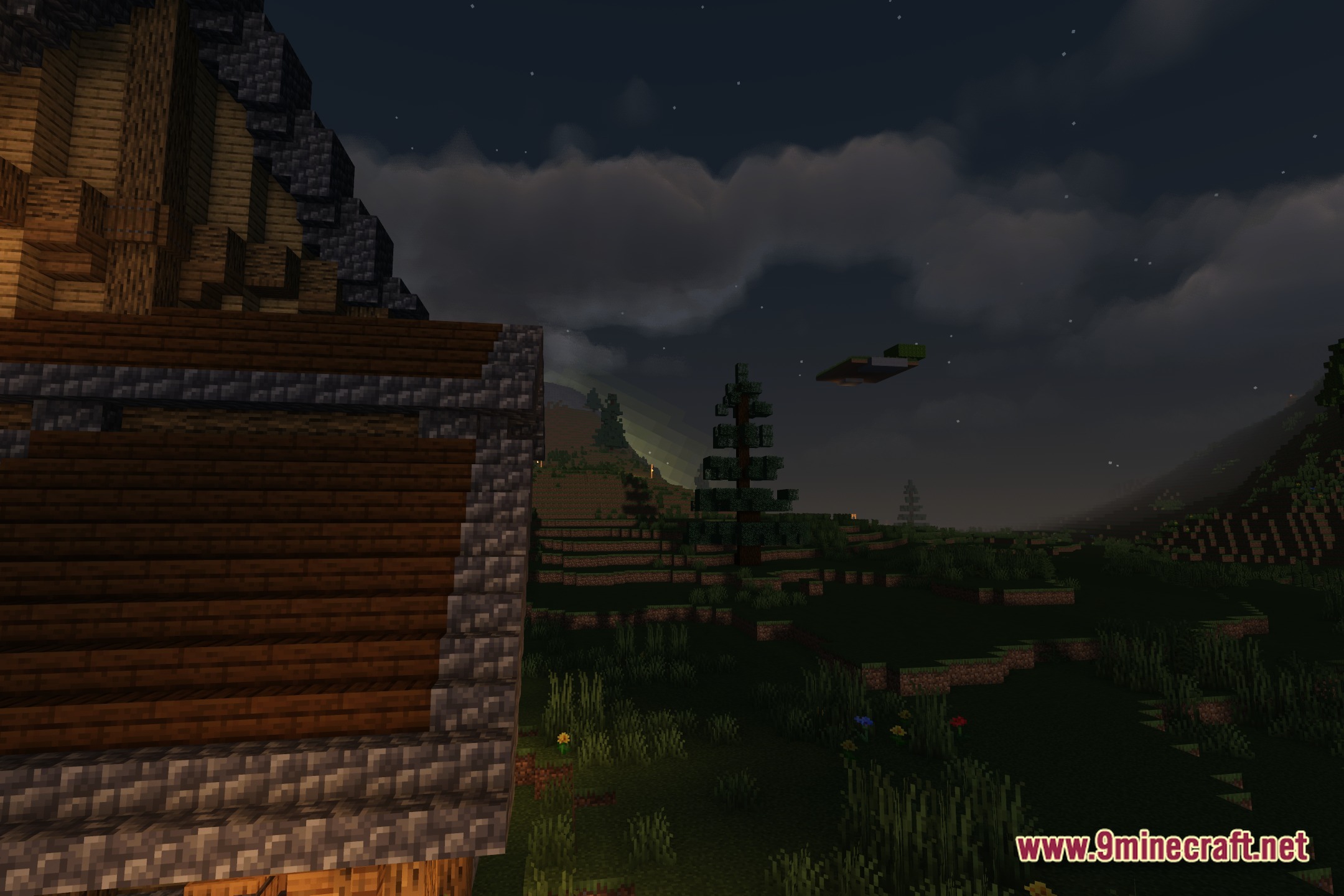
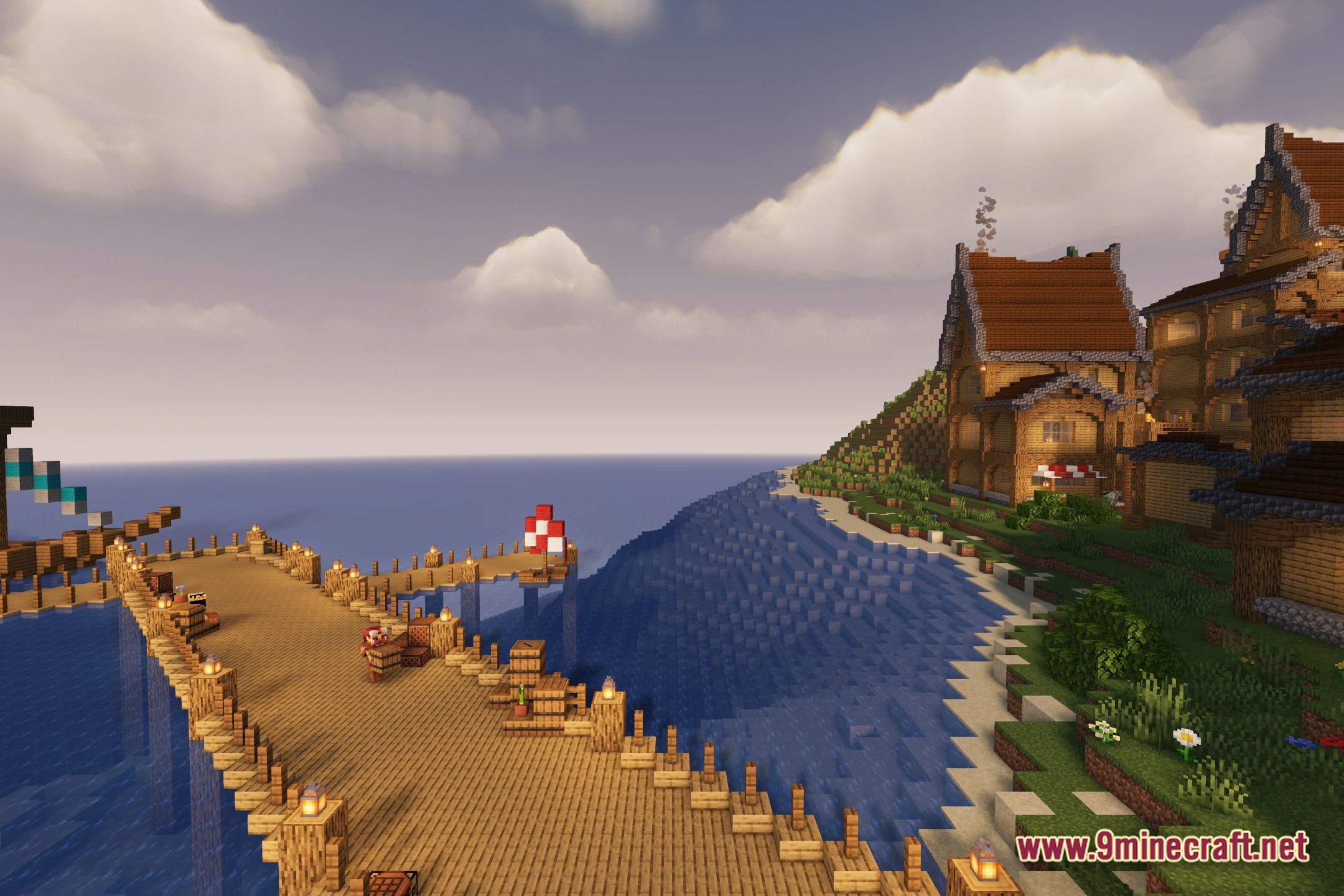
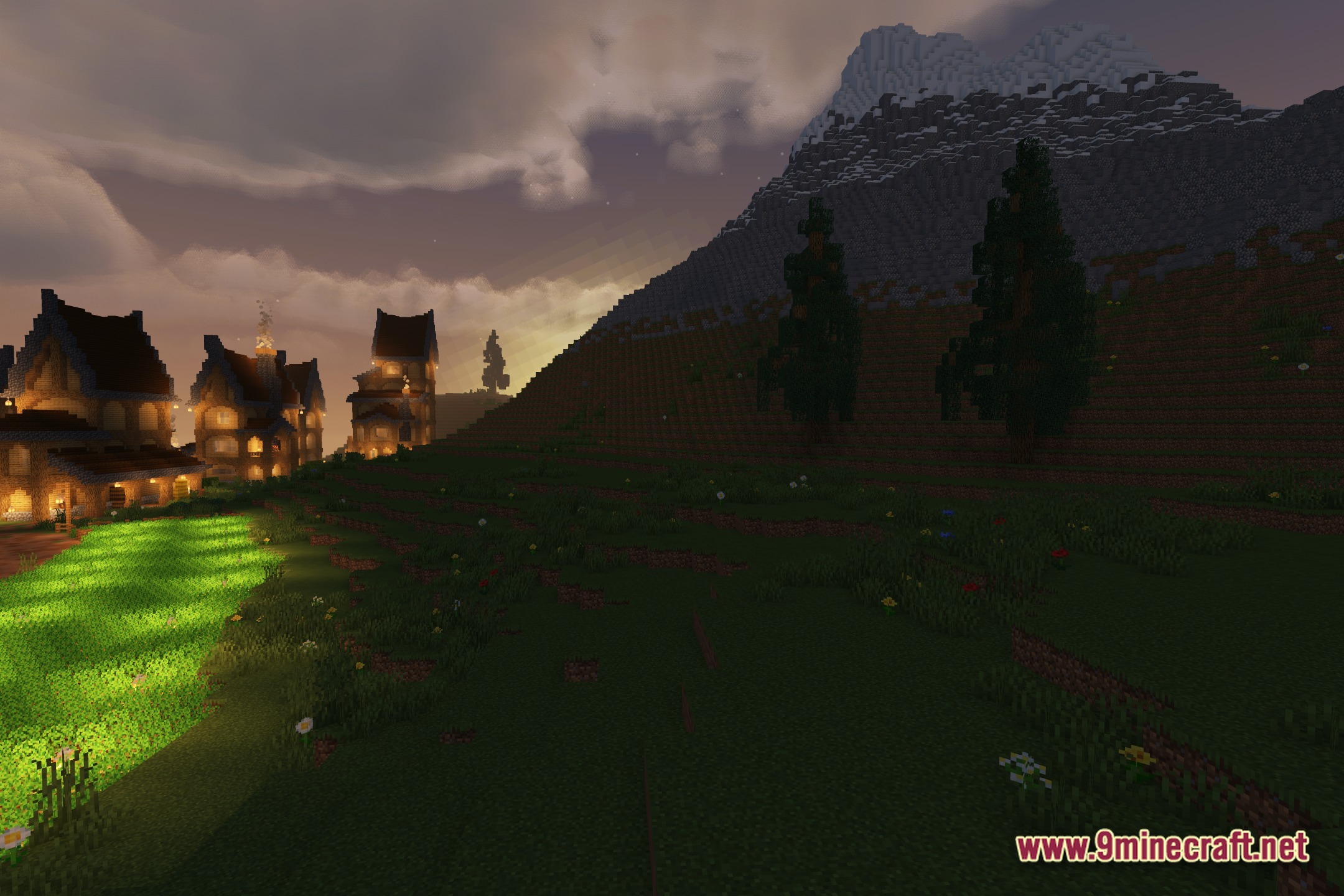
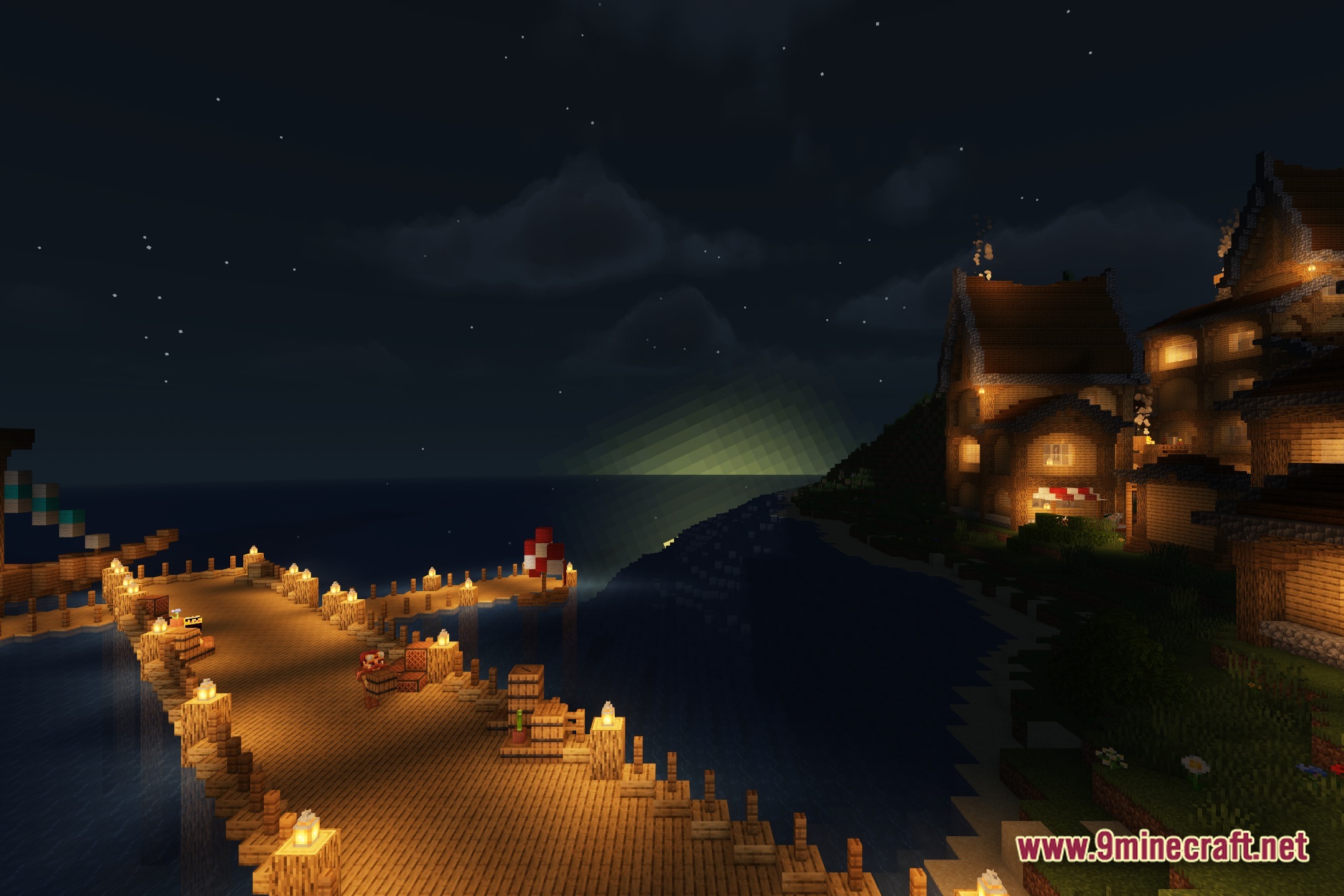
E LITE MakeUp transforms your world's lighting and visual presentation while prioritizing performance. This shader pack offers multiple customizable styles ranging from realistic to fantasy aesthetics, designed for players seeking enhanced graphics without requiring high-end hardware.
Features
- Multiple visual style options including realistic, fantasy, and classic vanilla modes
- Optimized for high framerates and performance-conscious gameplay
- Extensive customization settings to adjust appearance to personal preference
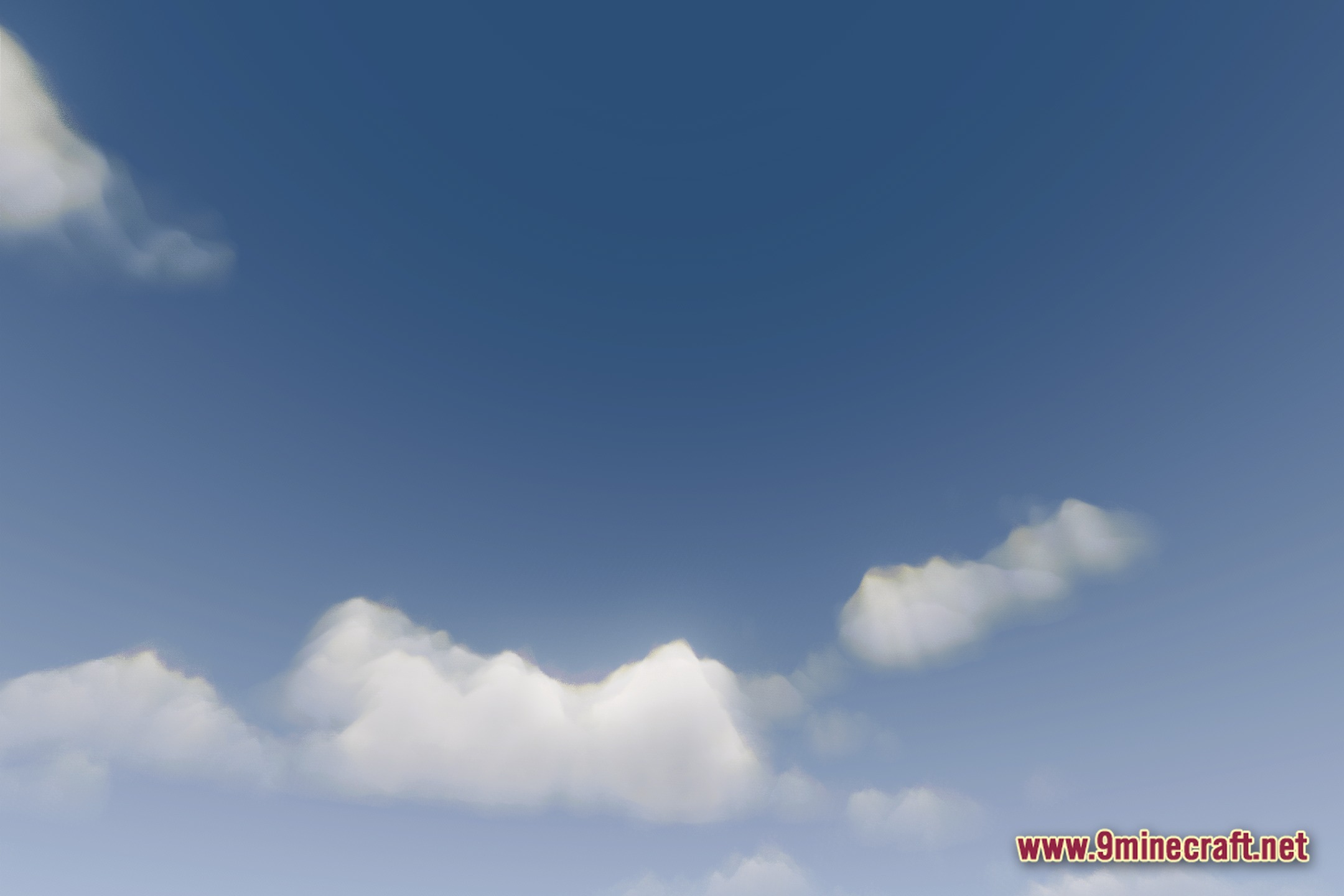
- Enhanced color and lighting effects for blocks and surroundings
- Accessible for players with varied computer specifications
Installation
- Download the shader pack file
- Open your Minecraft Java Edition installation folder and navigate to the
shaderpacksdirectory (create it if it does not exist) - Place the downloaded shader pack file into the
shaderpacksfolder - Launch Minecraft and open Options > Video Settings > Shaders
- Select E LITE MakeUp from the shader list and customize settings as desired
Compatibility
E LITE MakeUp is designed for Minecraft Java Edition version 1.20.1.
DOWNLOAD FILES
- shader