Fantasy Unbound Shaders (26.2, 1.20.1) – Heavy Bloom and Colored Lighting
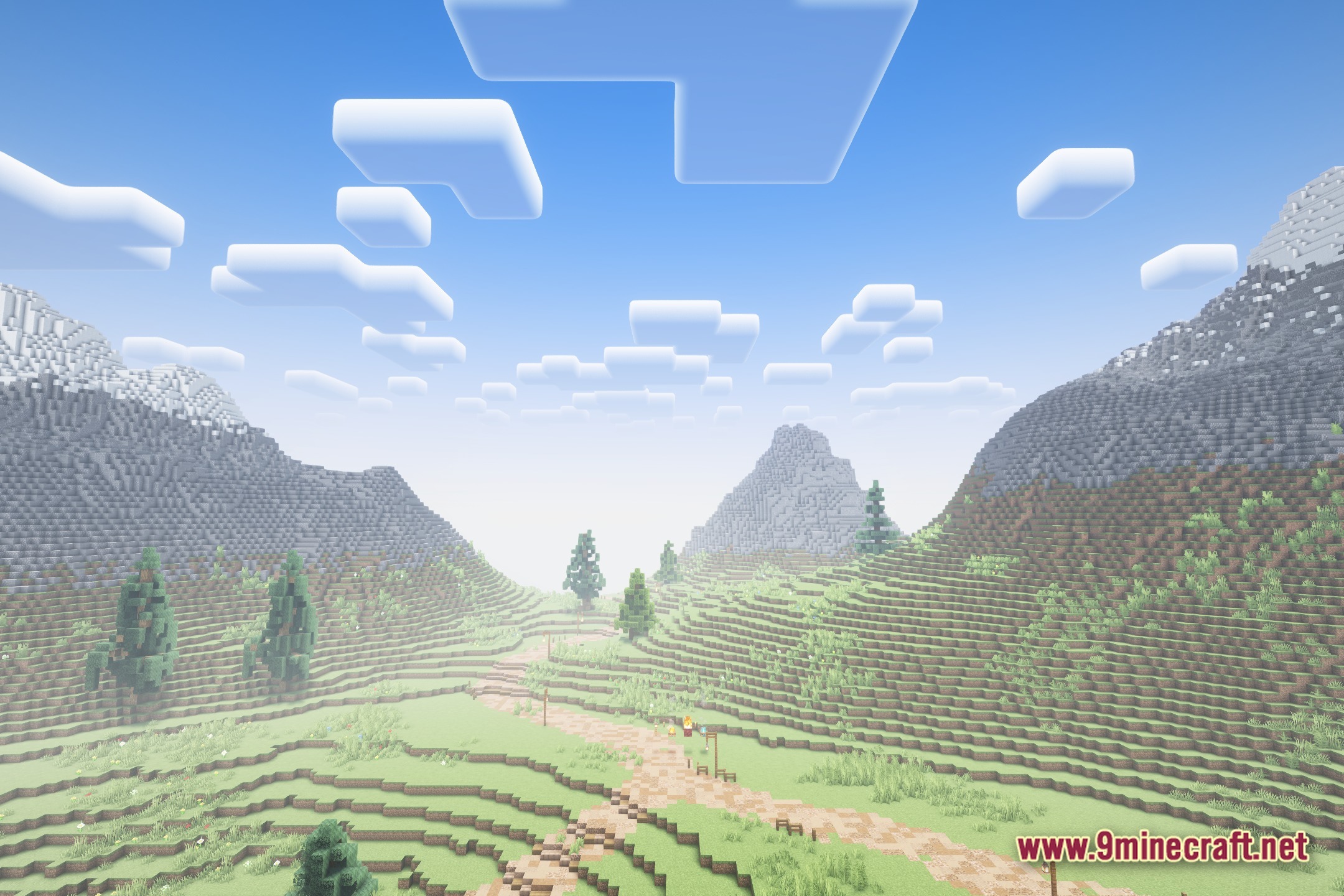
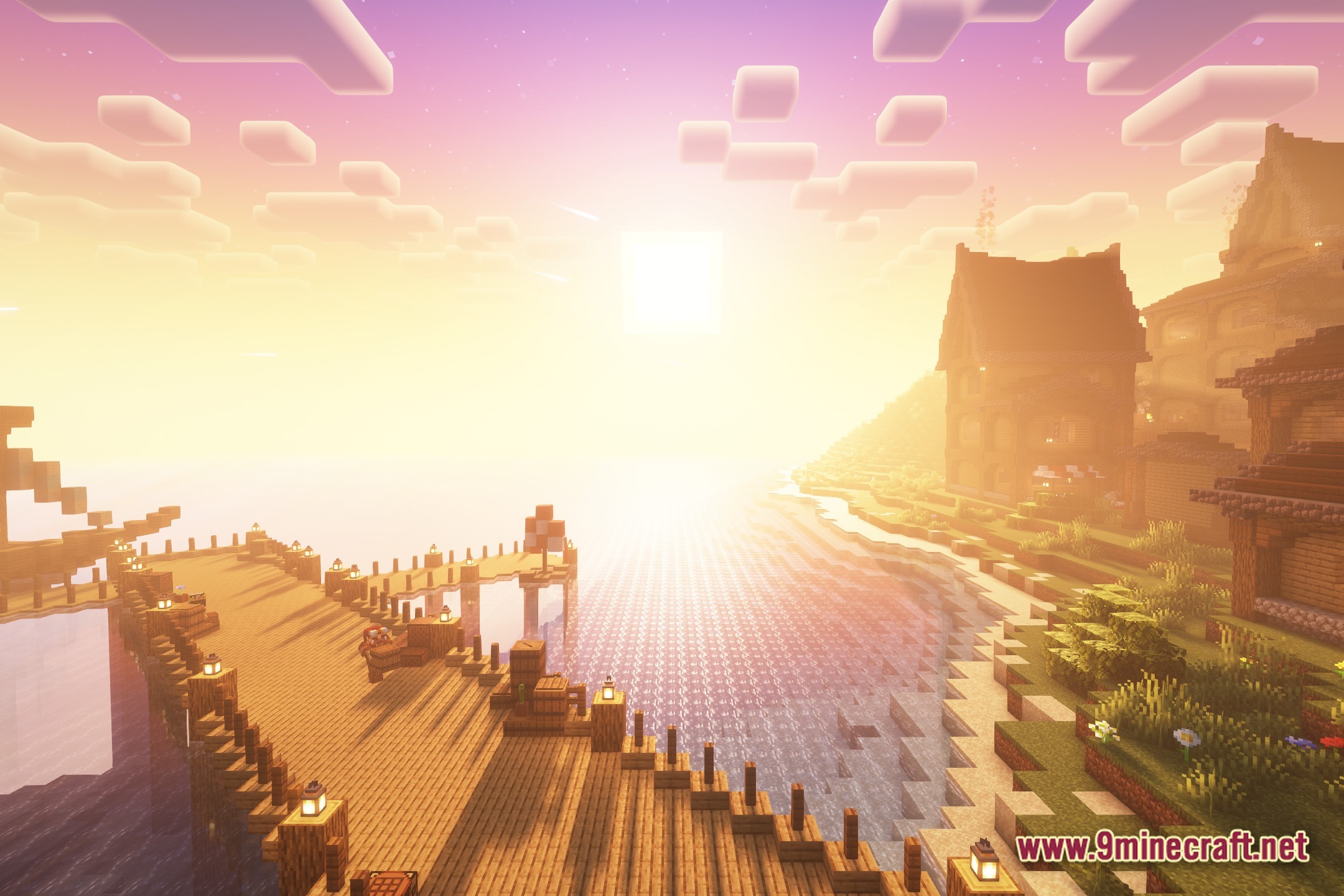
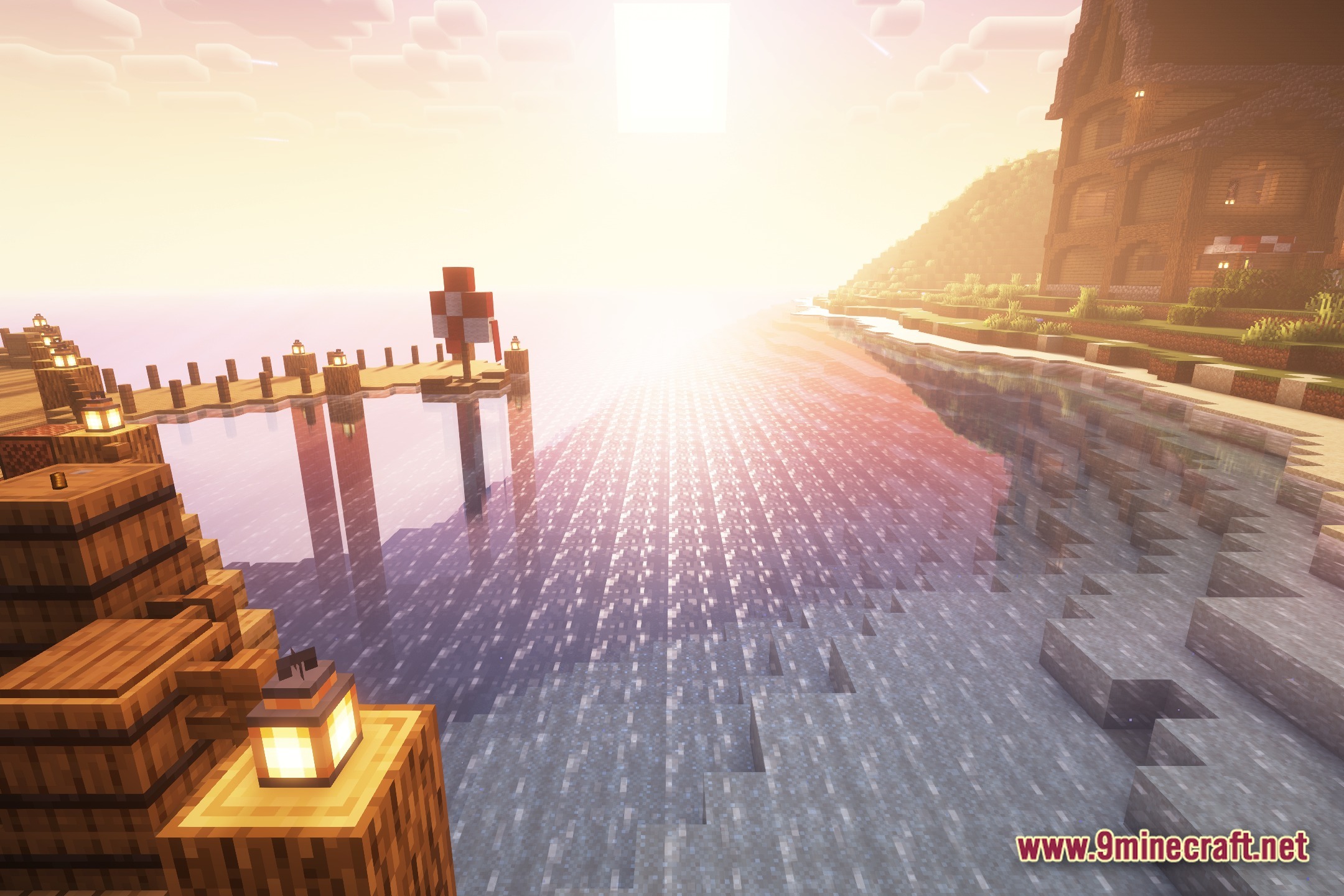
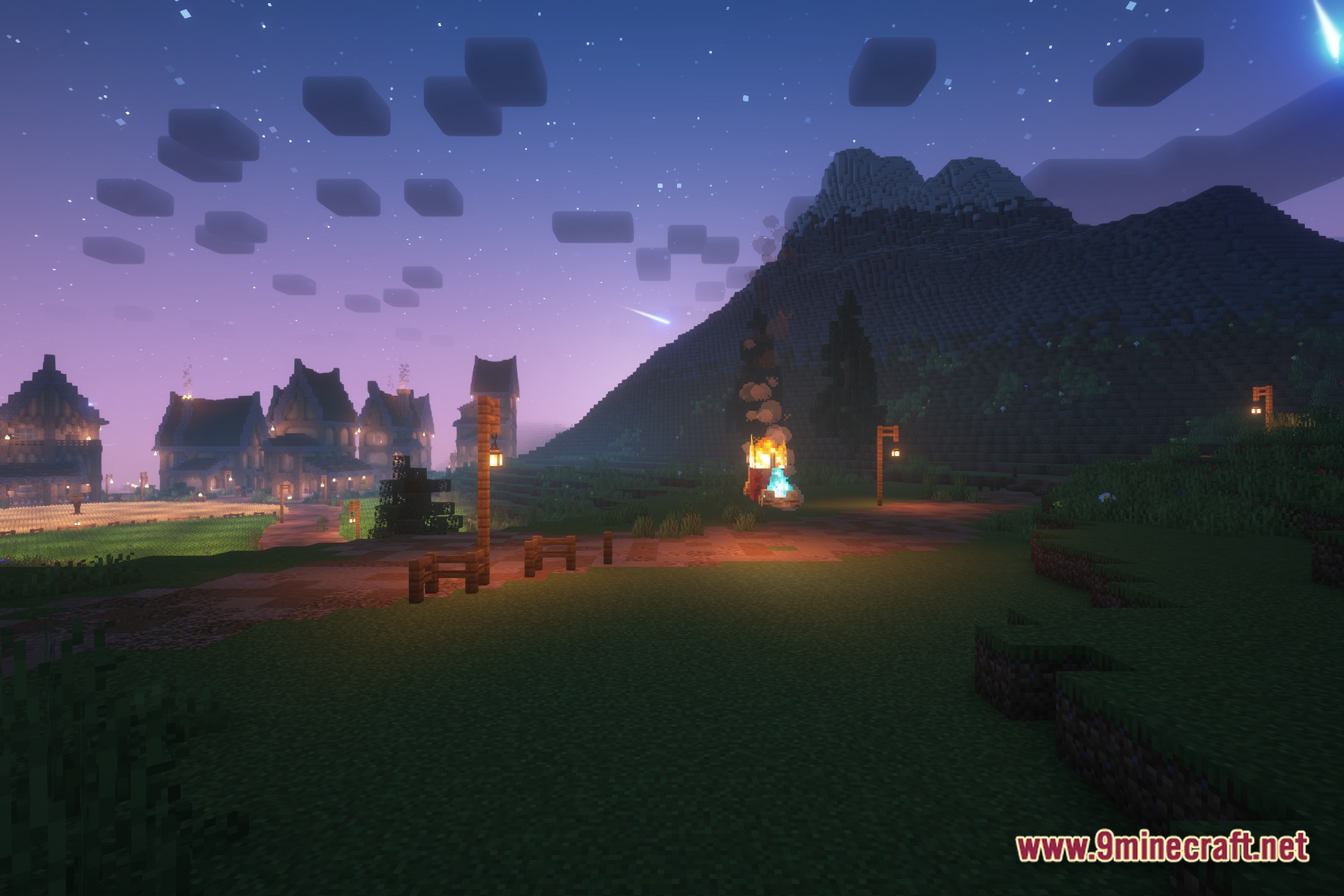
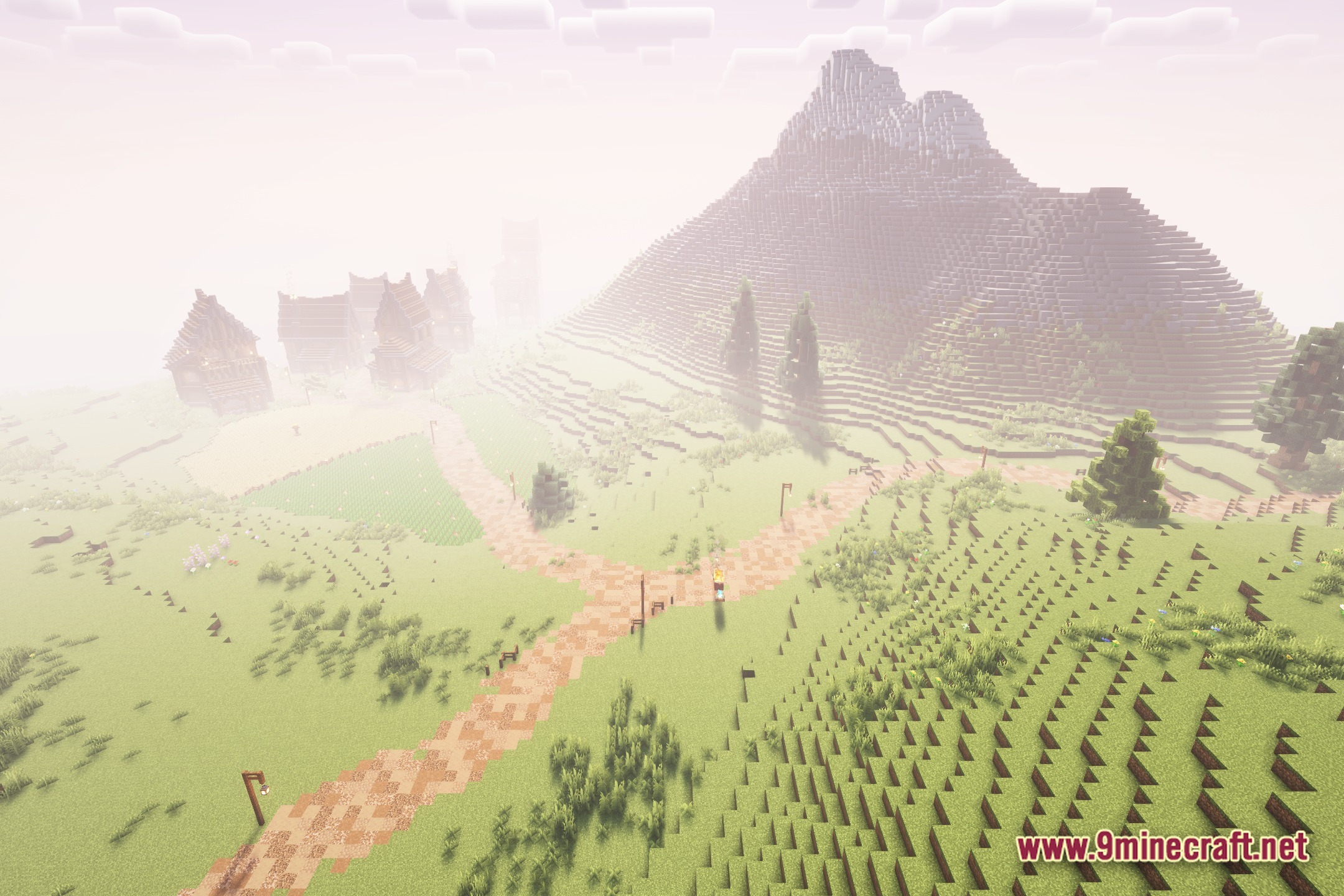
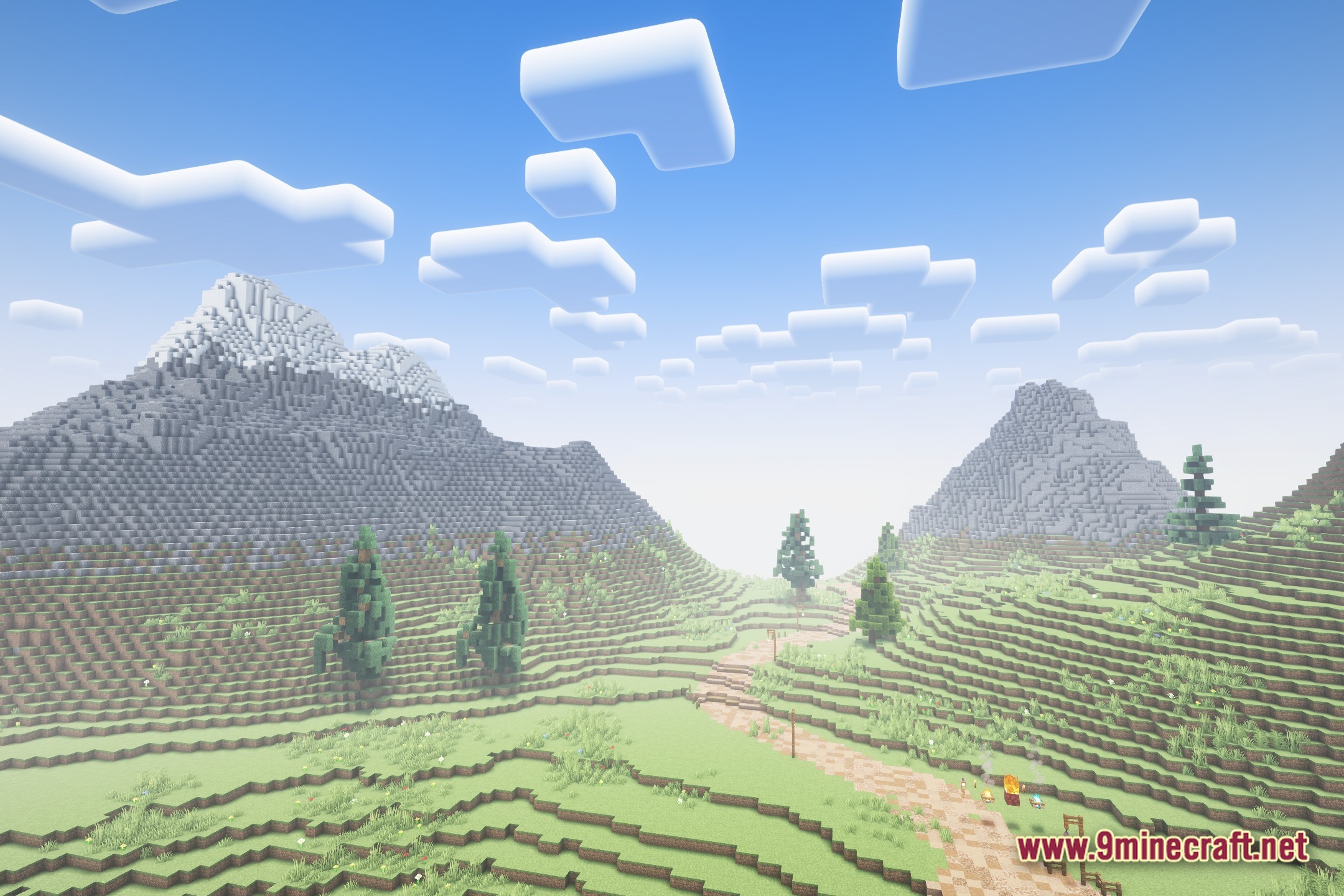
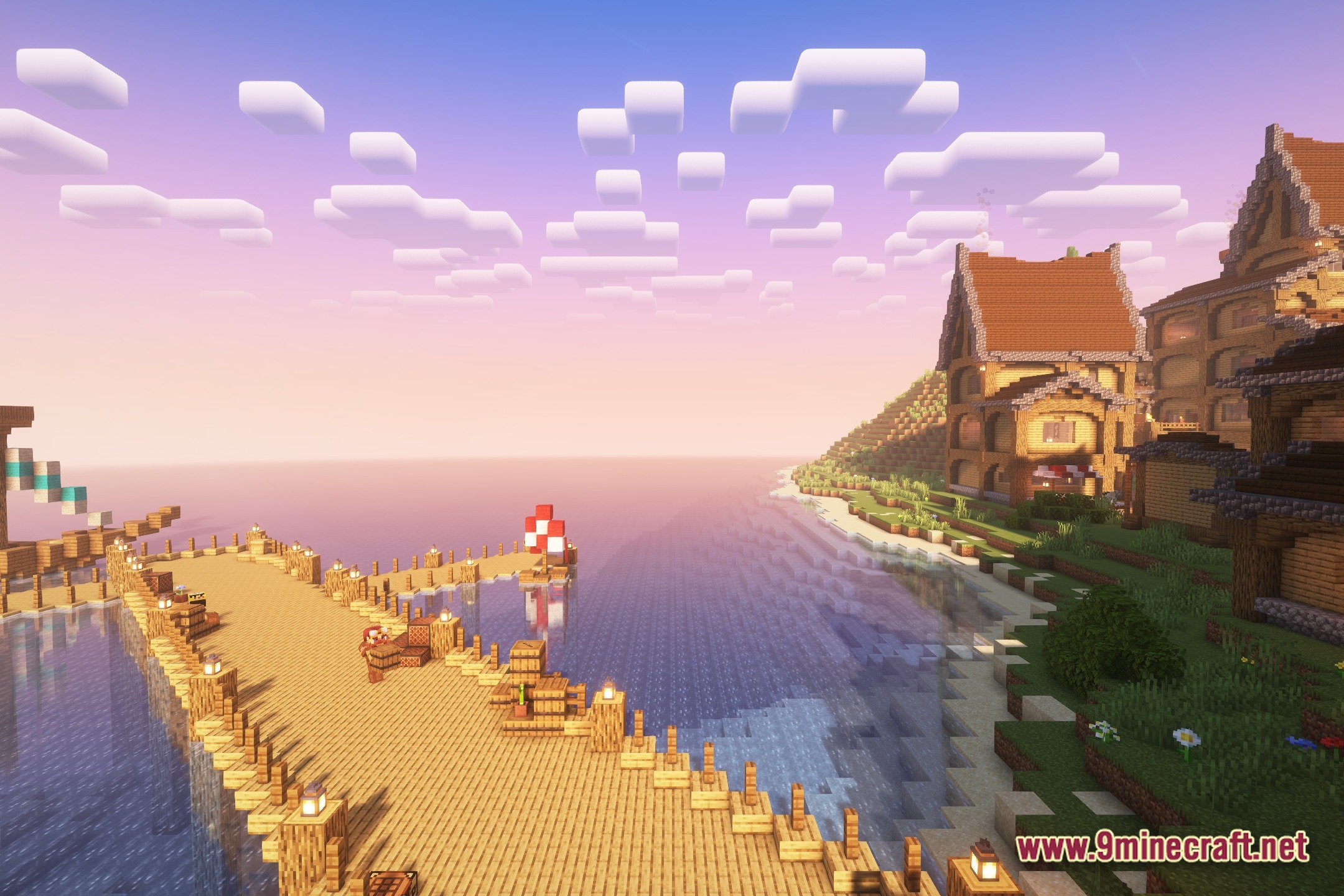
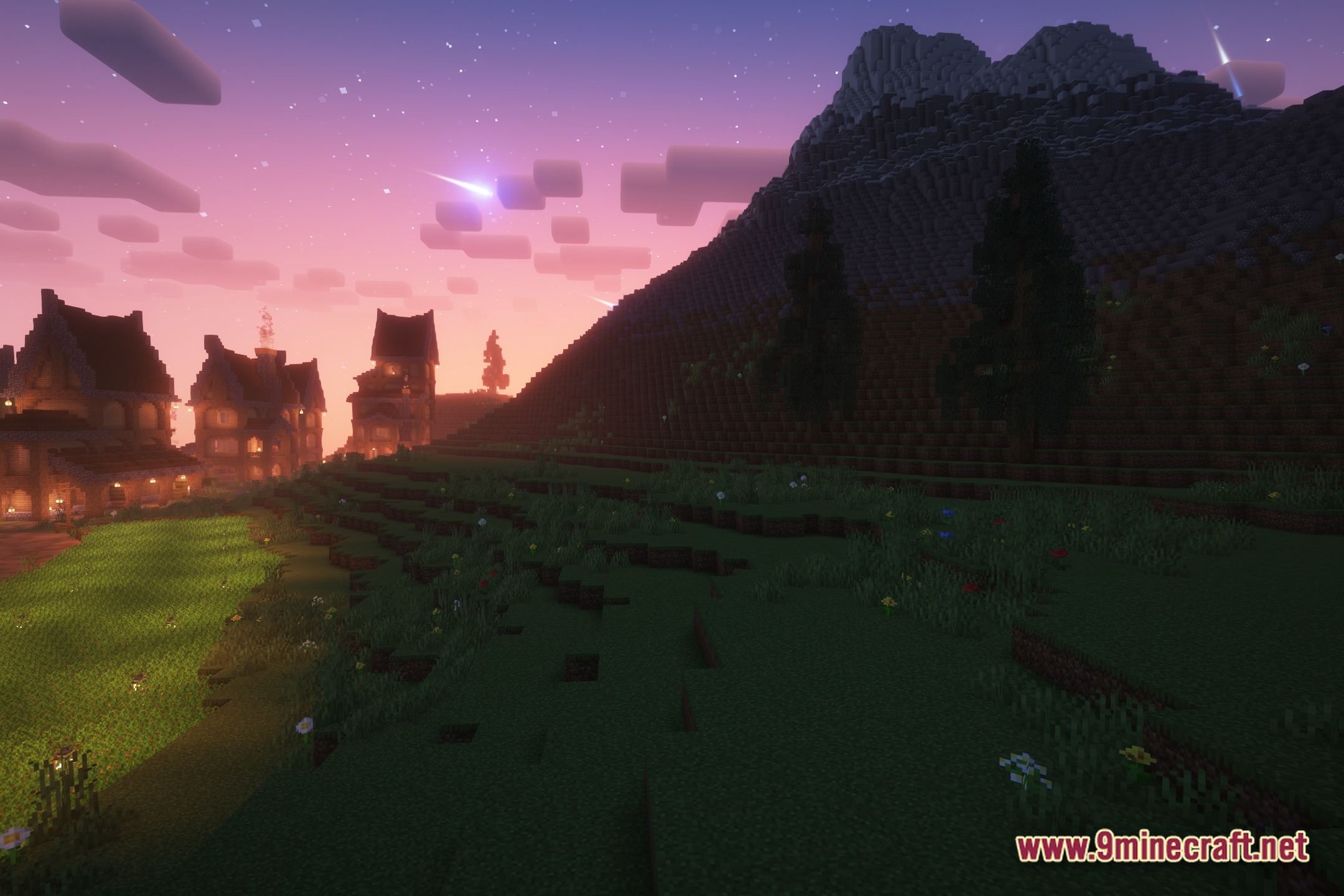
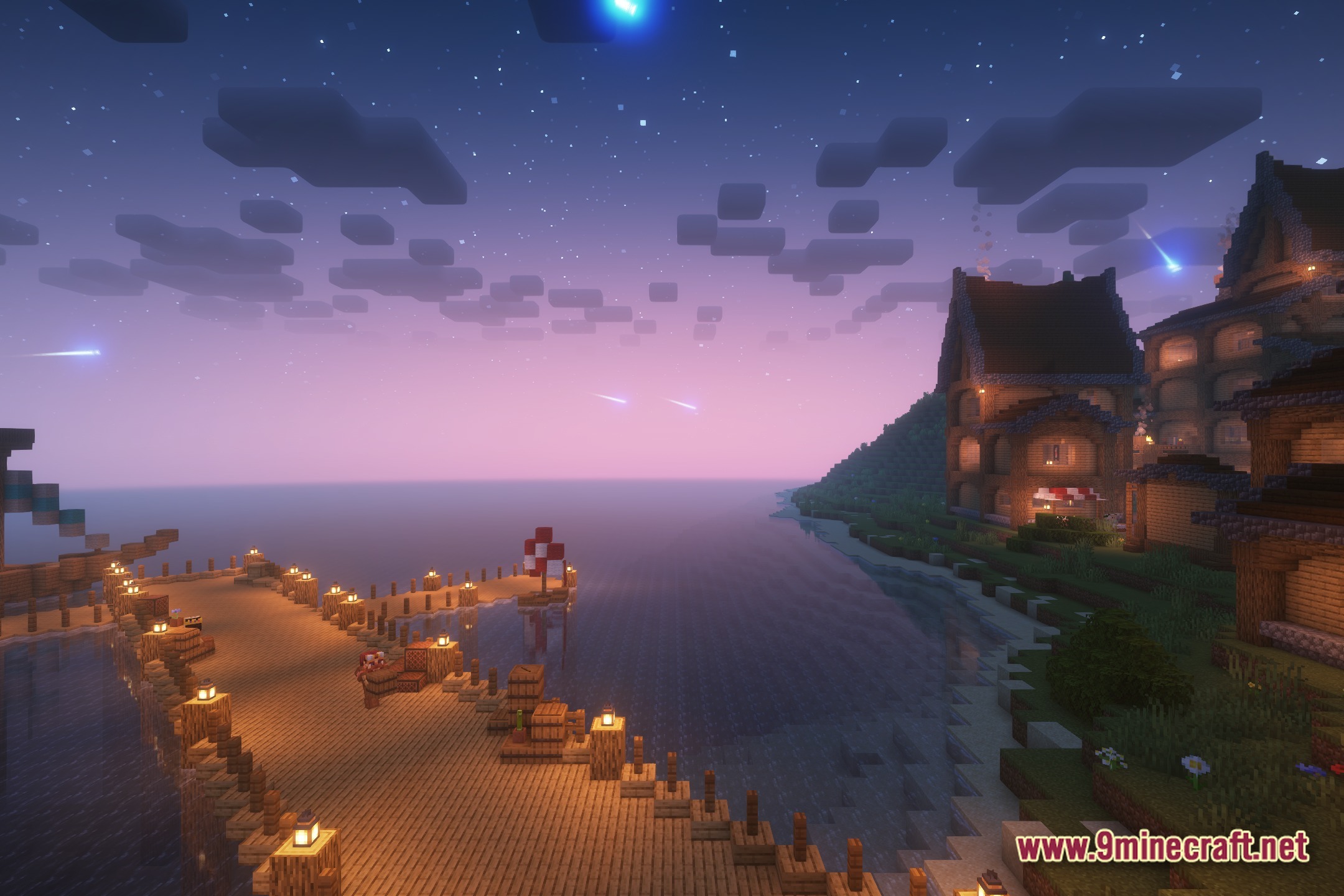
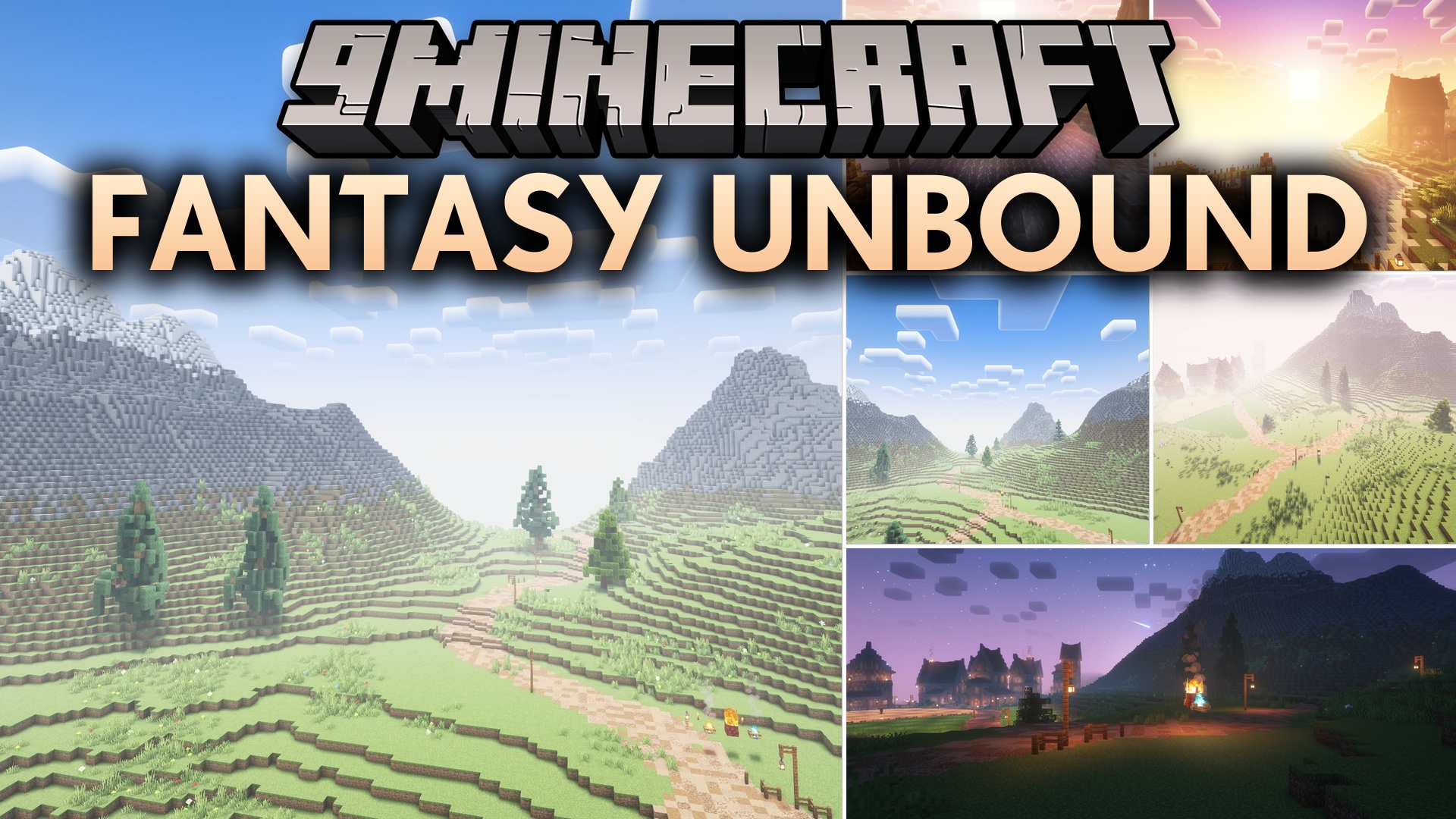
Fantasy Unbound is a shader pack featuring heavy bloom effects and colored lighting designed for older computers. It adds water reflections, plant animation, and vibrant colors for a bright fantasy aesthetic.
0
2
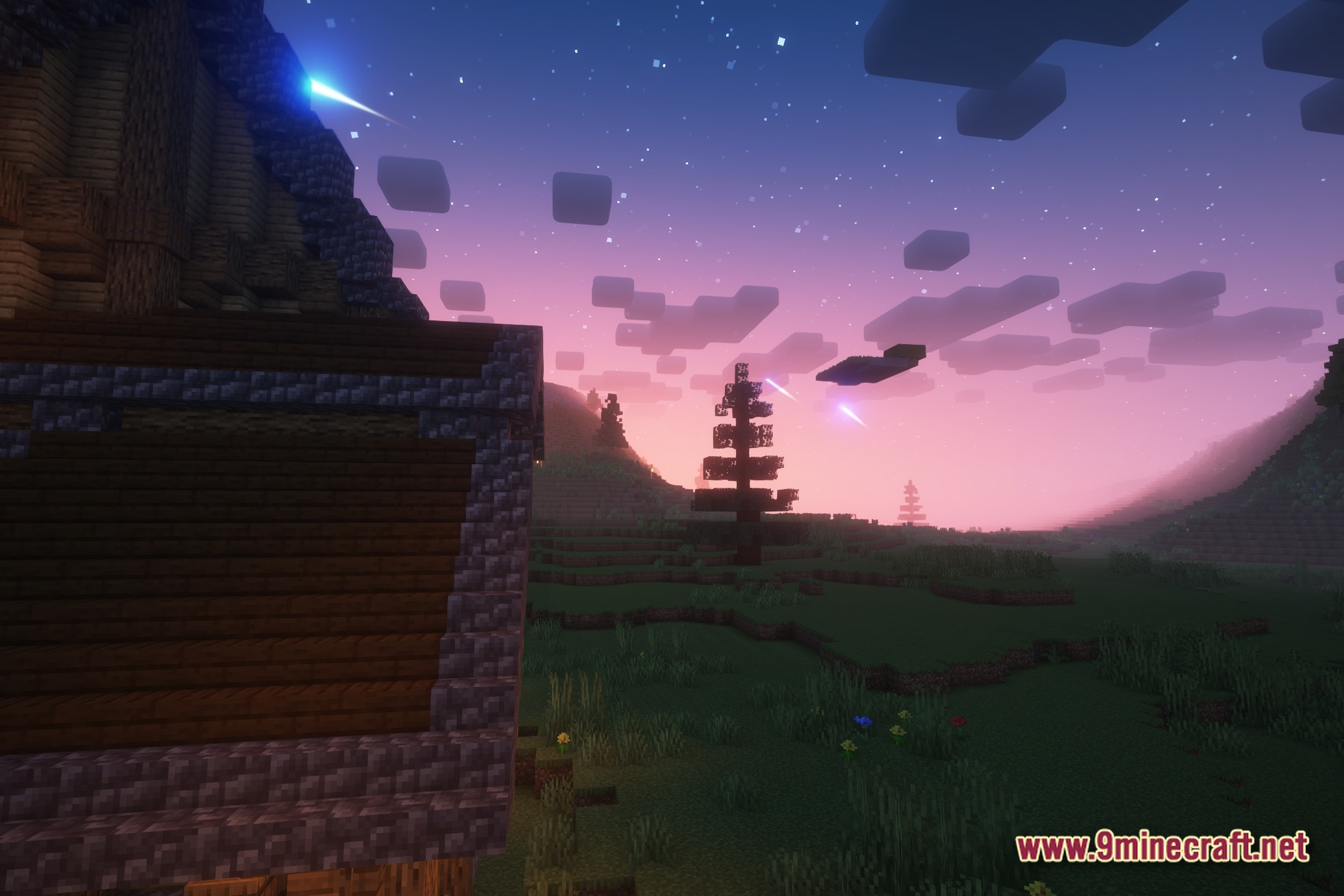
Fantasy Unbound is a shader pack that applies heavy bloom effects and colored lighting to create a bright, fantasy-themed appearance in Minecraft Java Edition. Designed to run smoothly on older and low-end computers, it combines semi-realistic details with vivid colors while maintaining accessible performance.
Features
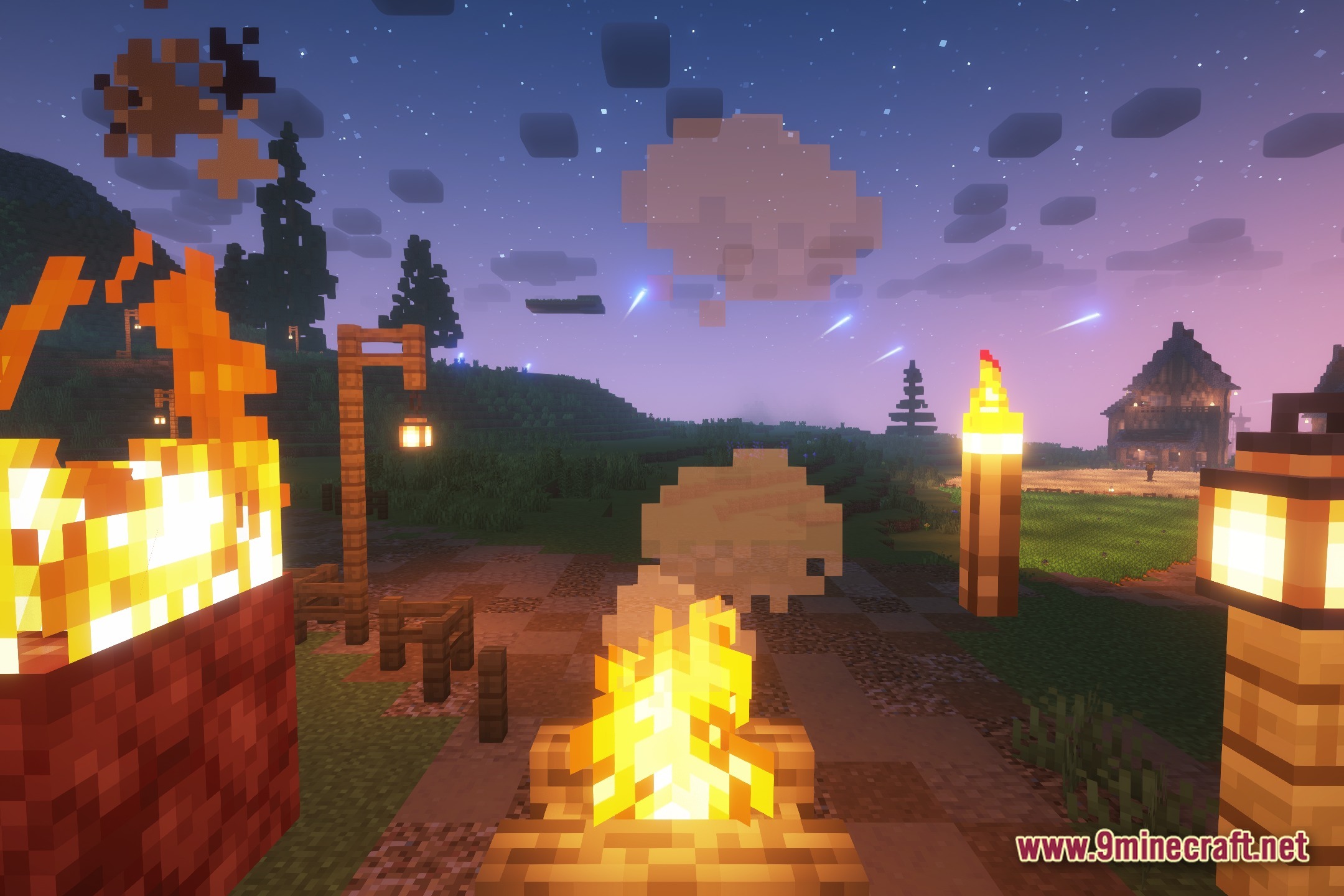
- Heavy Bloom: Adds soft glow effects around bright objects and light sources
- Colored lighting that alters how blocks and environments appear in darkness
- Water reflections across map surfaces
- Gentle wind animation for leaves, grass, and plants
- Enhanced color saturation to match a bright fantasy setting
- Optimized performance on older and low-end hardware
Installation
- Download the shader pack file
- Open your Minecraft Java Edition directory and locate the shaderpacks folder (create it if it does not exist)
- Place the downloaded shader pack file into the shaderpacks folder
- Launch Minecraft and open Options, then Video Settings
- Select Shaders and choose Fantasy Unbound from the list