
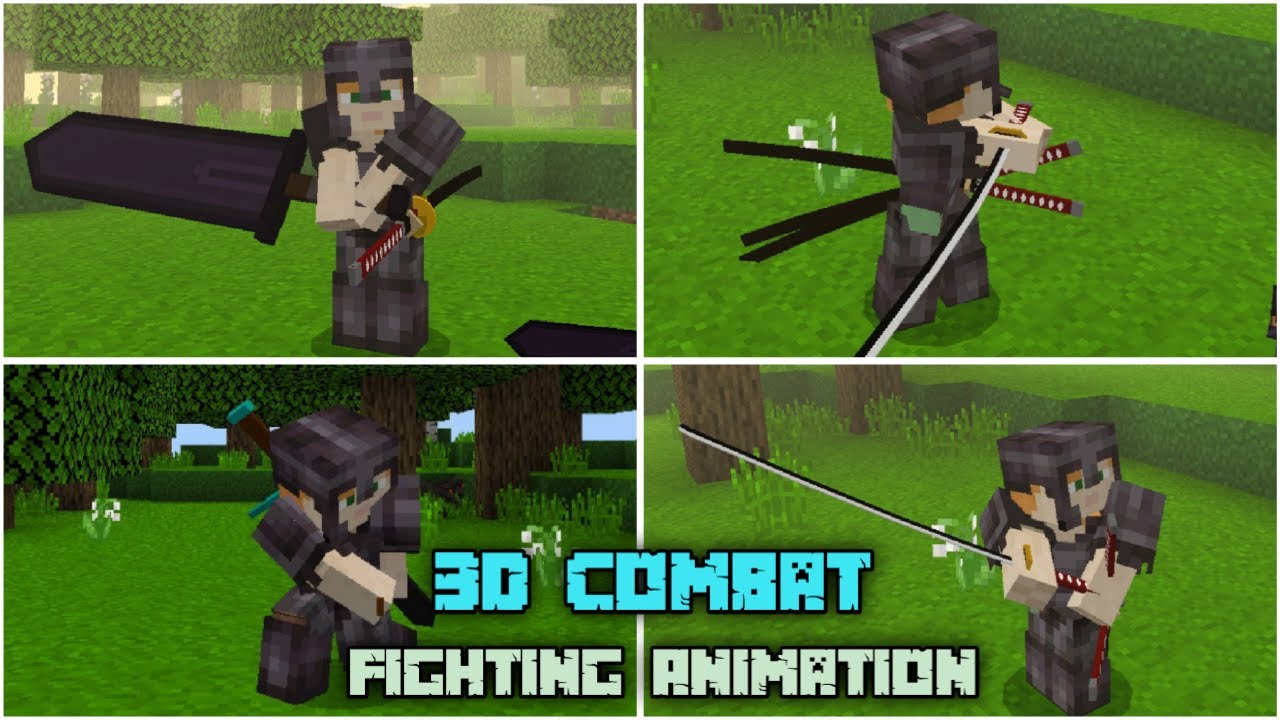
3D Combat Addon (26.x, 1.20) – MCPE/Bedrock Mod
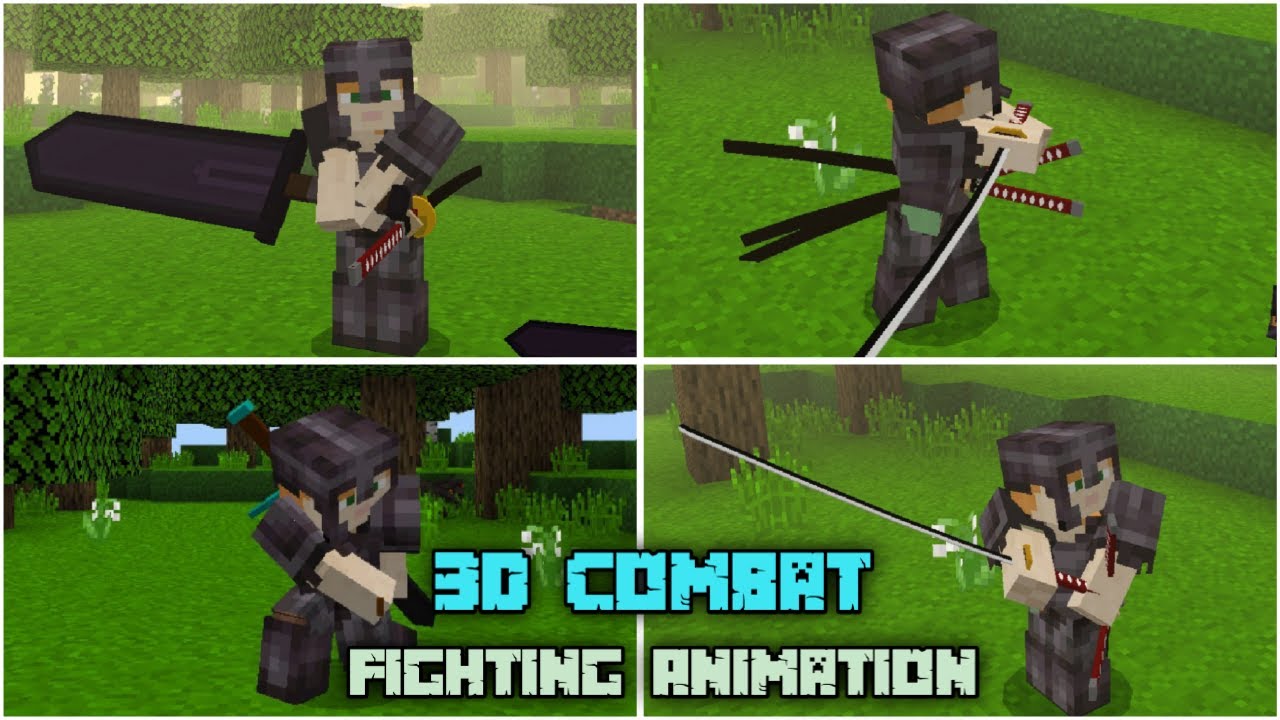
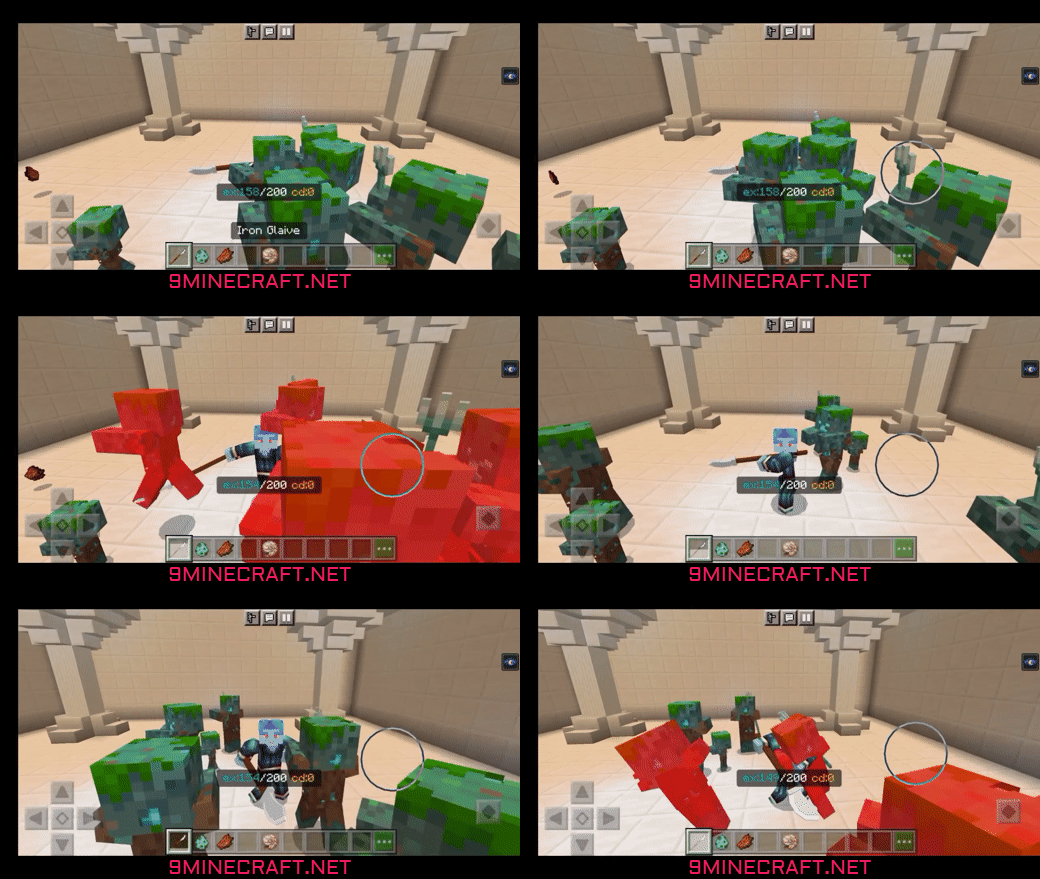
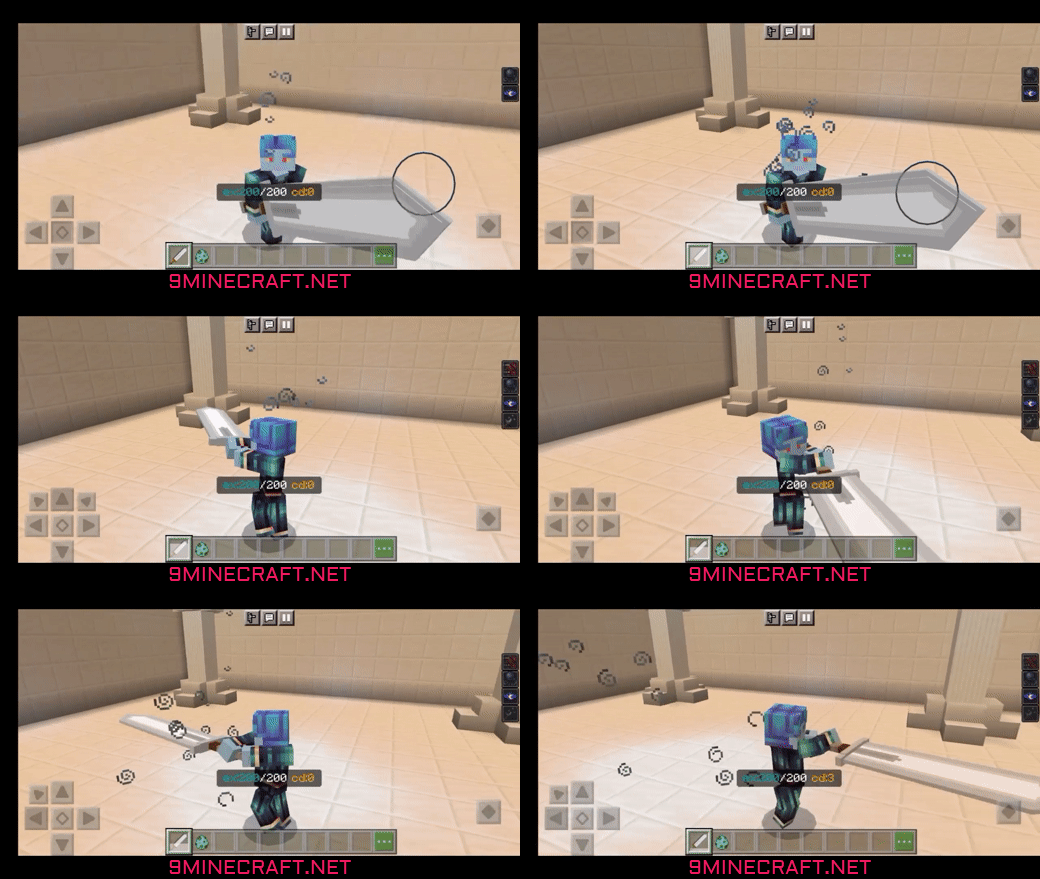
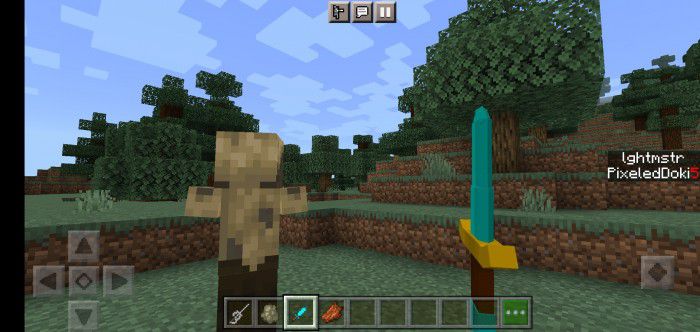
3D Combat Addon goal is to provide a better combat experience it does this by adding better animations, new weapons, and special mechanics to weapons with each type of weapon having a unique use.
- 1.20
- 1.19
3D Combat Addon goal is to provide a better combat experience it does this by adding better animations, new weapons, and special mechanics to weapons with each type of weapon having a unique use.
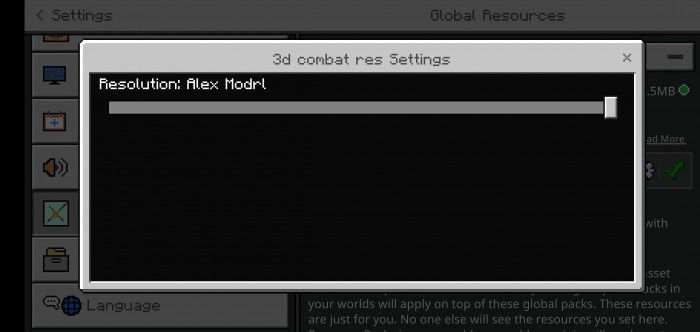
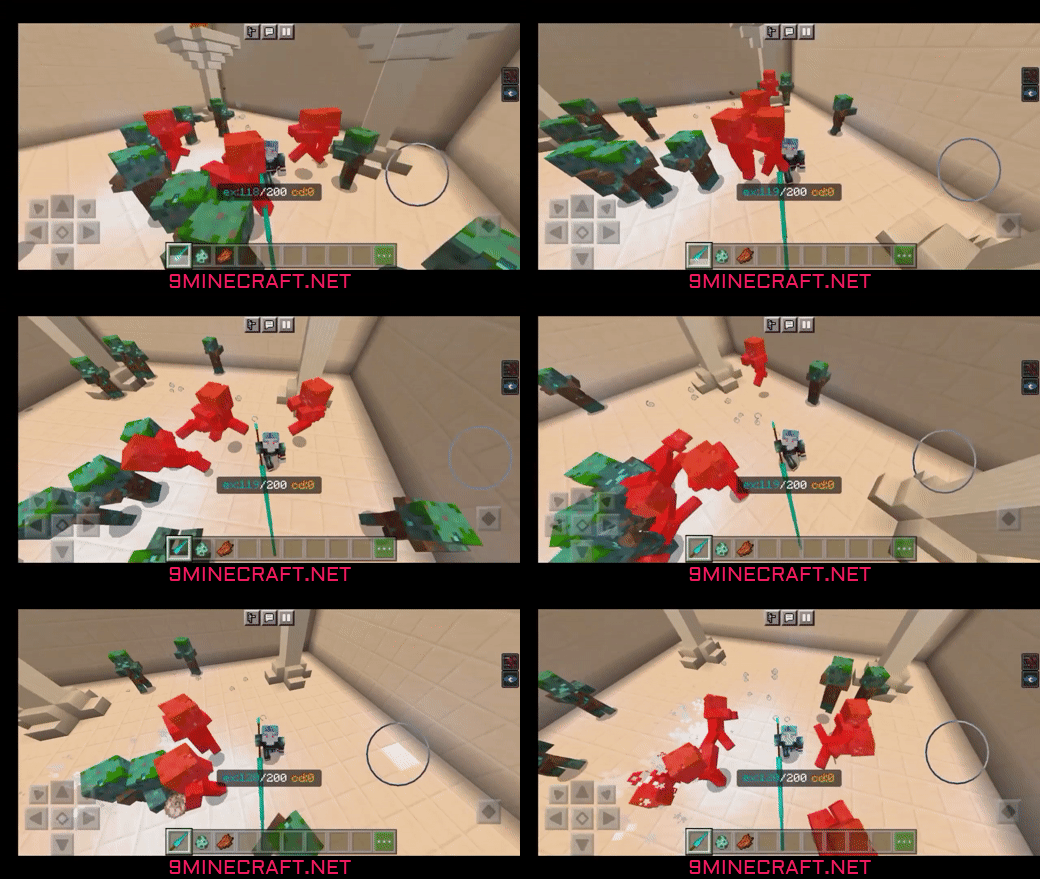 Technical Stuff:
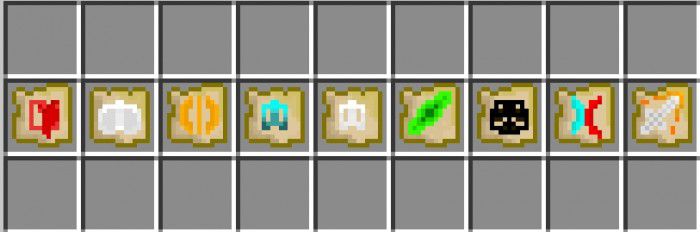
 New scrolls:
 Exhaust and cooldown system:
 Mastery System:
Features:
Technical Stuff:
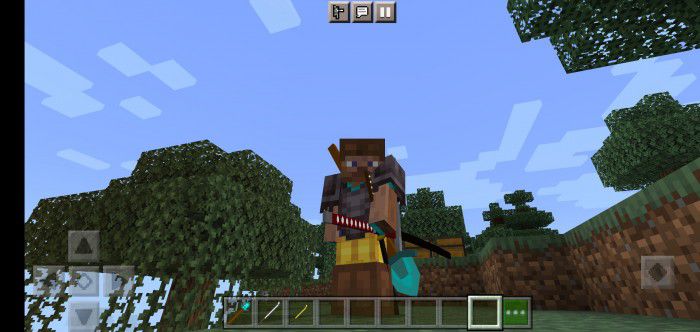
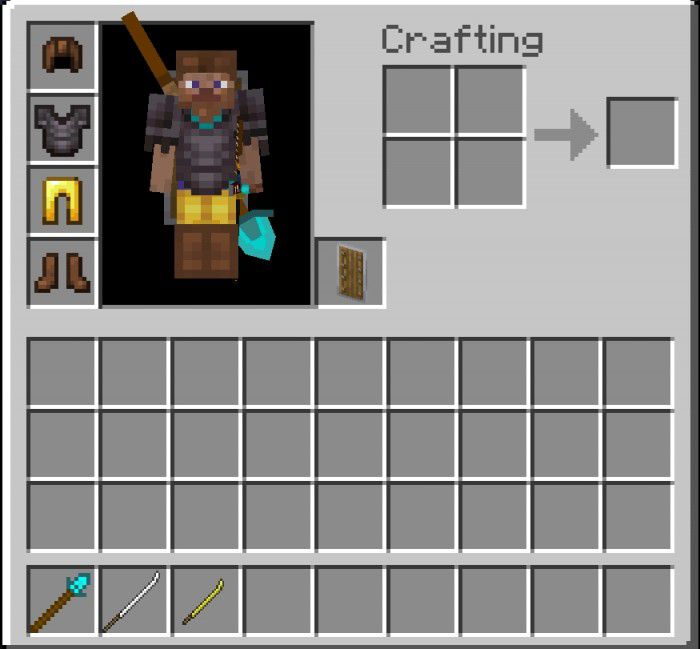
- Armor now works on combat mode
- At this point normal player model mode can and almost is discontinued
- Special weapon variations are not available except giant mace
- Items are now held in the right place
- Added the ability to switch to other combat mode models using subpacks
New scrolls:
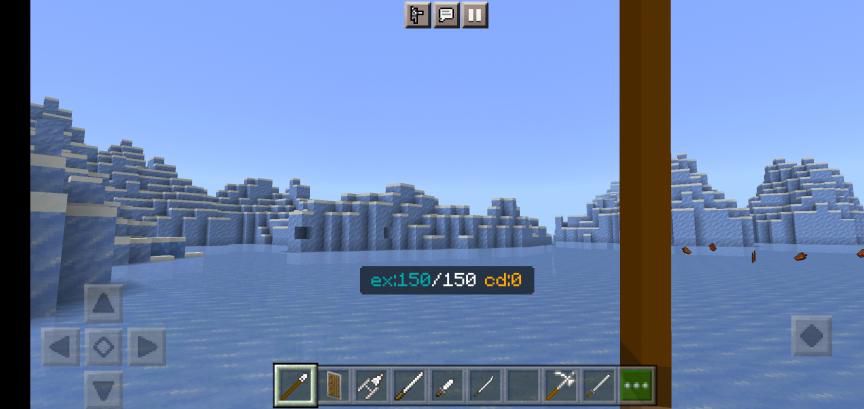
Exhaust and cooldown system:
- To the sidebar, you see the exhaust and to the middle of your Hotbar, you see the cooldown timer.
- If exhaust reaches lower than 10 you will be given weakness and slowness.
Mastery System:
DOWNLOAD FILES
- mcaddon
- mcaddon
- mcaddon