
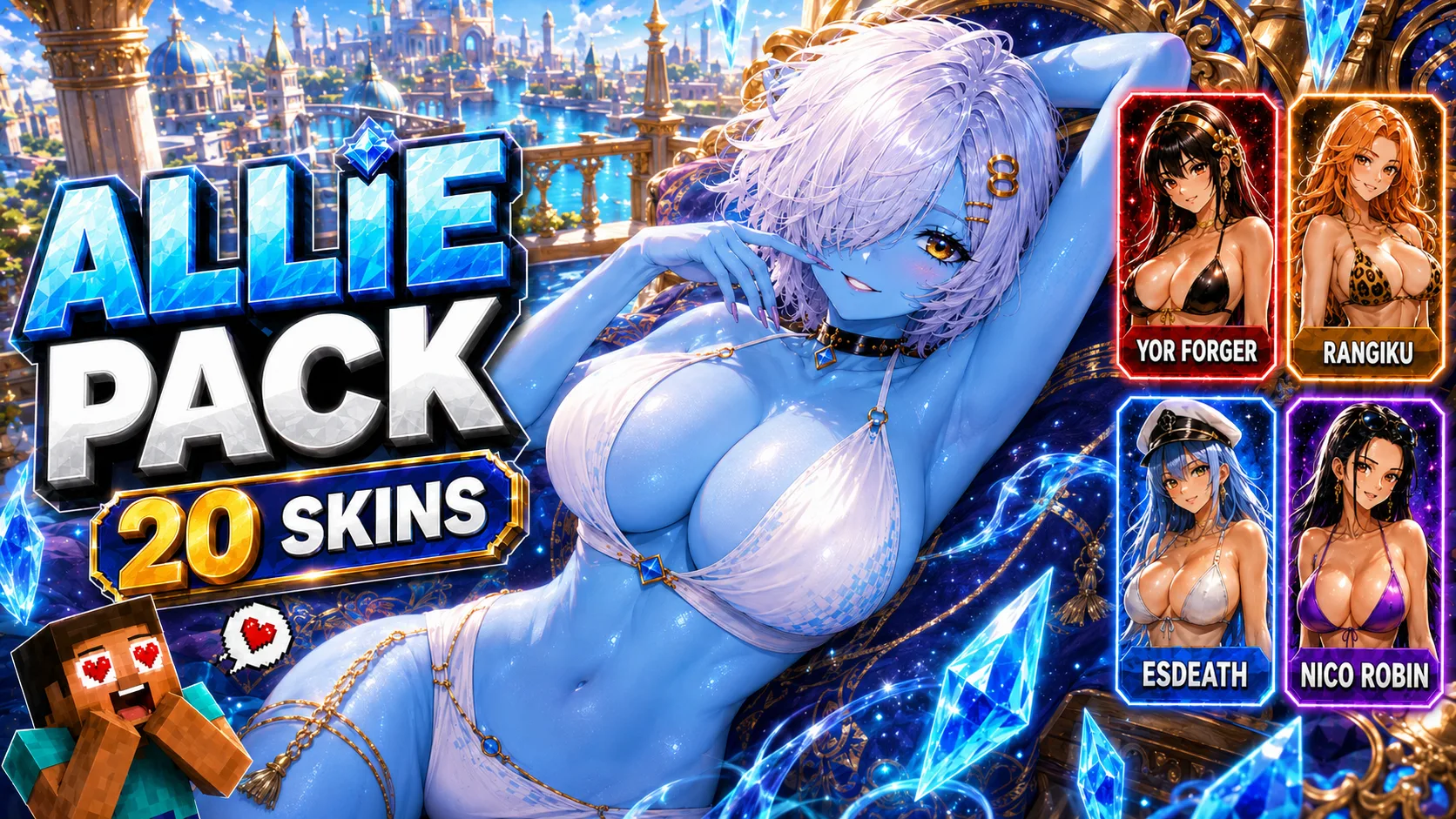
Jenny Mod Allie Pack for Minecraft PE/Bedrock (NEW 2026)
Explore 20 Allie character variants for Minecraft PE and Bedrock, with screenshots, individual .mcaddon choices, a full ZIP collection and install steps.
- 1.21
- 1.20
Jenny Mod Allie Pack for Minecraft PE and Bedrock
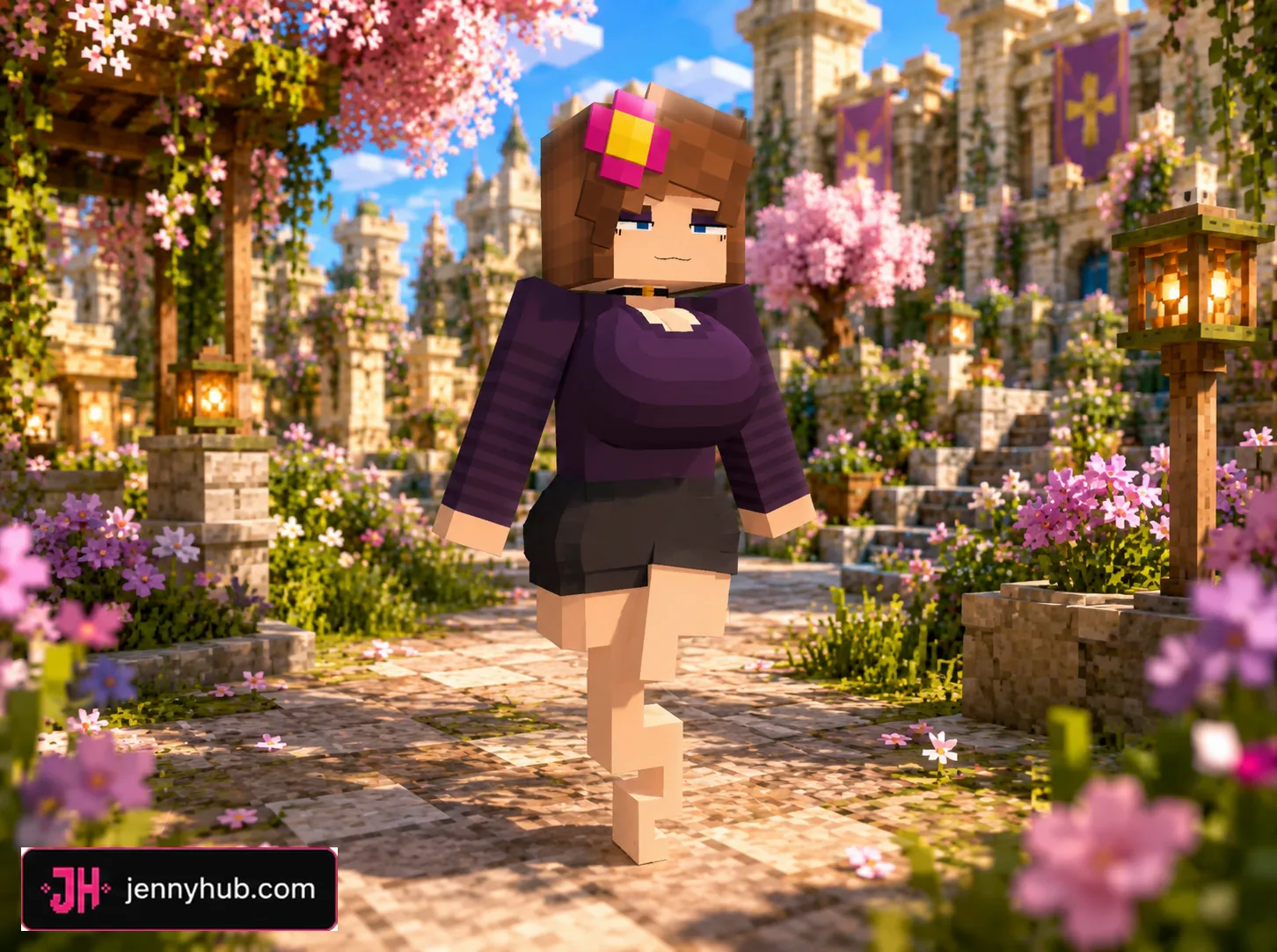
The Jenny Mod Allie Pack for Minecraft PE/Bedrock is a collection of 20 custom models that reimagine Allie with different outfits, themes and character-inspired appearances. Every option is supplied as a separate Bedrock add-on, making it possible to choose one design without downloading and importing the entire set.
This ModLB guide places the screenshots and file choices together so you can identify a model before continuing to the maintained download source. Players who want every variation can also choose the complete ZIP archive.
What comes with the Allie Pack?
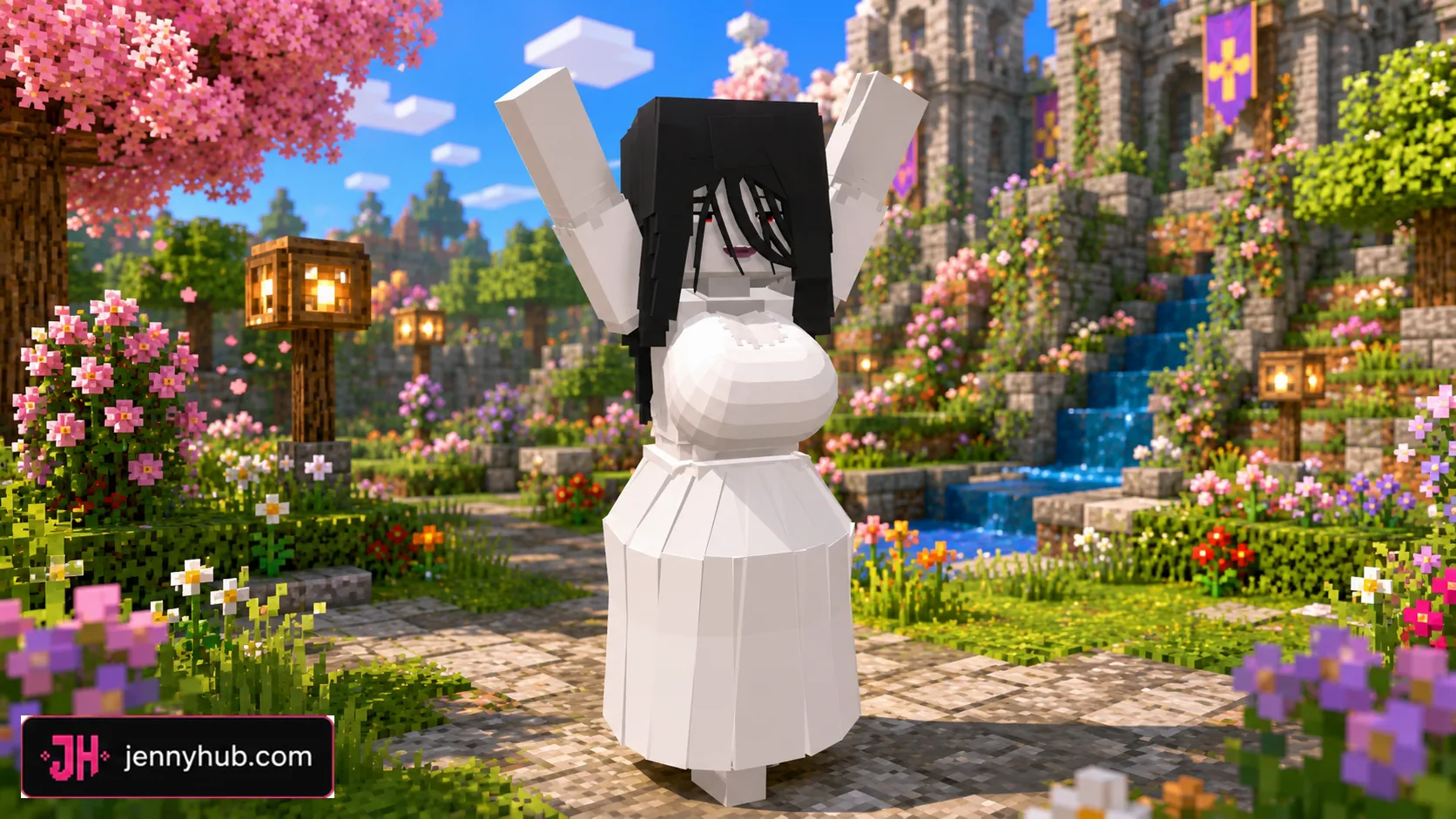
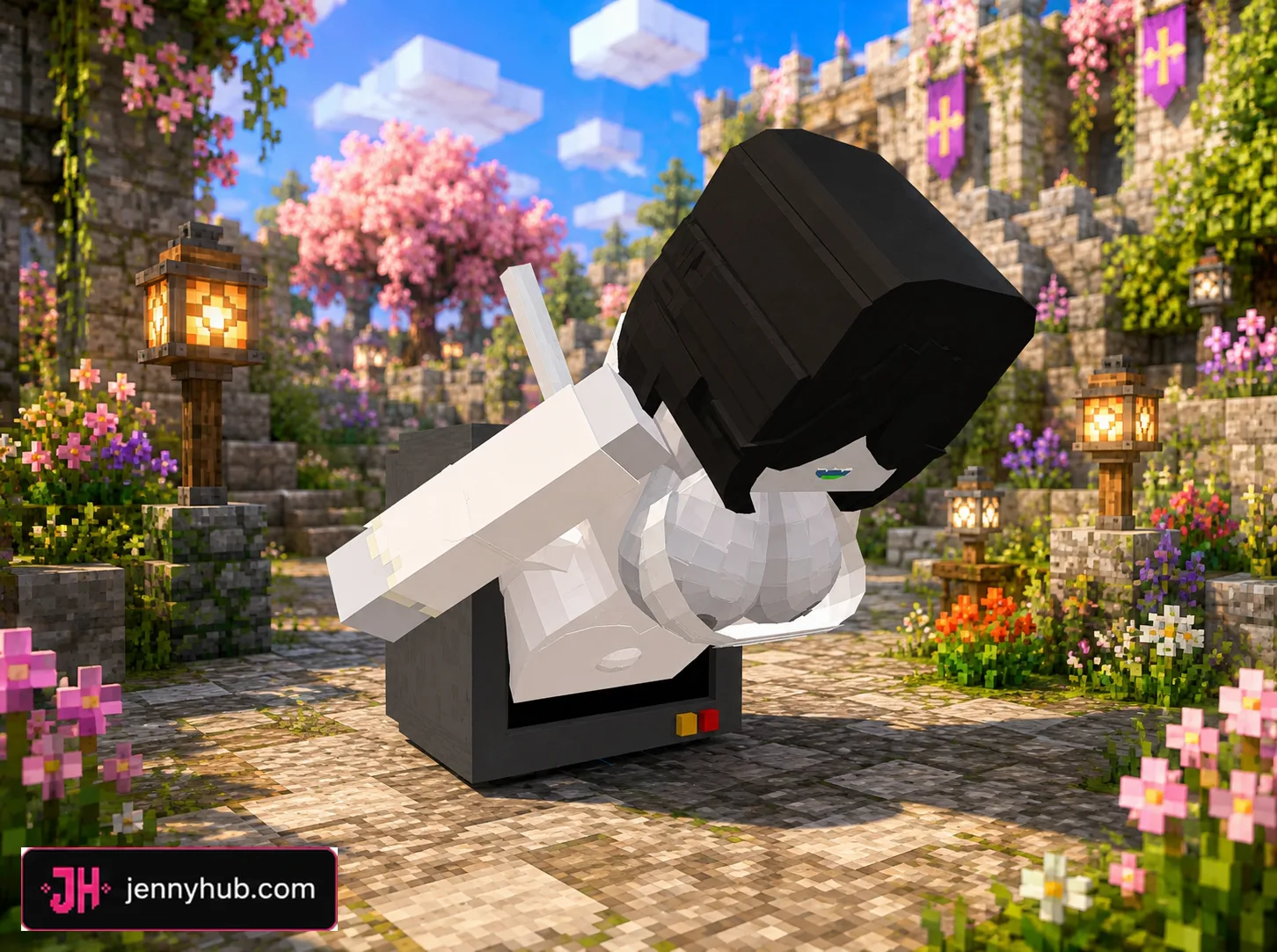
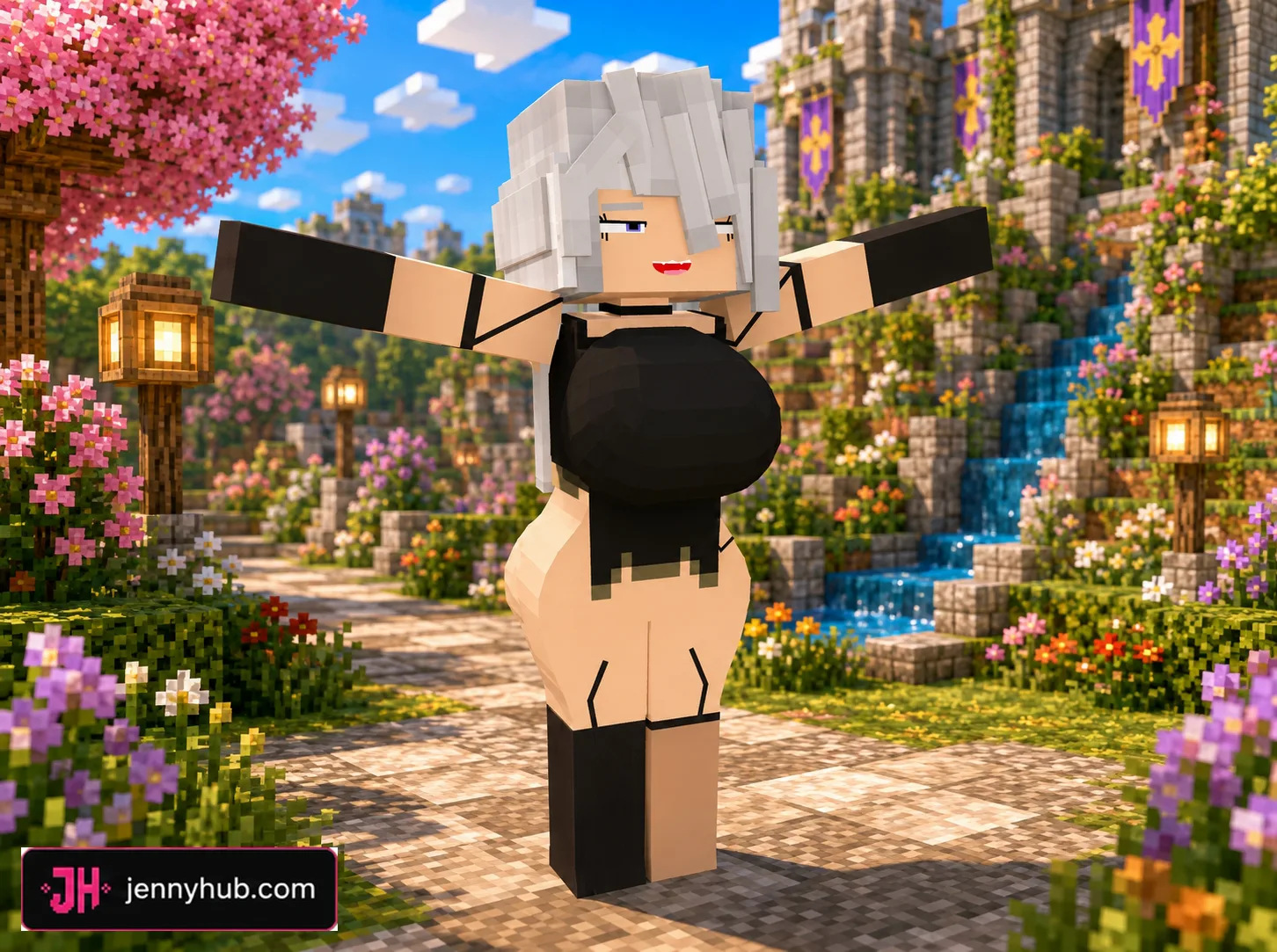
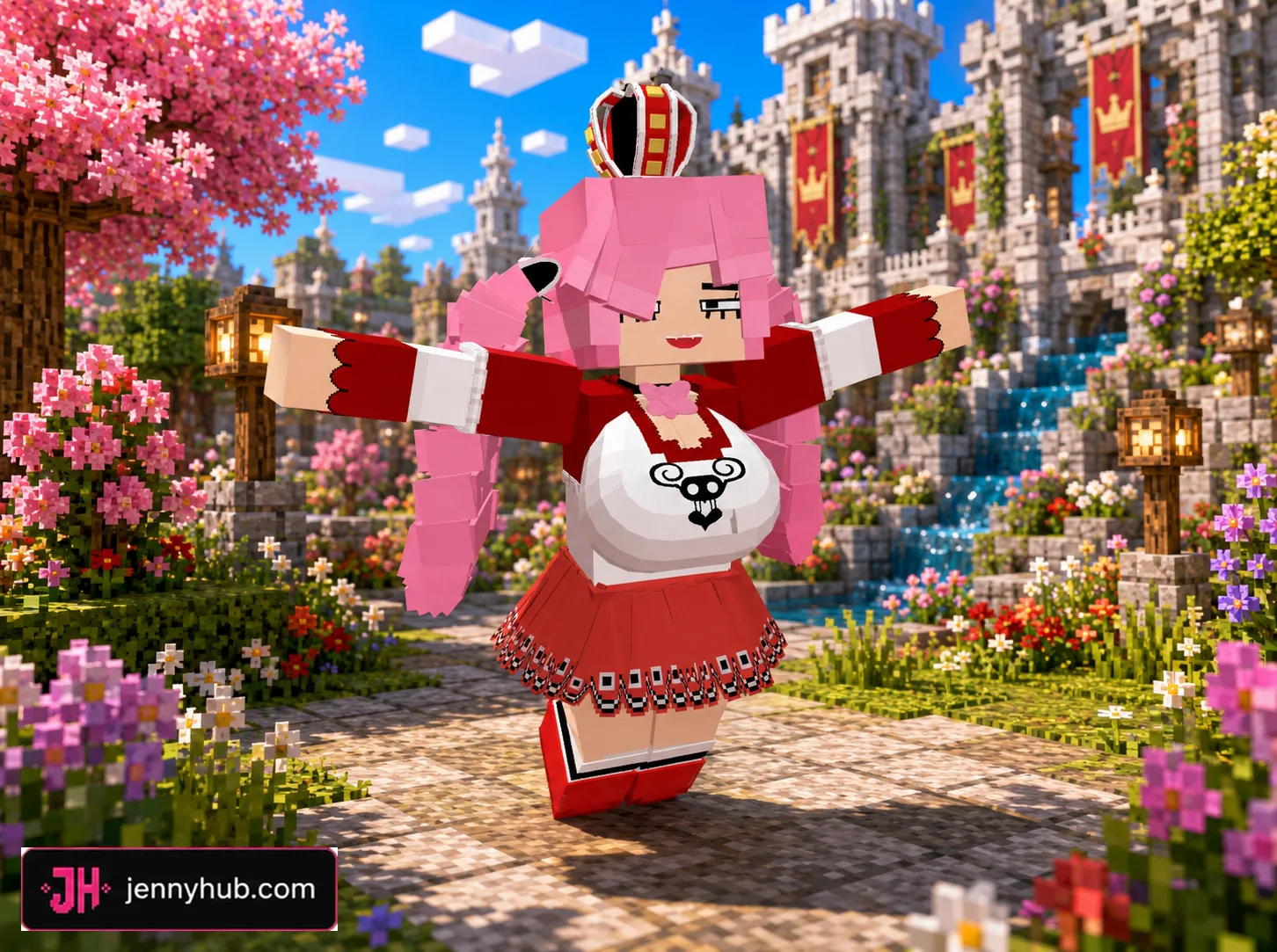
The collection ranges from fantasy and anime-inspired designs to seasonal and horror-styled variants. It includes FNAF SL, Marionette, Hex Maniac, Minotaur, Perona, Nier Automata, Tara and other recognizable themes adapted around the Allie model.
- 20 individual Allie character add-ons
- A complete ZIP package containing the whole collection
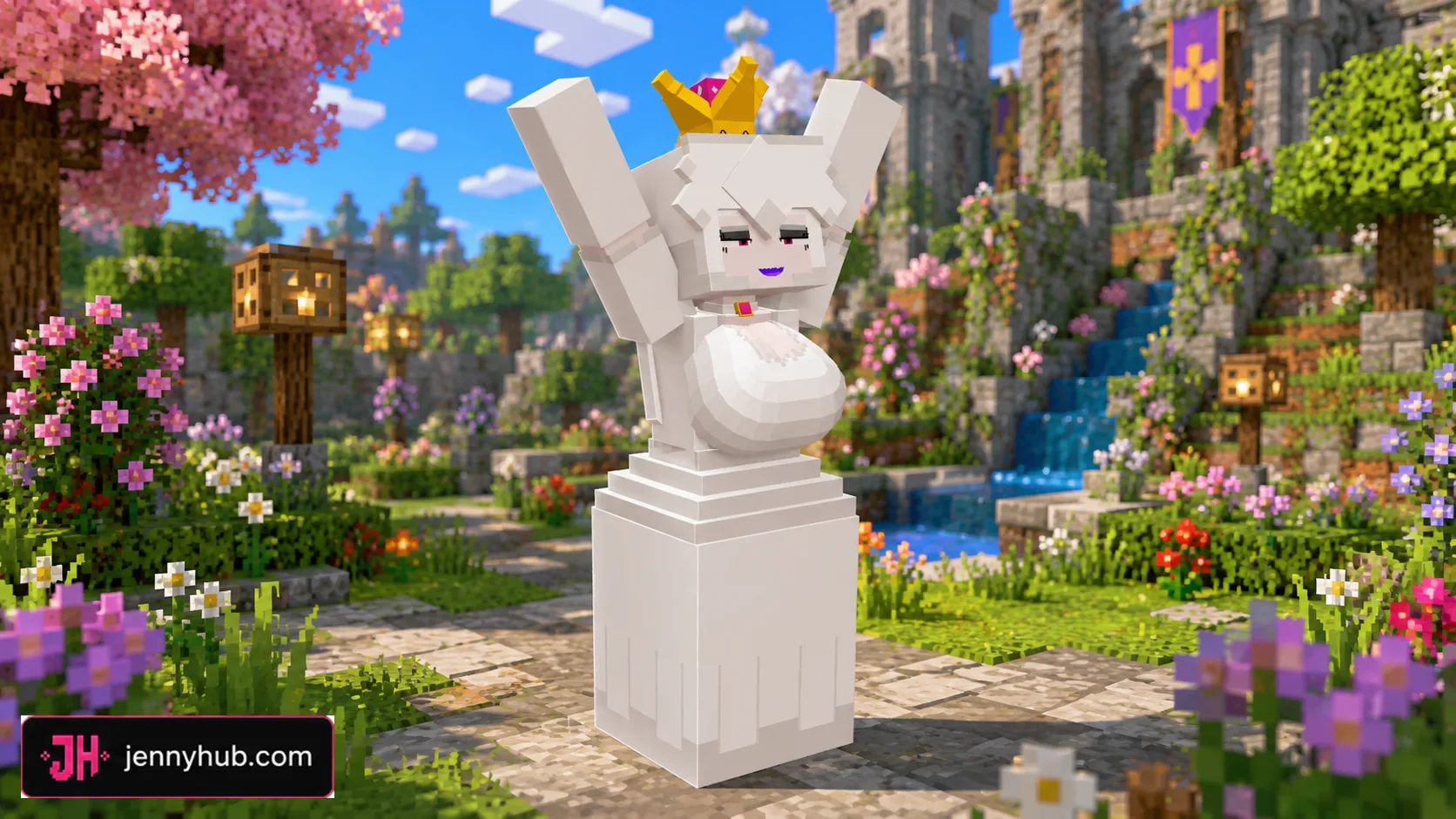
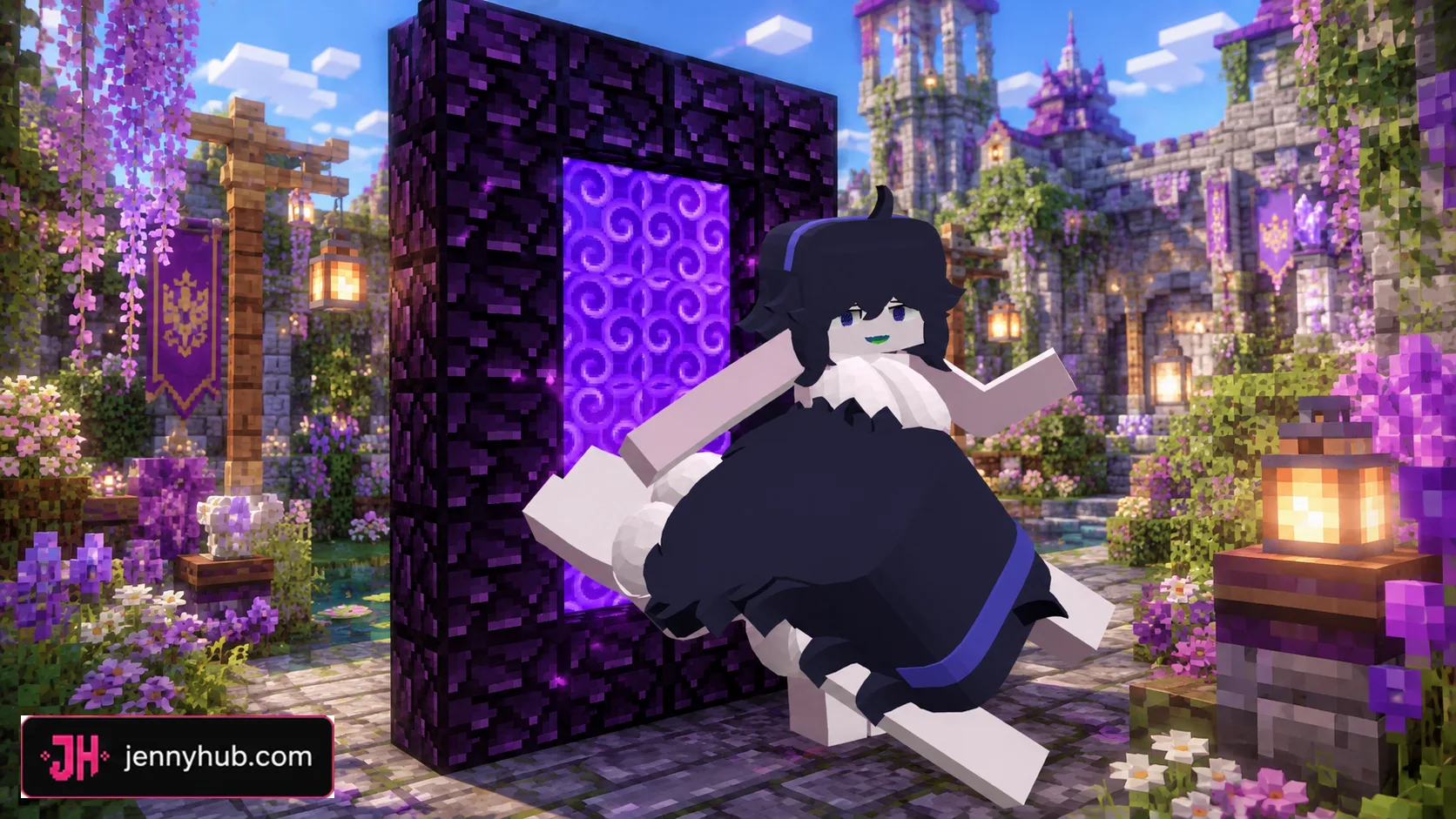
- 18 in-game preview images for comparing designs
- Separate
.mcaddonchoices for Minecraft PE and Bedrock


Twenty different Allie designs
These are not simply colour swaps. Several packages change the outfit, silhouette and overall theme of the character. Darker models such as the Marionette and Sadako variations sit alongside brighter fantasy looks, while the Christmas editions offer both legged and tailed alternatives.
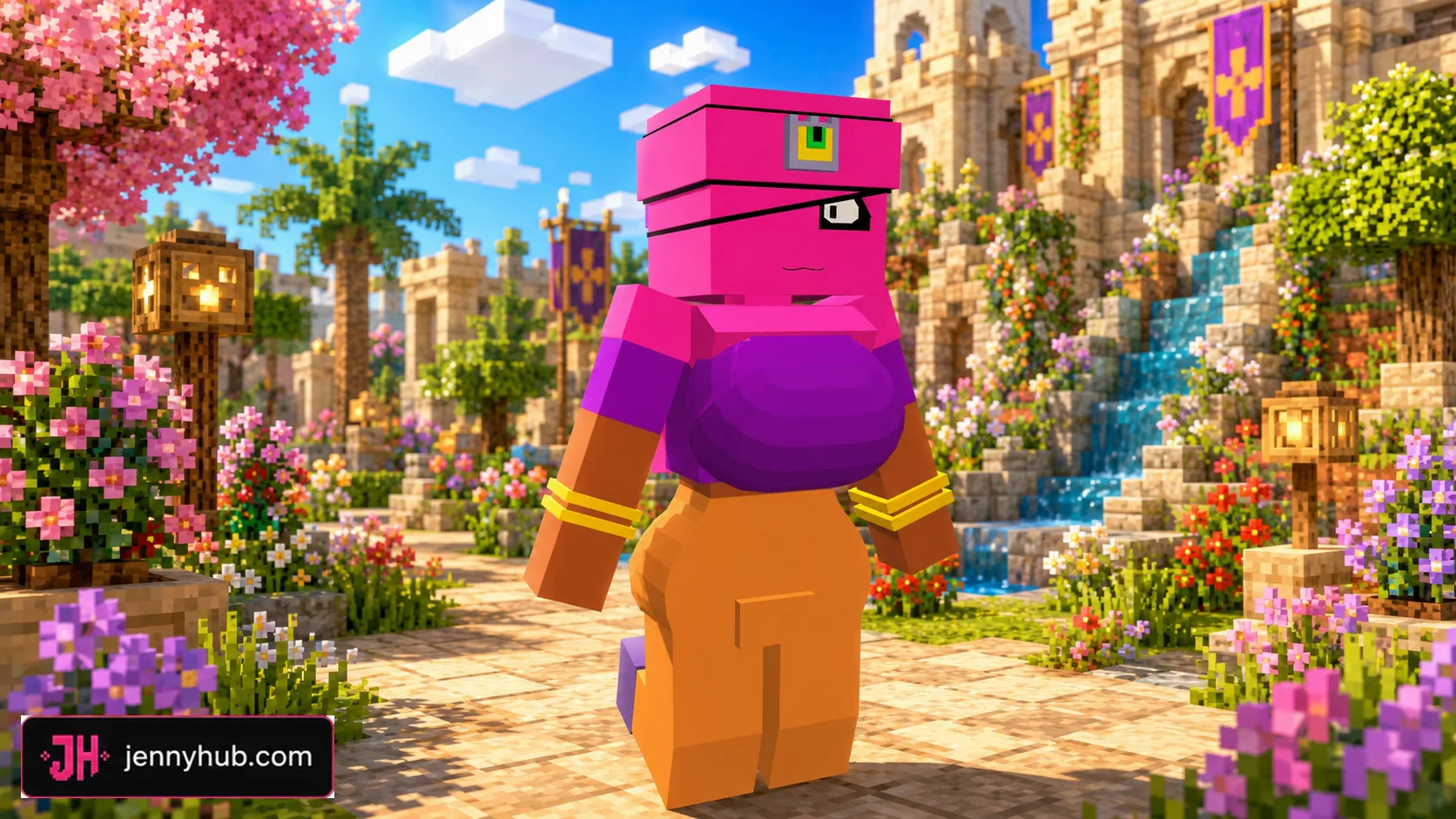
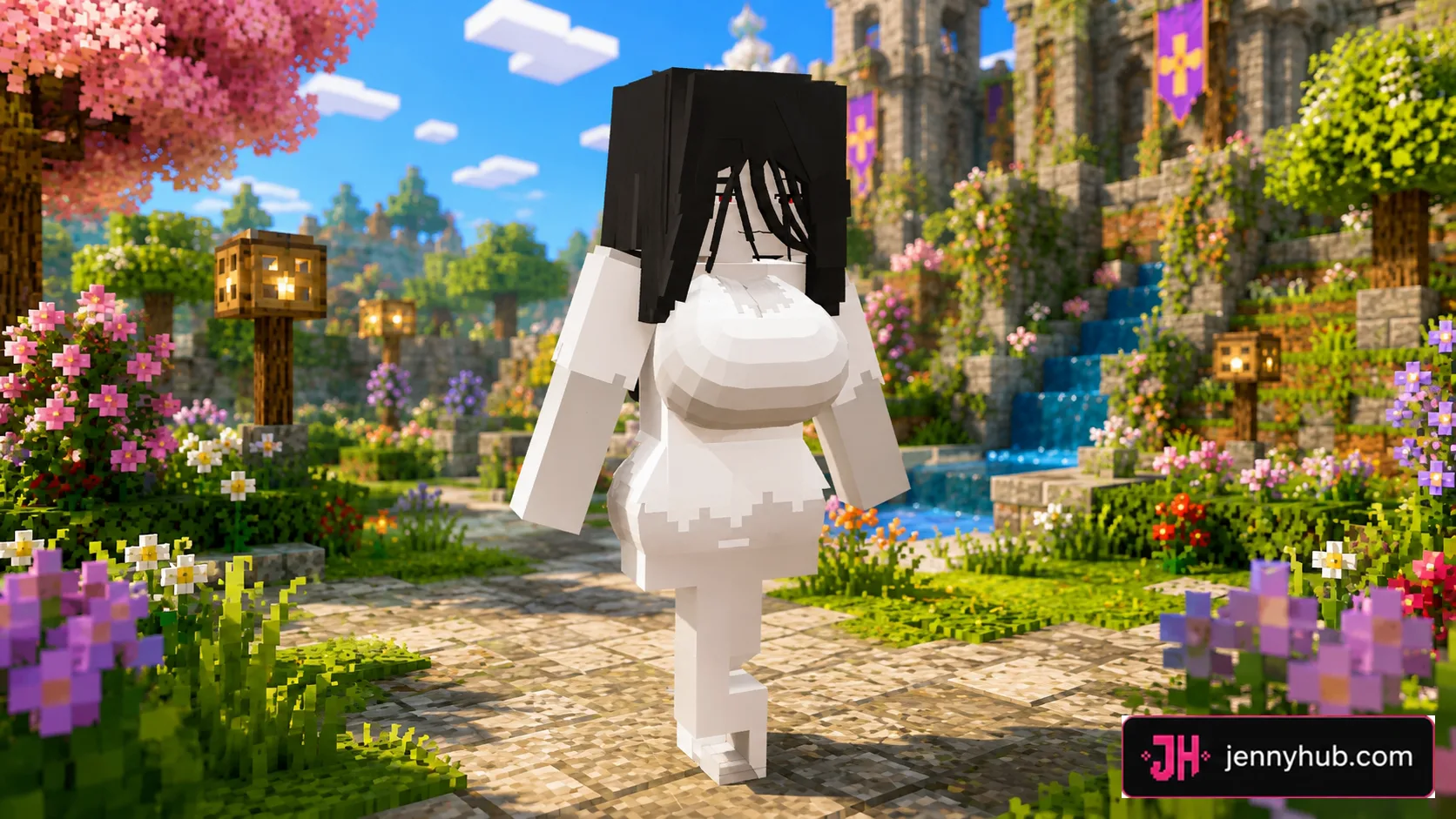

The preview order follows the collection rather than treating every package as interchangeable. Check the image and the matching file name before downloading, especially when choosing between similarly named Marionette, Sadako or seasonal editions.

Full archive or one .mcaddon?
The complete ZIP is useful when you want to keep all 20 models together or compare them later. For everyday mobile installation, an individual .mcaddon is usually the simpler choice: the download is smaller, the import list stays cleaner and only the selected Allie variation needs to be activated.

How to install an Allie model
- Select the complete archive or one named Allie
.mcaddonfrom the download list. - Continue to the JennyHub source page and save the chosen file on your device.
- Open the
.mcaddonwith Minecraft and wait until the import finishes. - Open your world settings and enable the imported behavior and resource packs when both are included.
- Start the world and use the supplied spawn item or add-on controls to access the character.
If Minecraft reports a duplicate pack, remove the earlier Allie behavior and resource packages before importing the replacement. It is also safer to test a new model in a copy of an existing world.



Bedrock compatibility
The listed packages use formats intended for the Bedrock ecosystem used by Minecraft PE on Android and iOS as well as Bedrock on Windows. Compatibility can change after a game update, so keep older working files until you confirm that the selected model imports and appears correctly in your current version.

Download source
Every download button below continues to the maintained JennyHub Allie Pack page. ModLB provides the catalogue and installation reference but does not duplicate the archive files. Using one source helps prevent outdated packages from remaining online after future updates.
Frequently asked questions
Must I install the complete Allie Pack?
No. Choose one named .mcaddon if you only want a specific model. The ZIP is an optional all-in-one download.
Can several Allie variants be enabled together?
They may use overlapping pack identifiers or character resources. Unless a package explicitly says otherwise, activate one Allie variation at a time.
Are these files for Java Edition?
No. The downloads in this collection use Bedrock add-on formats and are prepared for Minecraft PE/Bedrock.
DOWNLOAD FILES
- zip
- mcaddon
- mcaddon
- mcaddon
- mcaddon
- mcaddon
- mcaddon
- mcaddon
- mcaddon
- mcaddon
- mcaddon
- mcaddon
- mcaddon
- mcaddon
- mcaddon
- mcaddon
- mcaddon
- mcaddon
- mcaddon
- mcaddon
- mcaddon