
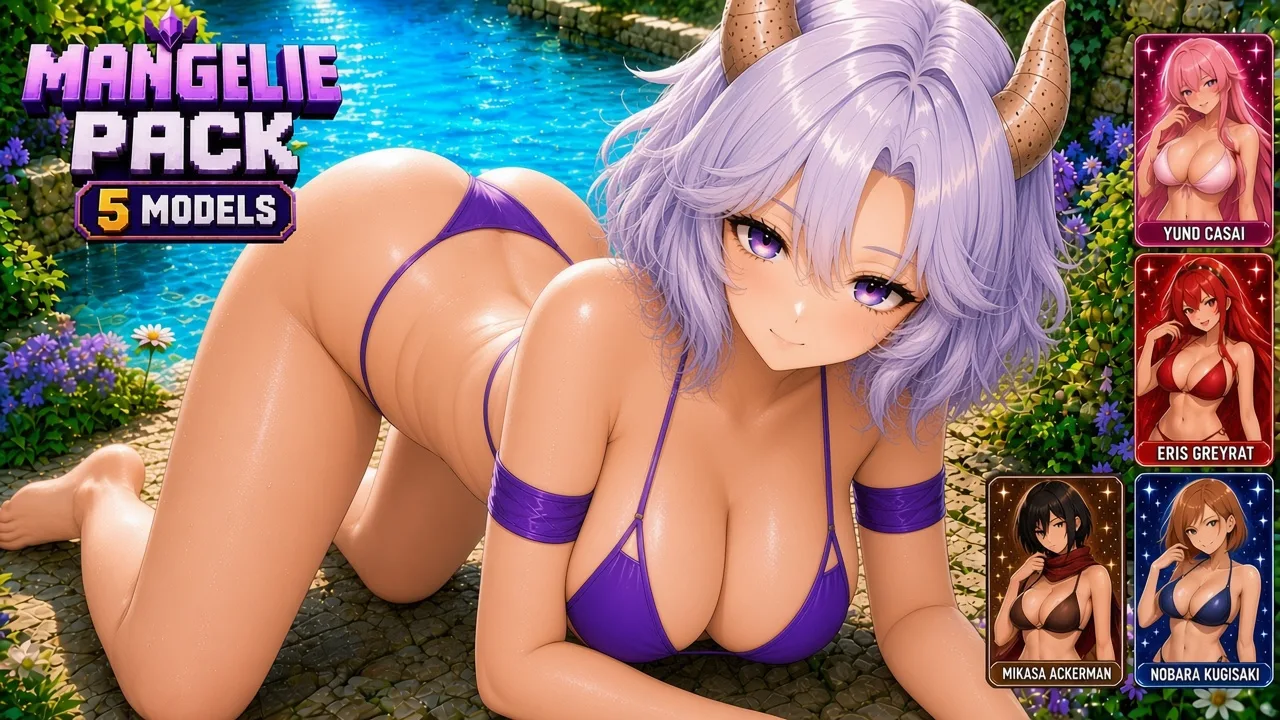
Jenny Mod Manglelie Pack for Minecraft PE/Bedrock (NEW 2026)
Explore 5 Manglelie models for Minecraft PE and Bedrock in HD and Lite, with 10 .mcpack choices, screenshots and activation instructions.
- 1.21
- 1.20
Jenny Mod Manglelie Pack for Minecraft PE and Bedrock
The Jenny Mod Manglelie Pack brings five alternative character looks to Manglelie on Minecraft PE and Bedrock. Each design is available as both an HD and a Lite resource pack, so the download catalogue contains ten separate .mcpack entries.
This collection changes the character's visible model resources rather than adding another NPC. A compatible Jenny Mod base add-on is required for behavior and interactions; the selected Manglelie replacement should be placed above the base resources.
What is included in the Manglelie collection?
The lineup covers five noticeably different themes: Springtrap, Raven and Starfire, Queen Marika and Miquella the Kind, Fubuki and Tatsumaki, and FNAF SL Pack. The paired HD and Lite releases make it possible to choose between sharper detail and a smaller mobile-friendly package.
- Five themed Manglelie replacements
- Five HD editions
- Five Lite editions
- Ten external
.mcpackdownload choices - Five in-game screenshots with the available appearances
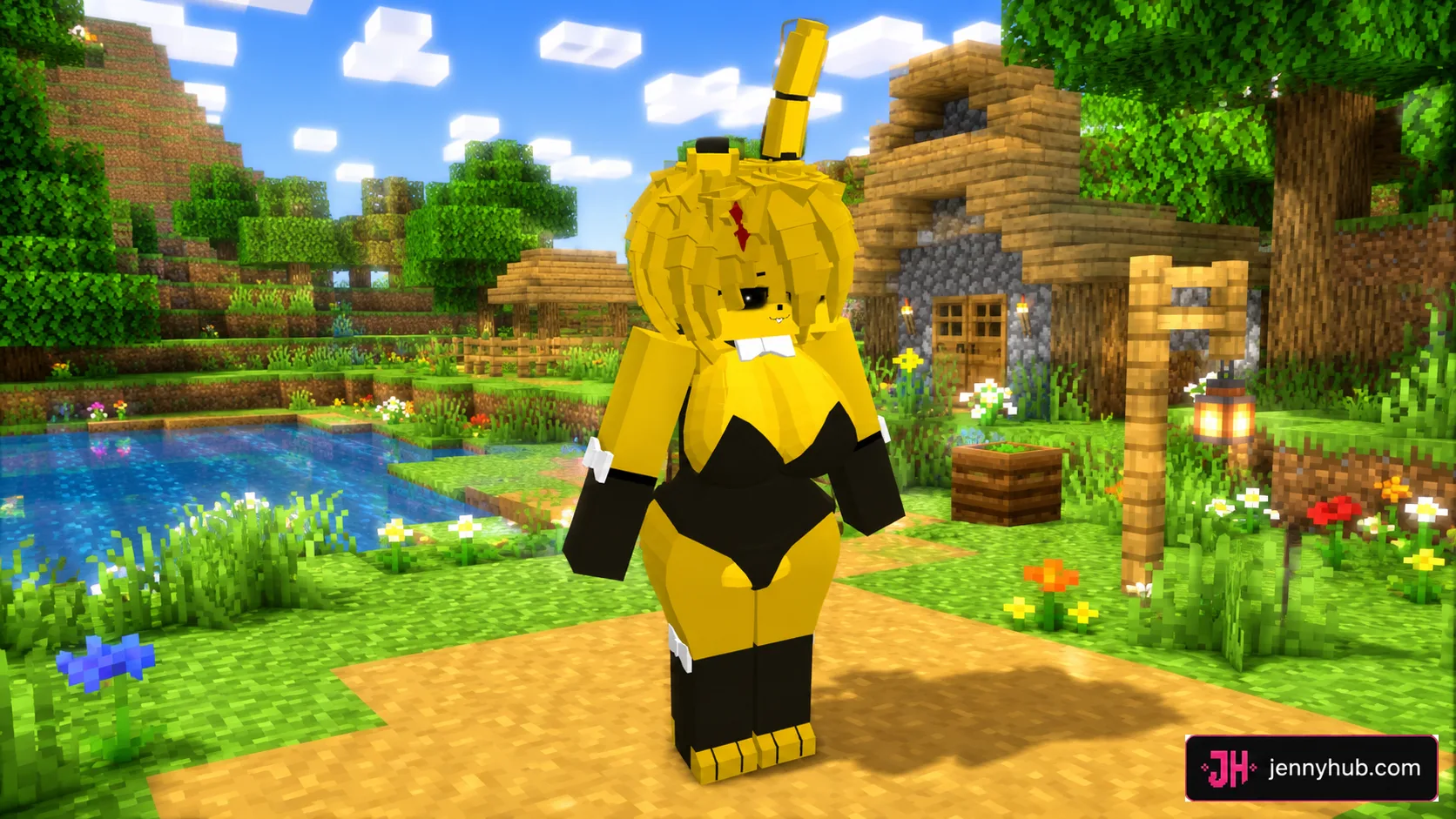
Golden animatronic-inspired model
The Springtrap-themed option stands out through its golden body, upright ears and dark contrasting outfit. It offers the collection's strongest horror-game influence and is easy to recognize in bright Bedrock worlds.
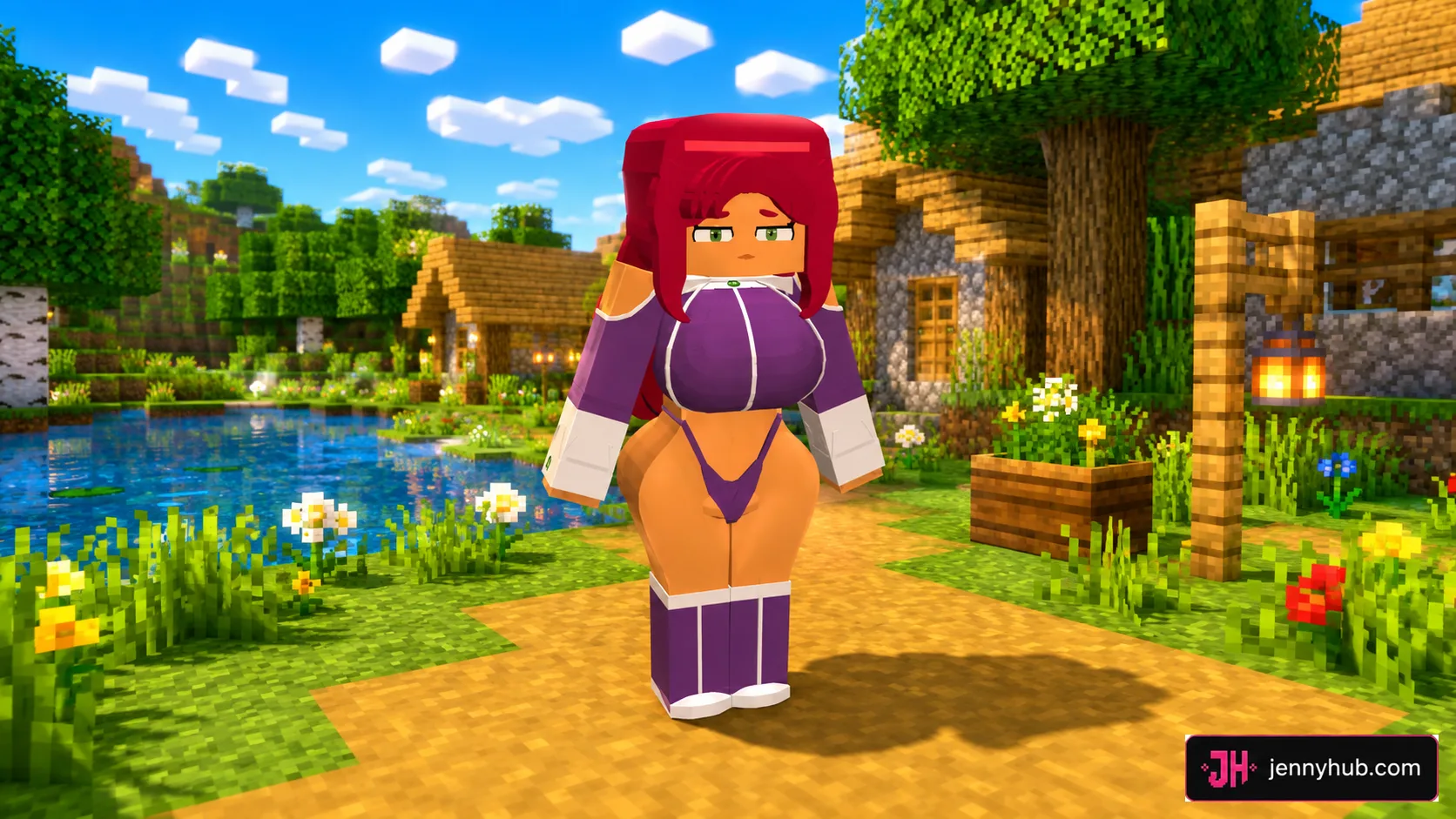
Red-haired Raven and Starfire style
This model uses long red hair, a warm skin palette and purple clothing. It gives Manglelie a colorful comic-inspired appearance while keeping the replacement assigned to the same character resources.
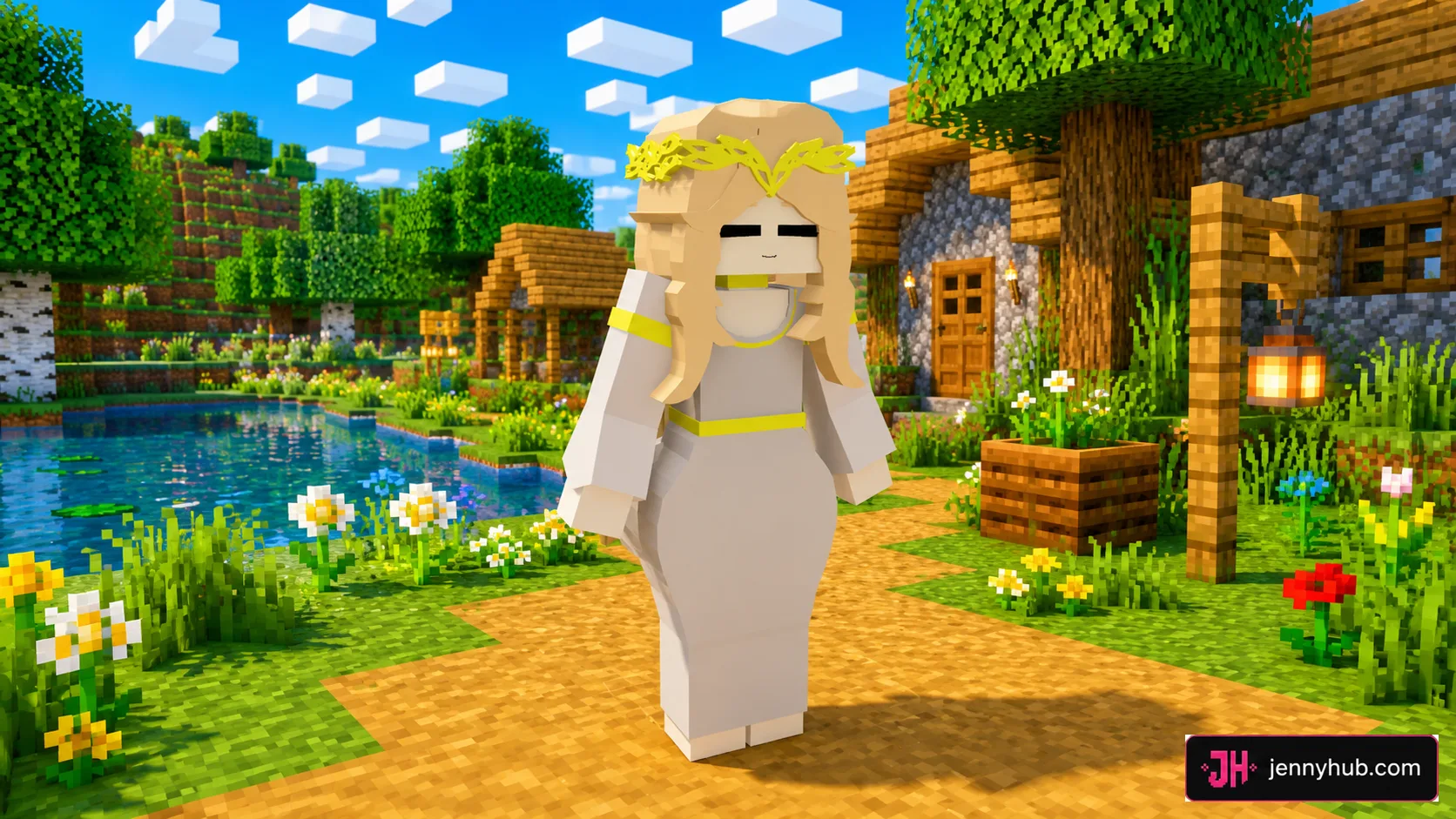
Queen Marika and Miquella fantasy design
The light-haired fantasy replacement combines a pale dress with gold ornamental details. Players looking for a softer royal theme can use the HD pack for maximum texture detail or the Lite file on lower-memory mobile devices.
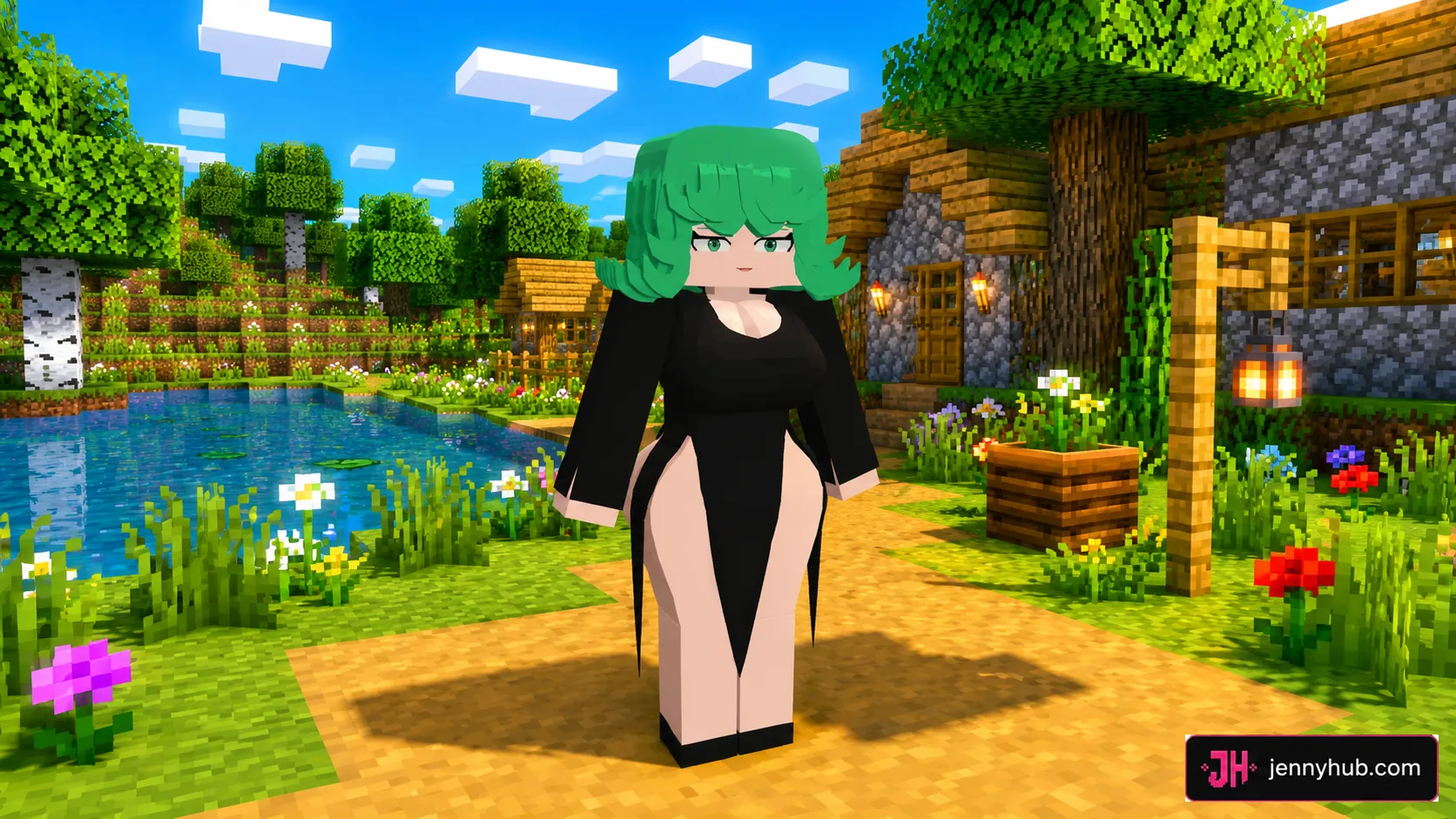
Fubuki and Tatsumaki appearance
Vivid green hair and a black outfit define this anime-inspired replacement. The strong color contrast makes it simple to confirm that the selected pack has loaded correctly after entering a world.
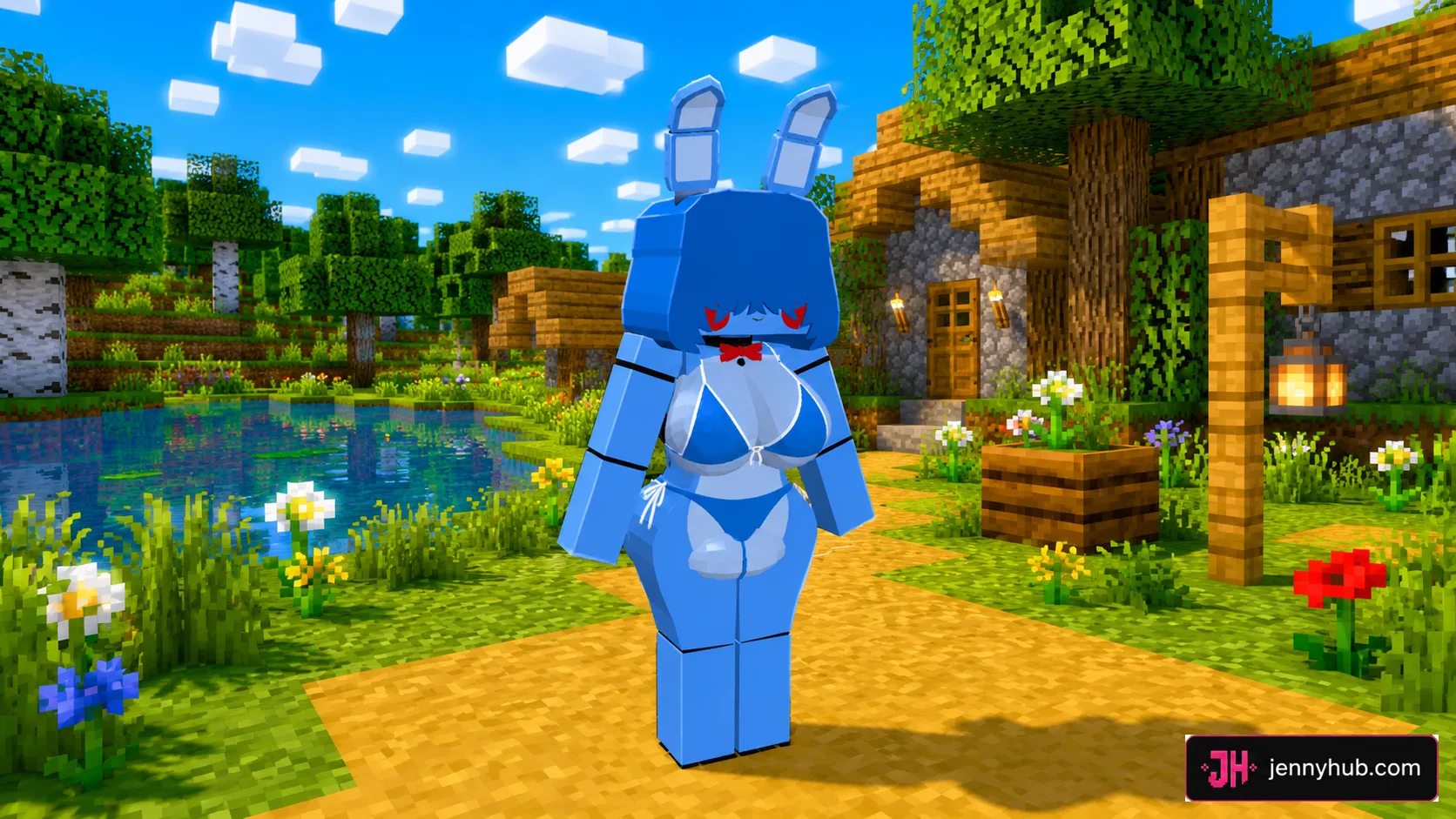
FNAF SL Pack model
The blue animatronic design includes long ears, bright red facial accents and a bow tie. It is supplied in the same two editions as every other theme, so players do not need to trade the chosen style for a lighter package.
Choosing HD or Lite
Choose HD when the game already runs smoothly and visual detail is the priority. Choose Lite when using an older phone, limited memory or several resource packs at once. The character theme remains the same, but the Lite download reduces the resource load.
Only one Manglelie replacement should be enabled at a time. Activating multiple themes, or both editions of one theme, can create resource conflicts and prevent the expected model from appearing.
How to activate a Manglelie model
- Install a compatible Jenny Mod base add-on.
- Choose one of the five Manglelie themes.
- Select its HD or Lite
.mcpackedition. - Open the package with Minecraft and wait for a successful import message.
- Enable it above the Jenny Mod base resource pack in the world settings.
If Minecraft still shows the default appearance, remove older Manglelie replacements from the active stack, verify resource-pack order and reopen the world.
Where the files are maintained
Every download button on this ModLB page continues to the maintained JennyHub Manglelie Pack page. The packages are not duplicated on ModLB, allowing all five HD and five Lite choices to remain connected to one current source.
Manglelie Pack questions
Does the pack work without Jenny Mod?
No. These files replace visual resources and rely on the compatible base add-on for the character itself.
How many Manglelie downloads are listed?
There are ten entries: five named models in HD and the same five in Lite.
Why do download buttons open JennyHub?
JennyHub stores and maintains the actual files. ModLB provides an independent description, screenshots and model catalogue.
Will the file badge display LINK?
No. Each external entry is explicitly saved with the mcpack type and an .mcpack filename.
DOWNLOAD FILES
- mcpack
- mcpack
- mcpack
- mcpack
- mcpack
- mcpack
- mcpack
- mcpack
- mcpack
- mcpack