
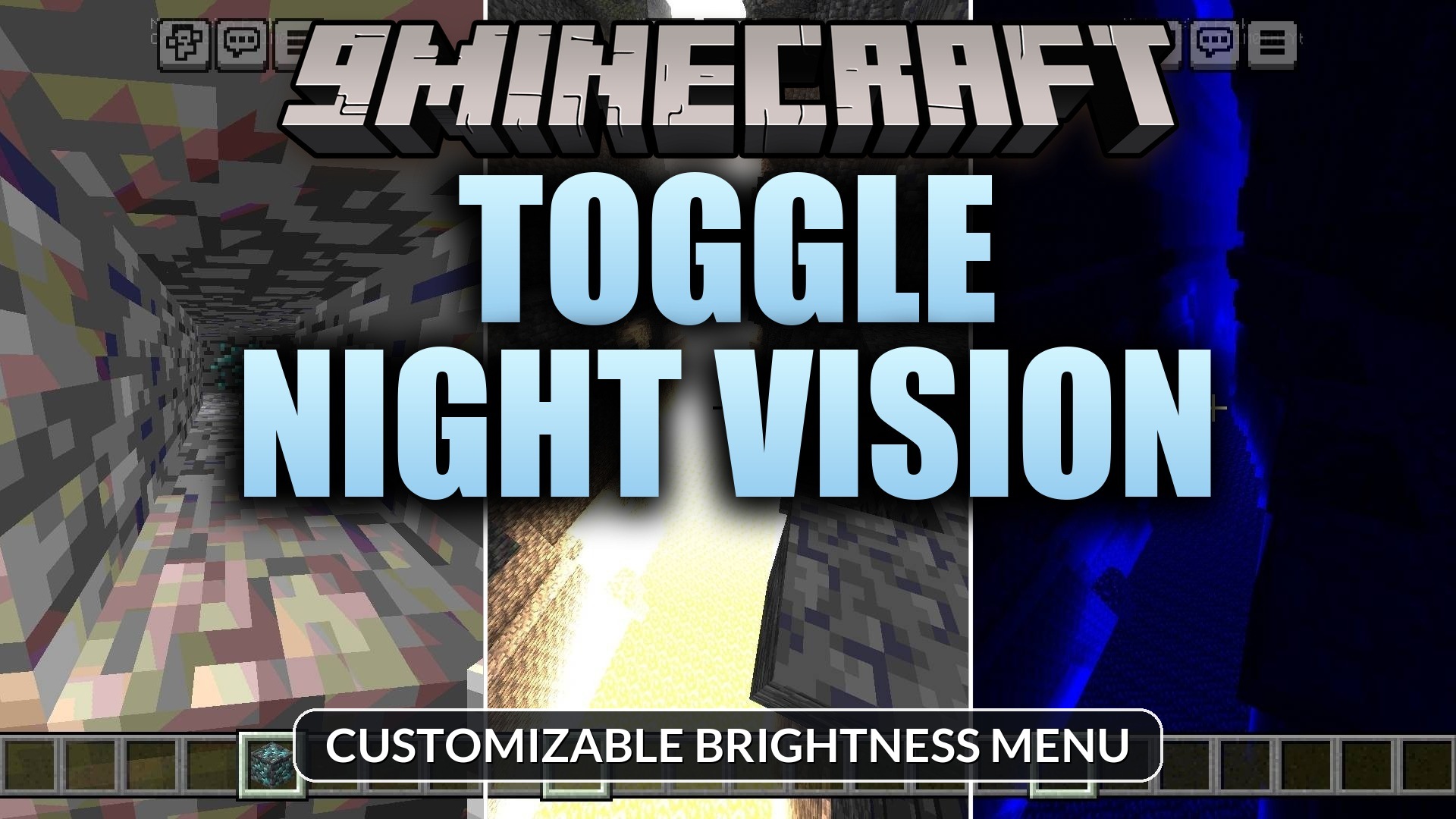
Toggle Night Vision Shader (26.x, 1.21) – Customizable Brightness Menu
A shader pack for Minecraft Bedrock that adds a customizable brightness and color menu for improved visibility in dark underground areas without torches.
- 1.21
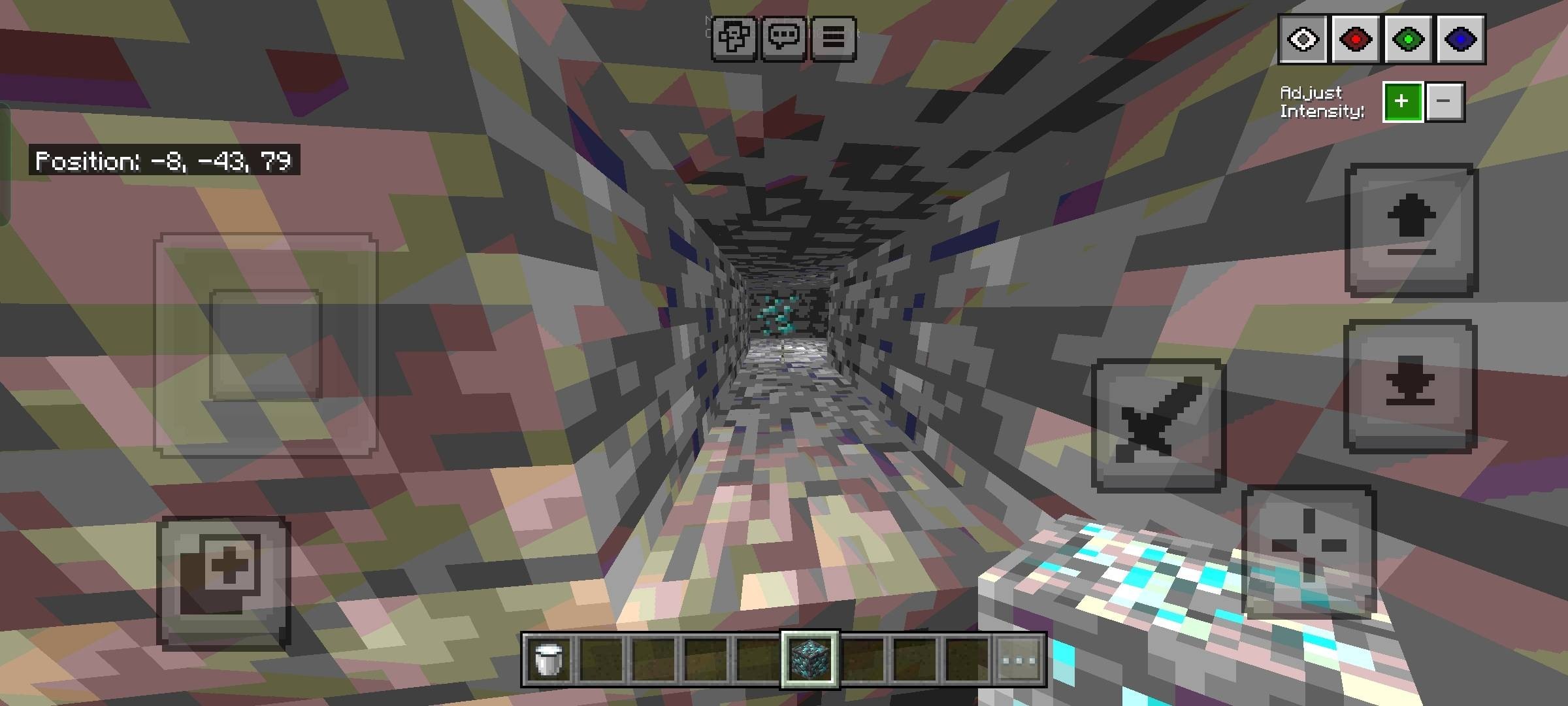
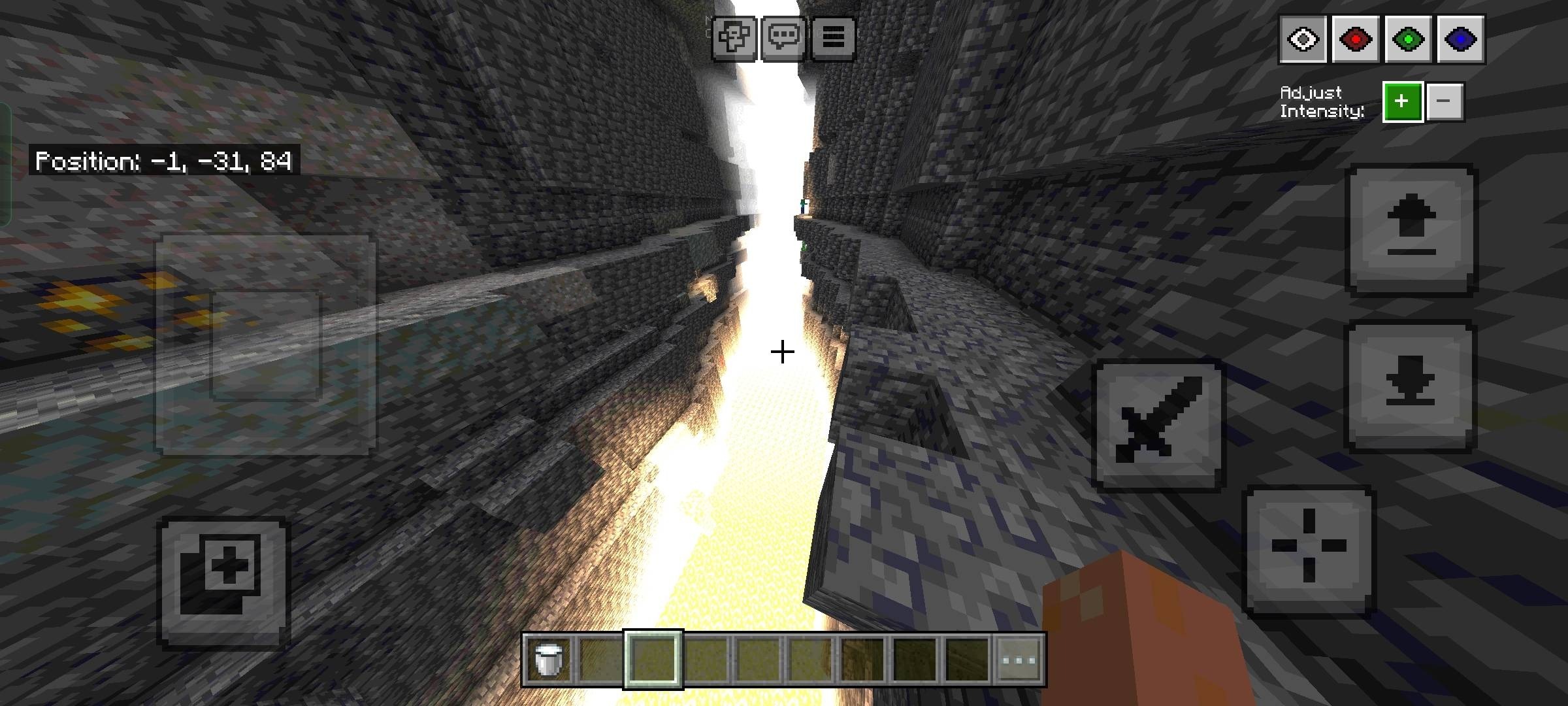
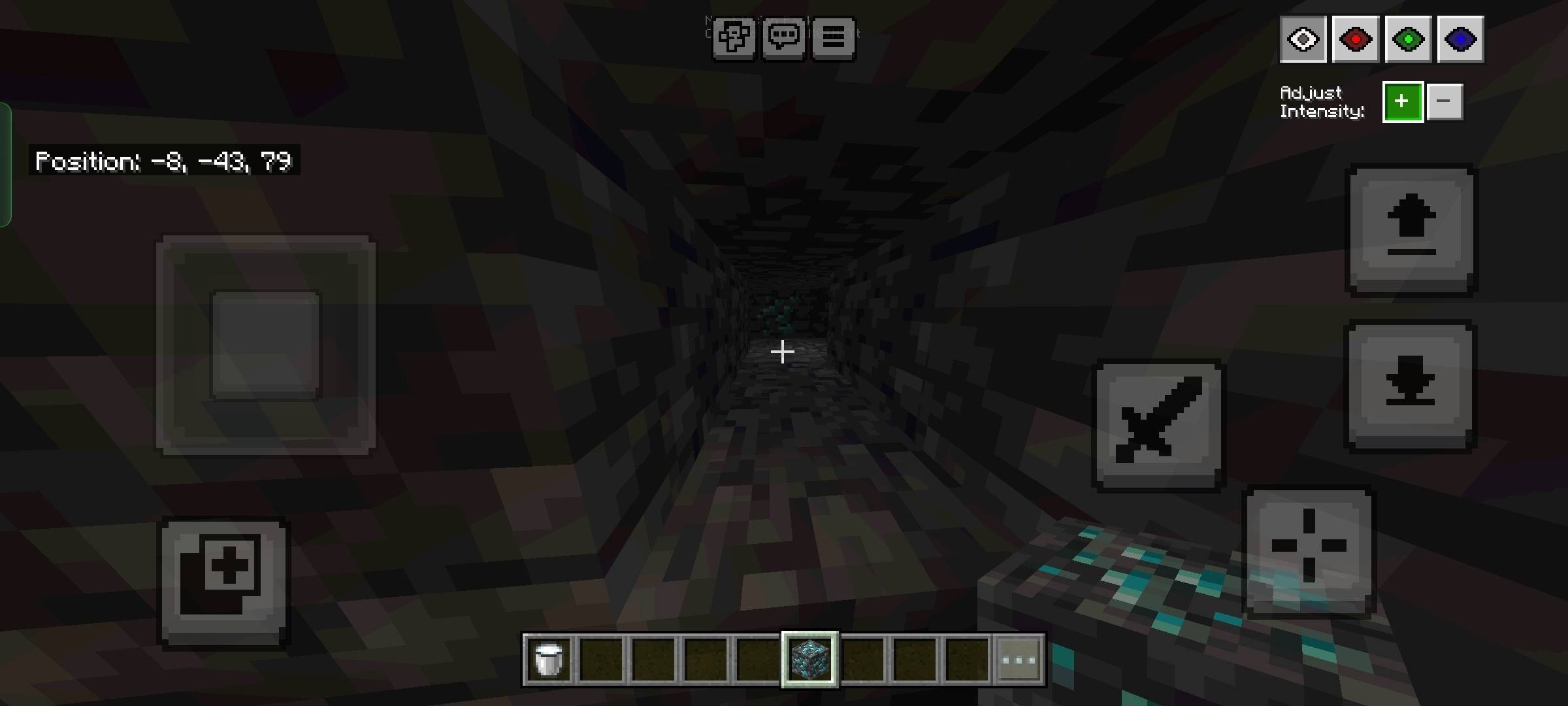
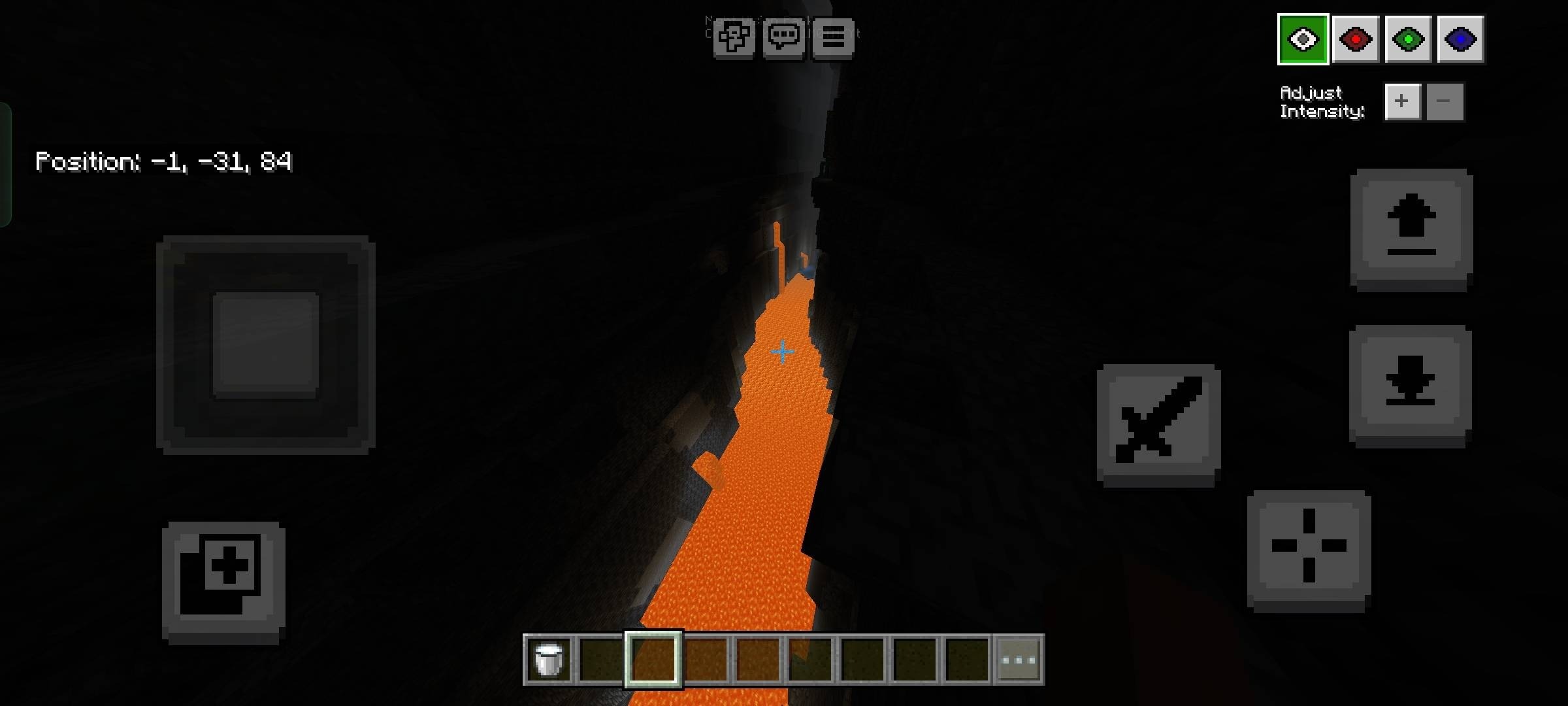
Toggle Night Vision Shader provides enhanced visibility in deep caves and dark areas through a custom on-screen lighting menu. This shader pack allows players to adjust brightness levels and select from multiple color options directly during gameplay, making it suitable for both mobile and desktop users exploring underground environments.
Features
- Custom lighting menu accessible from the game screen
- Adjustable brightness levels with keyboard and mobile controls
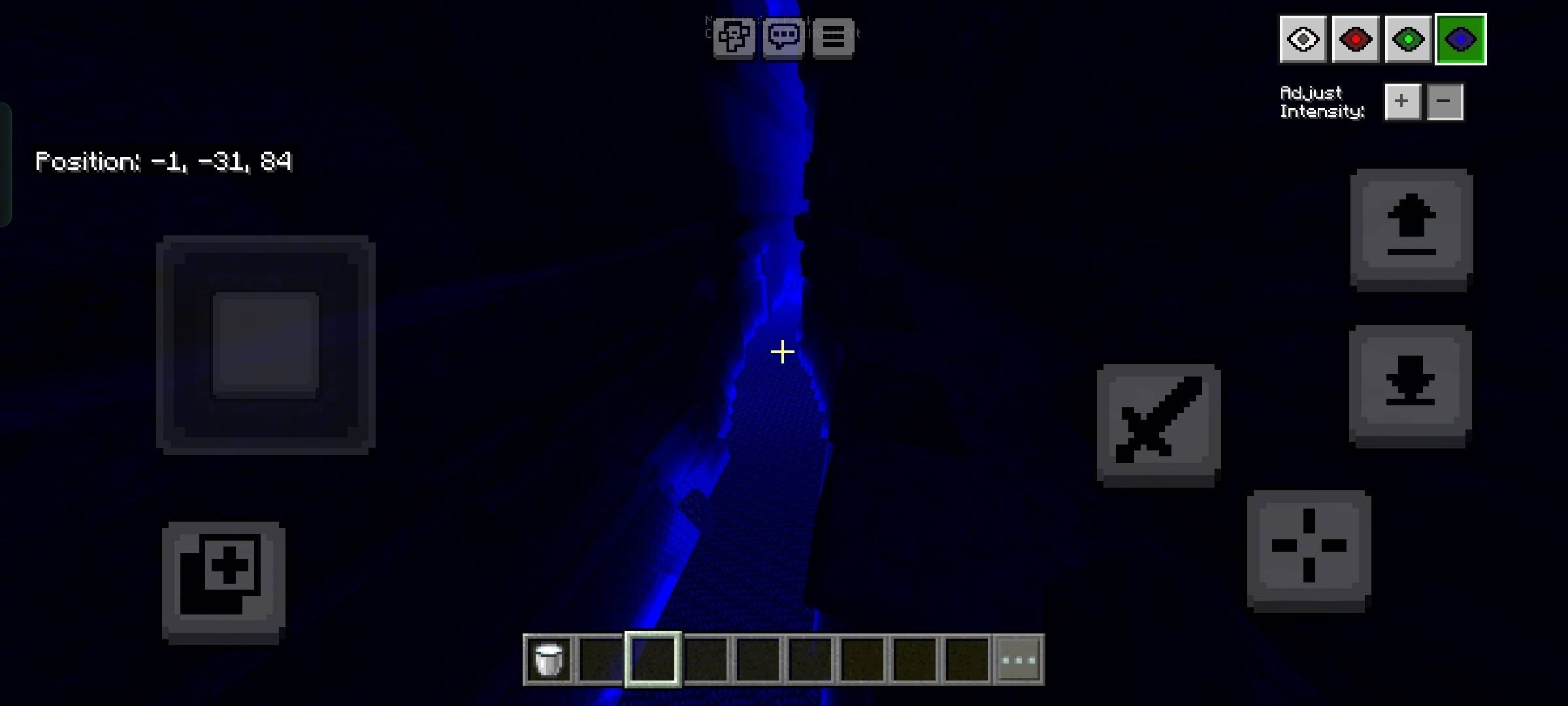
- Four different color options for vision customization
- Subpacks to reposition the menu location
- Enhanced ore visibility in deep caves and ravines
Installation
- Download the shader pack file
- Open the file to import it into Minecraft Bedrock
- Navigate to Settings and enable the shader pack from the available options
- Disable anti-aliasing in your graphics settings before using the menu
- Access the menu using F8 on keyboard or the eye button on mobile devices
Controls
Open the brightness menu by pressing F8 on keyboard or tapping the eye button on mobile. Use the up and down arrow keys to adjust brightness levels, and press number keys 1 through 4 to switch between different color options.
DOWNLOAD FILES
- mcpack