
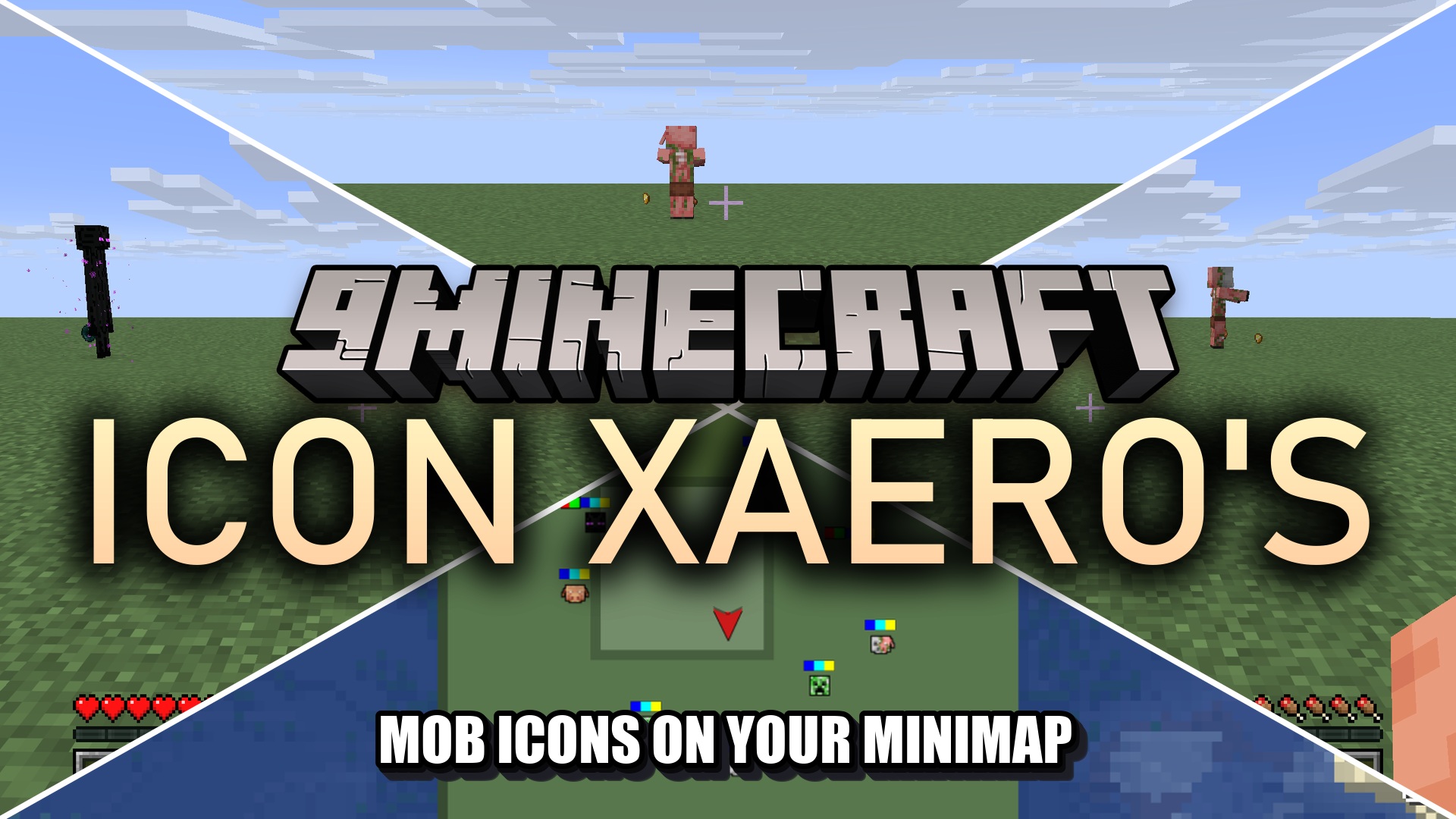
Icon Xaero’s 9minecraft Resource Pack (26.2) – Detailed Minimap Mob Sprites
Resource pack that replaces generic minimap dots with detailed mob icons for Xaero's Minimap and World Map, covering vanilla mobs and entities from 129 supported mods.
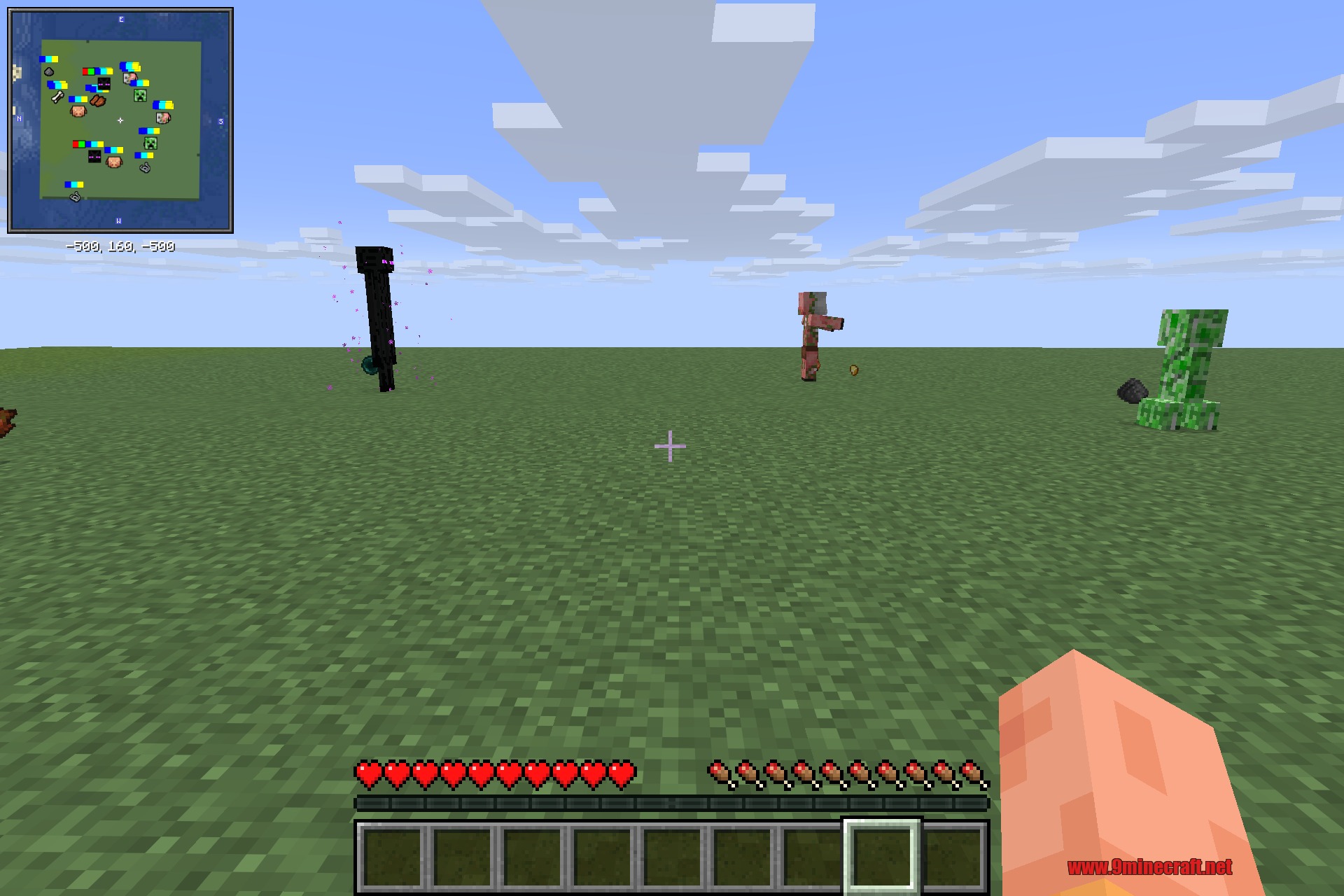
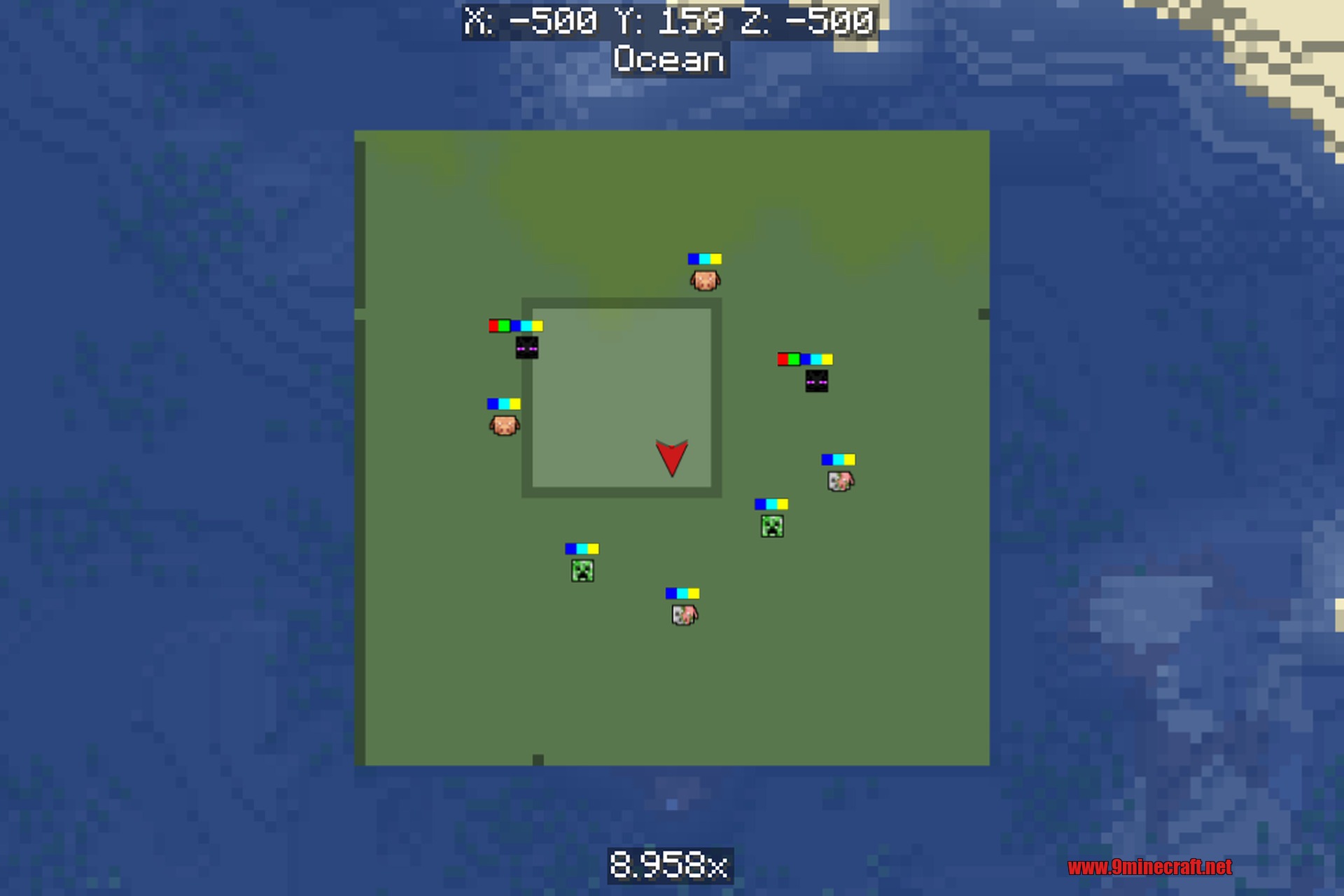
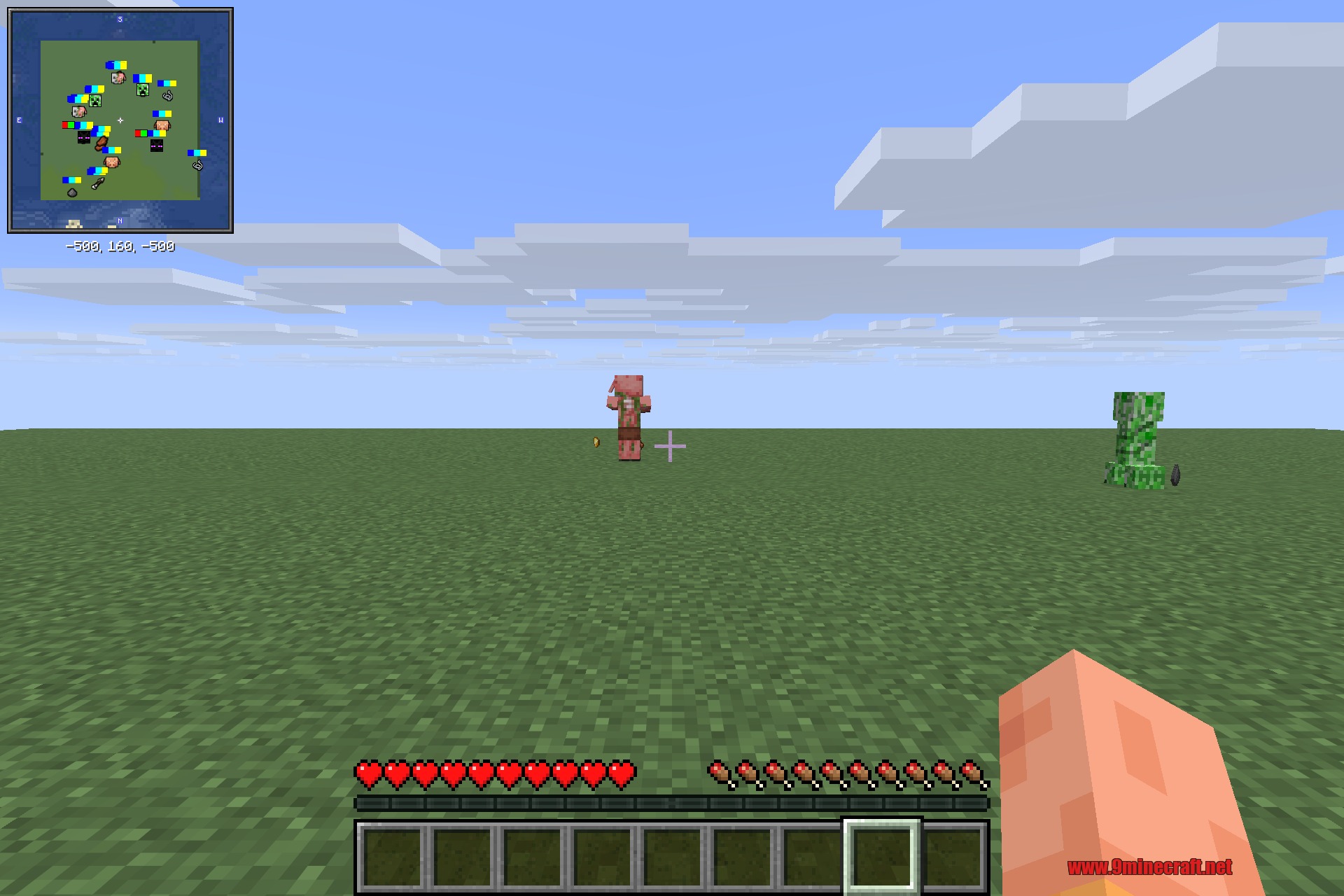
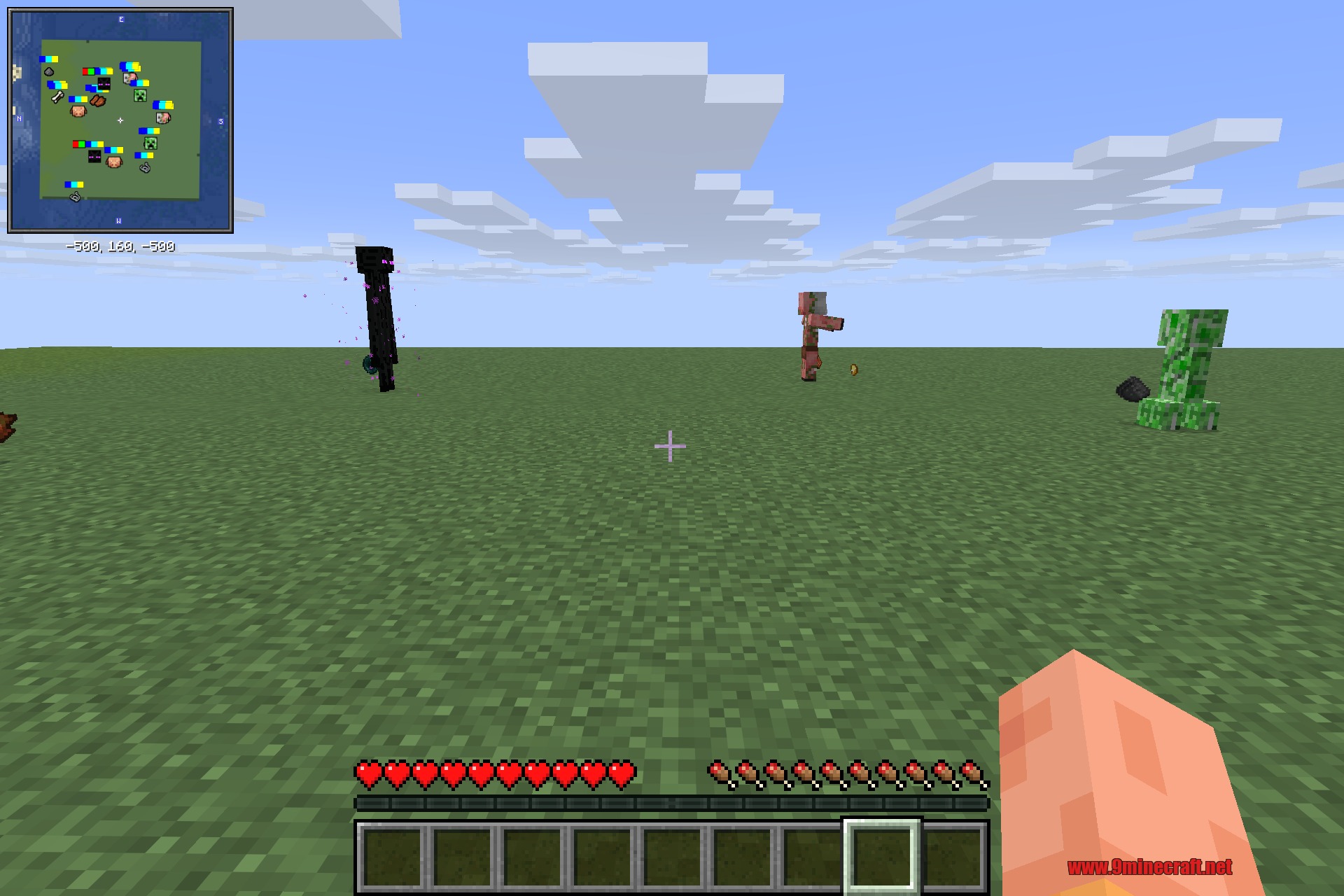
Icon Xaero's is a resource pack that replaces the plain colored dots on Xaero's Minimap and World Map with detailed sprite icons representing specific mobs and entities. The pack includes icons for vanilla mobs as well as entities from 129 popular mods, making it easy to identify creatures at a glance on both the minimap and full-screen world map.
Features
- Custom radar icons for vanilla mobs and entities from 129 supported mods
- Clear outlined sprites replace generic colored dots on the radar
- Works on both Xaero's Minimap and Xaero's World Map
- Distinguishes between hostile, neutral, and passive creatures
- Lightweight with no gameplay changes—only icon images are added
Installation
- Download the resource pack file
- Open Minecraft and go to Options → Resource Packs
- Add the pack and move it to the active list
- Launch the game and open Xaero's Entity Radar Settings from the Xaero's Minimap menu
- Set
Display IconstoAlwaysto view the mob icons on your radar
Compatibility
This pack requires Xaero's Minimap to function. Xaero's World Map is optional but supported. The pack supports entities from 129 mods including Alex's Mobs, The Aether, Ad Astra, and many others.
DOWNLOAD FILES
- resource