Telegram
Ultra Darkmode Resource Pack (26.2, 1.20.1) – Sleek Black Menus for Late Night cover art

Ultra Darkmode Resource Pack (26.2, 1.20.1) – Sleek Black Menus for Late Night

Ultra Darkmode Resource Pack restyles Minecraft’s menus with a sleek black theme. It removes the bright, harsh colors from the game screens and replaces them with soft, dark shades. This pack makes it much easier to look at your inventory during late-night play sessions. You get a fresh, minimal look across all your cr

5 JAVA
  • 1.19 → 1.21.11 +18
Show all 18 versions
  • 1.21.11
  • 1.21.10
  • 1.21.9
  • 1.21.8
  • 1.21.7
  • 1.21.6
  • 1.21.5
  • 1.21.4
  • 1.21.3
  • 1.21.2
  • 1.21.1
  • 1.21
  • 1.20.6
  • 1.20.5
  • 1.20.1
  • 1.20
  • 1.19.2
  • 1.19

Features:

  • Changes all the default menus into a dark, easy-to-read layout.
  • Reduces bright screen glare so you can play longer without hurting your eyes.
  • Gives every button, slot, and background a clean, minimal look.
  • Keeps a balanced contrast so text and items still stand out clearly against the dark background.
  • Updates the screens for complex modded machines, backpacks, and storage chests.

Magic and Adventure:

  • Covers Twilight Forest, Botania, and Iron’s Spells & Books.
  • Updates menus in Cataclysm, Apotheosis, and Mahou Tsukai.

Tech and Storage:

  • Changes the interfaces for Create, Mekanism, and Industrial Foregoing.
  • Reskins storage items from Refined Storage, Storage Drawers, and Sophisticated Backpacks.

Helpful Tools:

  • Works with Just Enough Items (JEI) and JEI Resources.
  • Updates screens for Simple Voice Chat, Waystones, and Trash Cans.

Screenshots:
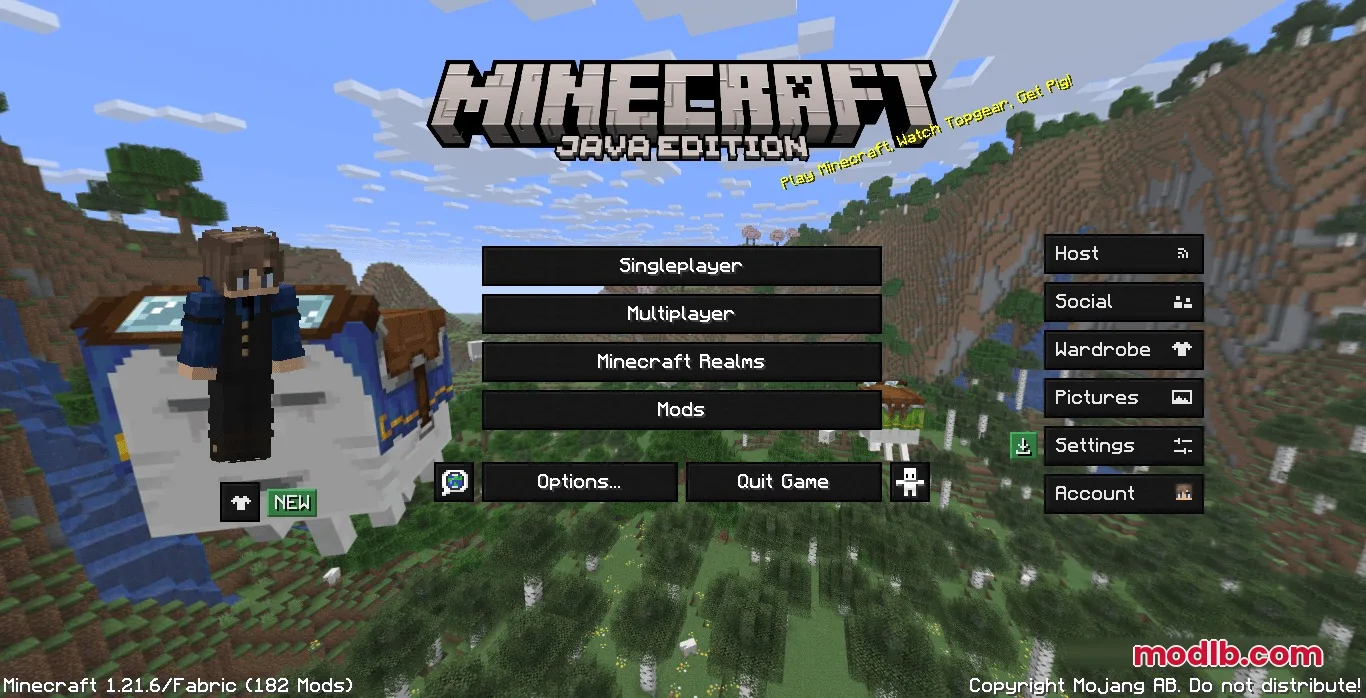
Minecraft main menu screen with a dark theme and a character on left
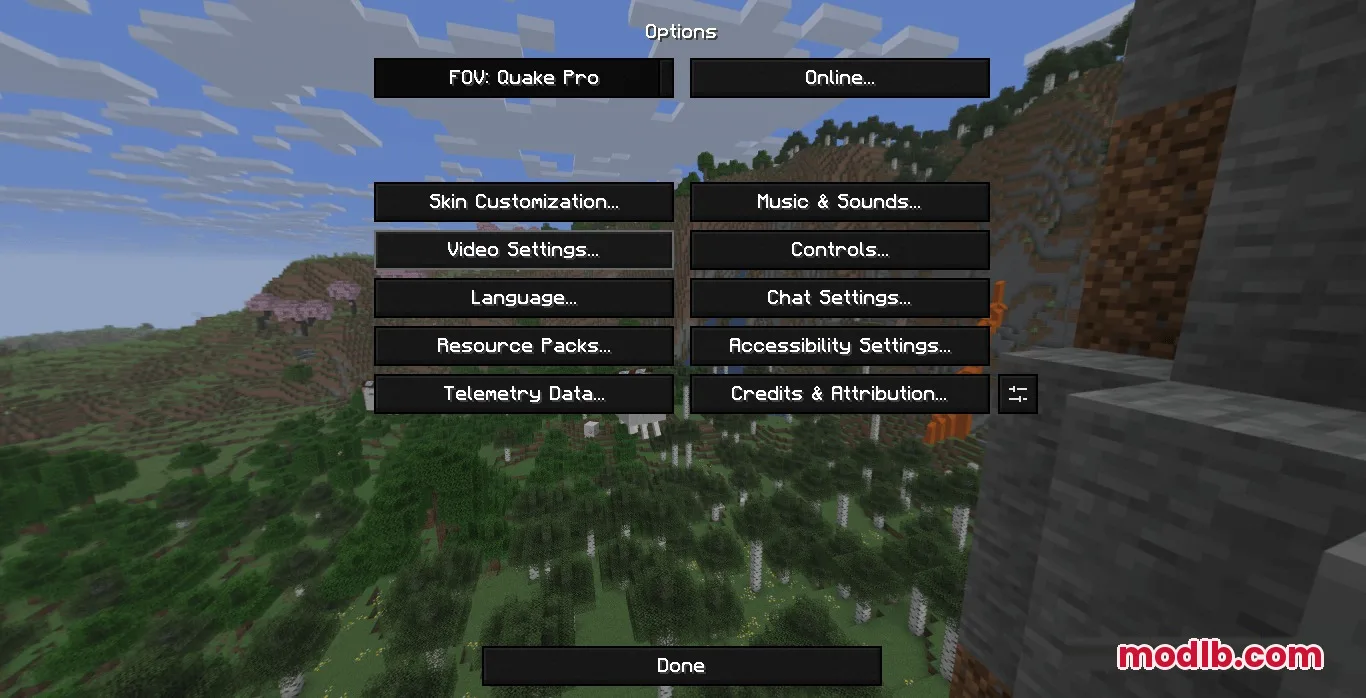
The Minecraft options menu features dark buttons against a scenic landscape background
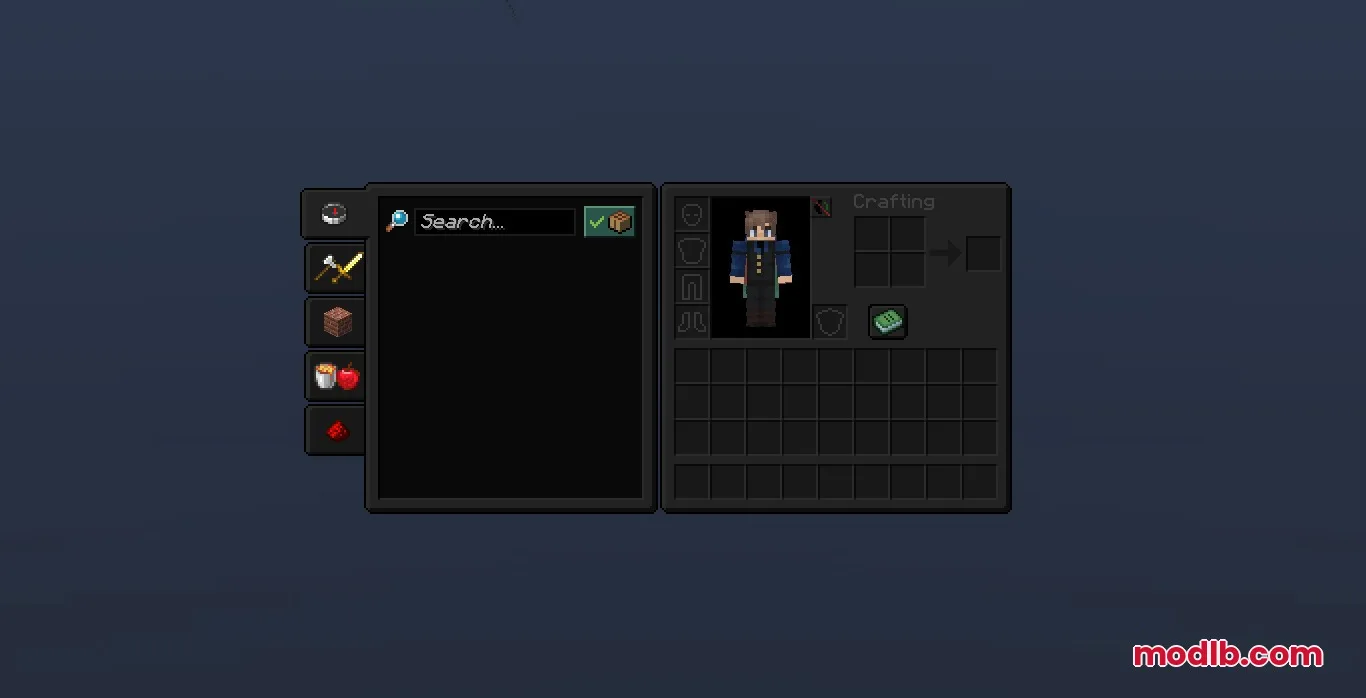
Sleek dark themed Minecraft inventory screen with a character model and recipe book
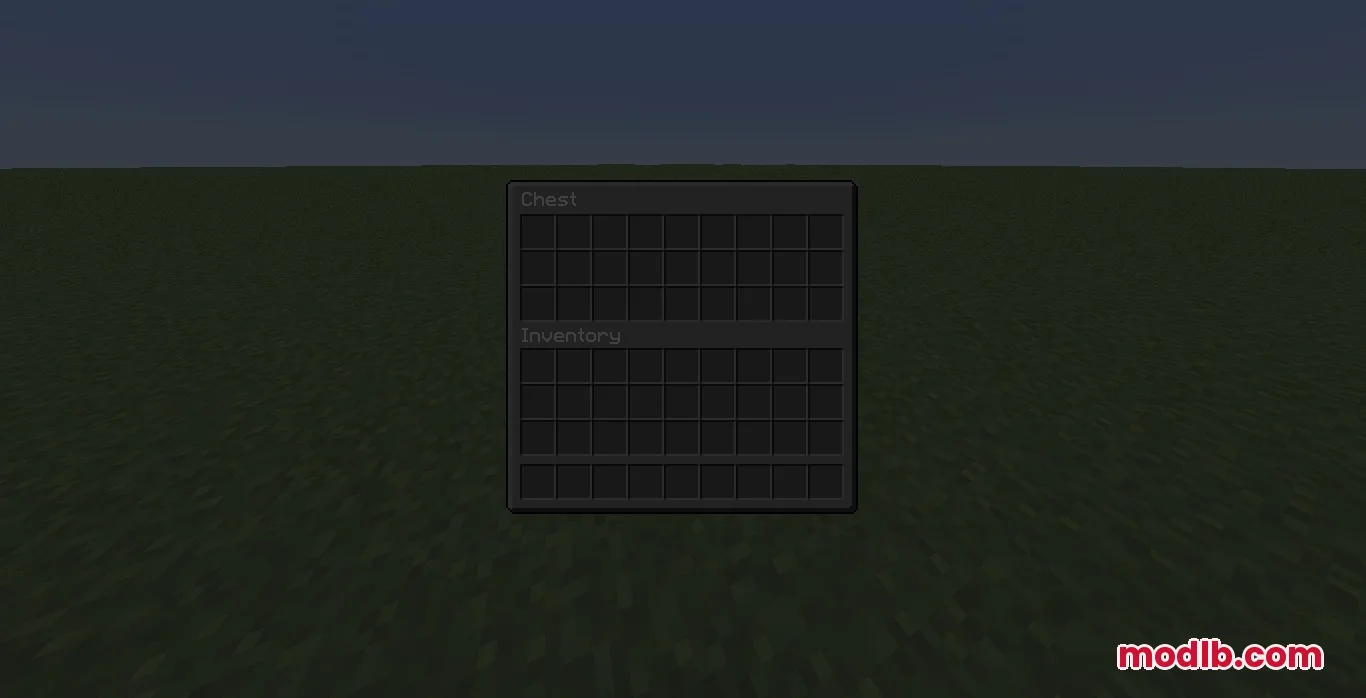
Minimalist dark themed chest interface showing empty storage slots and player inventory
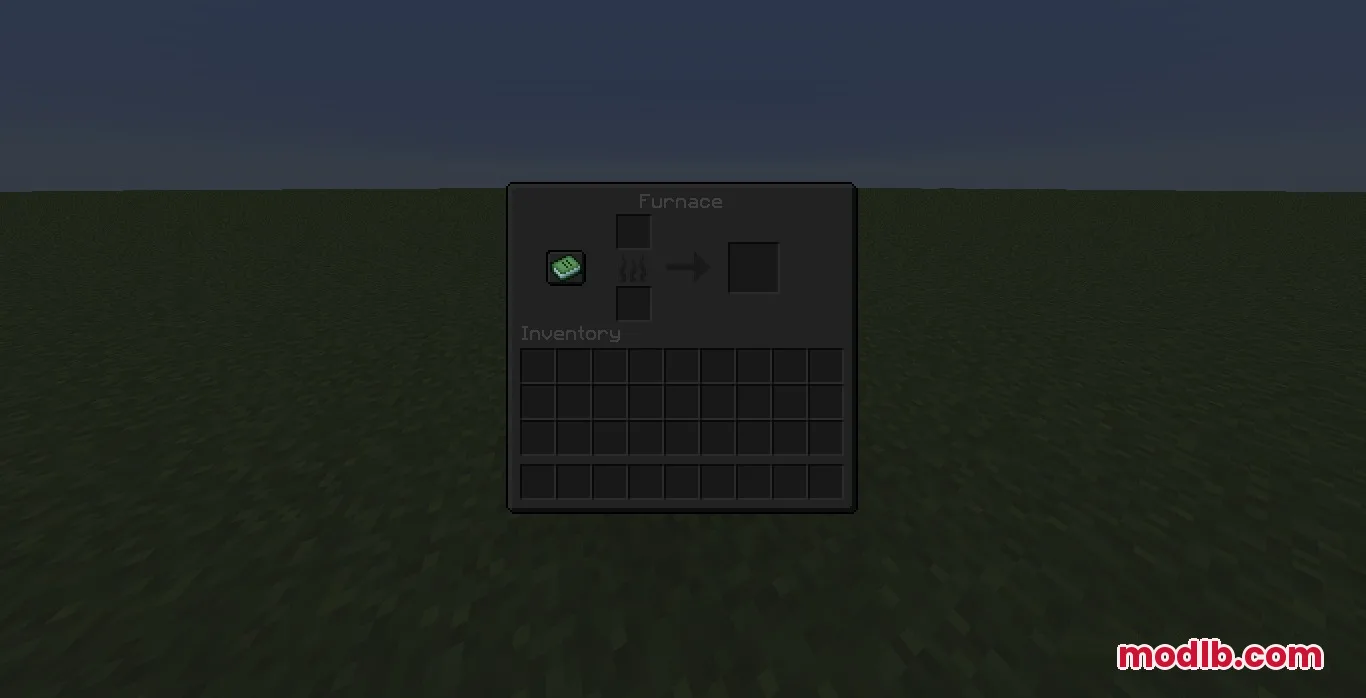
Dark mode furnace interface with a green recipe book and empty slots
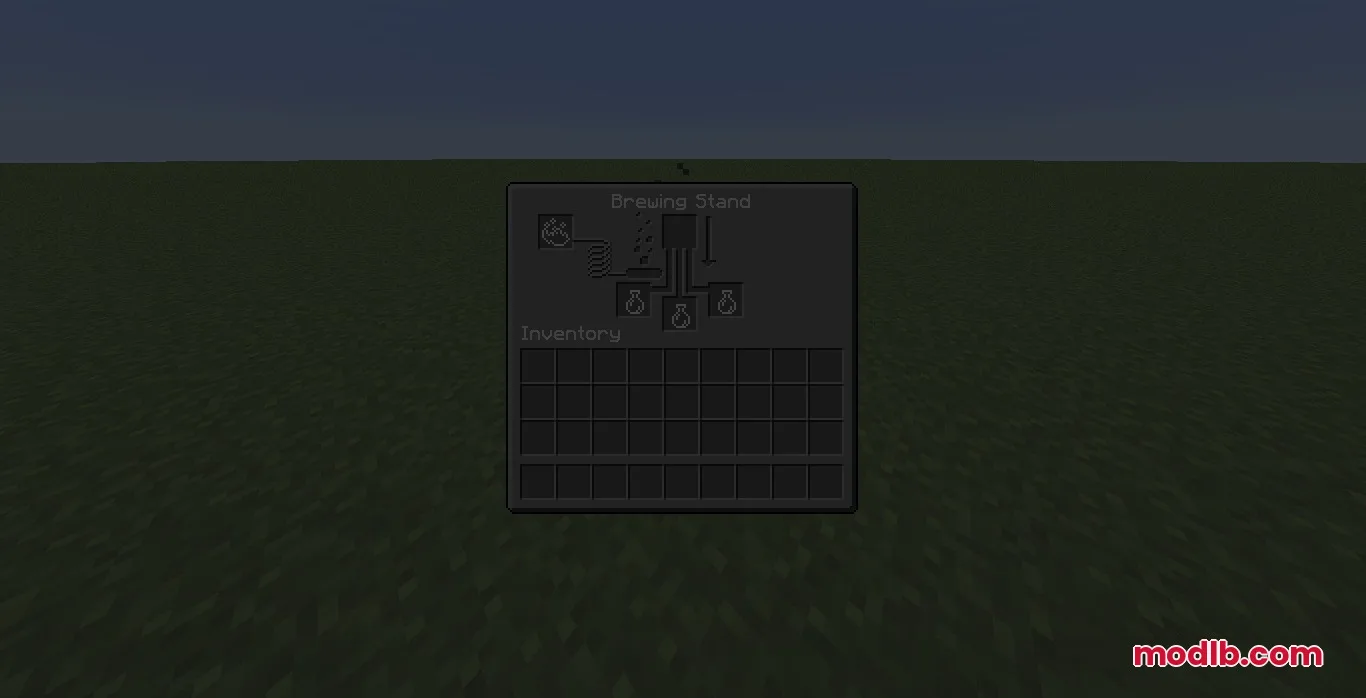
Brewing stand menu updated with the sleek Ultra Darkmode Resource Pack theme
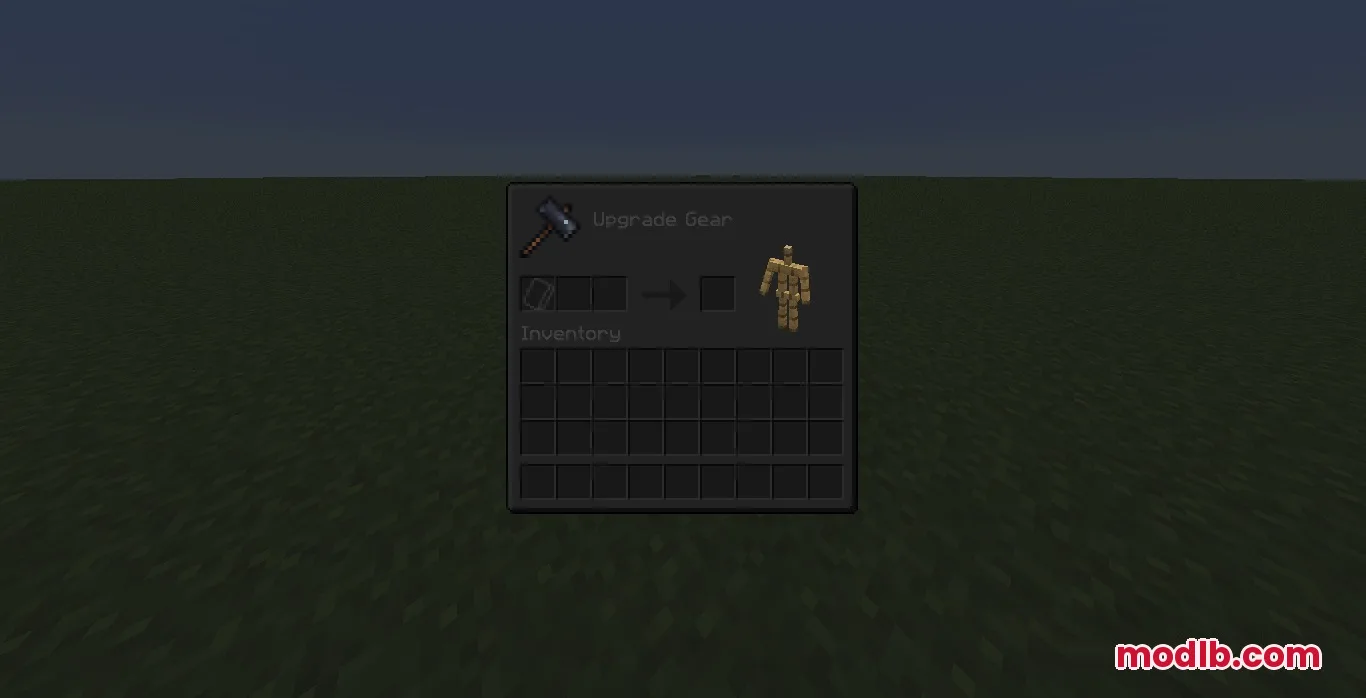
Ultra Darkmode resource pack restyles the smithing table menu with a black theme
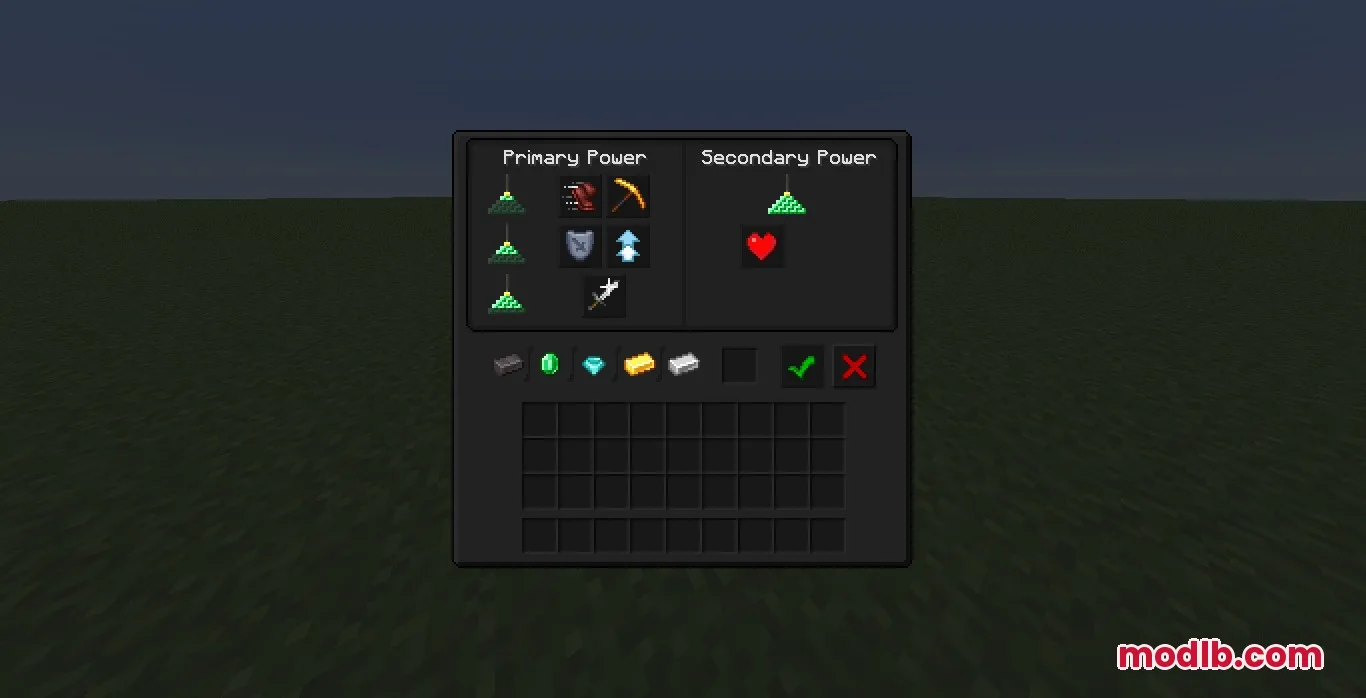
The beacon interface displays a dark layout for selecting primary and secondary powers

DOWNLOAD FILES

  • resource
    26.2.x (7 versions) All Versions Covered 26.2 26.1.2 26.1.1 26.1 1.21.11 1.21.10 1.21.9 ▲ Collapse · Ultra-Darkmode-Resource-Pack-256x-26.2.x.zip
    • 256x
    • 1.21.11
  • resource
    1.21.x (11 versions) All Versions Covered 1.21.8 1.21.7 1.21.6 1.21.5 1.21.4 1.21.3 1.21.2 1.21.1 1.21 1.20.6 1.20.5 ▲ Collapse · Ultra-Darkmode-Resource-Pack-256x-1.21.x.zip
    • 256x
    • 1.21
  • resource
    1.20.x (2 versions) All Versions Covered 1.20.1 1.20 ▲ Collapse · Ultra-Darkmode-Resource-Pack-256x-1.20.x.zip
    • 256x
    • 1.20
  • resource
    1.19.x (1 versions) All Versions Covered 1.19.2 ▲ Collapse · Ultra-Darkmode-Resource-Pack-256x-1.19.x.zip
    • 256x
    • 1.19