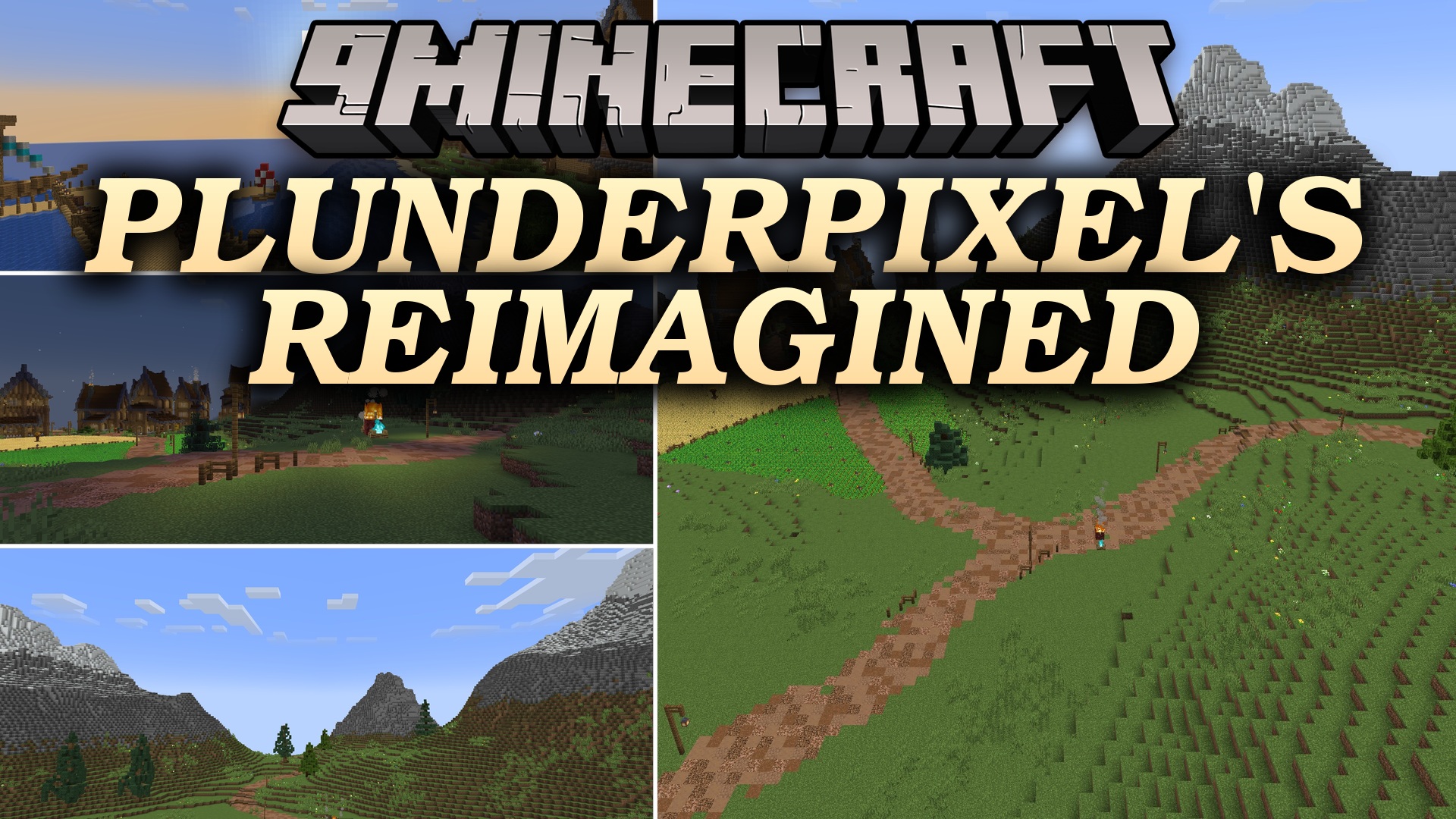
PlunderPixel’s Reimagined Shaders (26.2, 1.20.1) – Classic Lighting and Shadows
A classic realistic shader pack that revitalizes Minecraft's lighting system with dynamic shadows, reflective water, and enhanced sky colors for modern Java Edition versions.
0
2
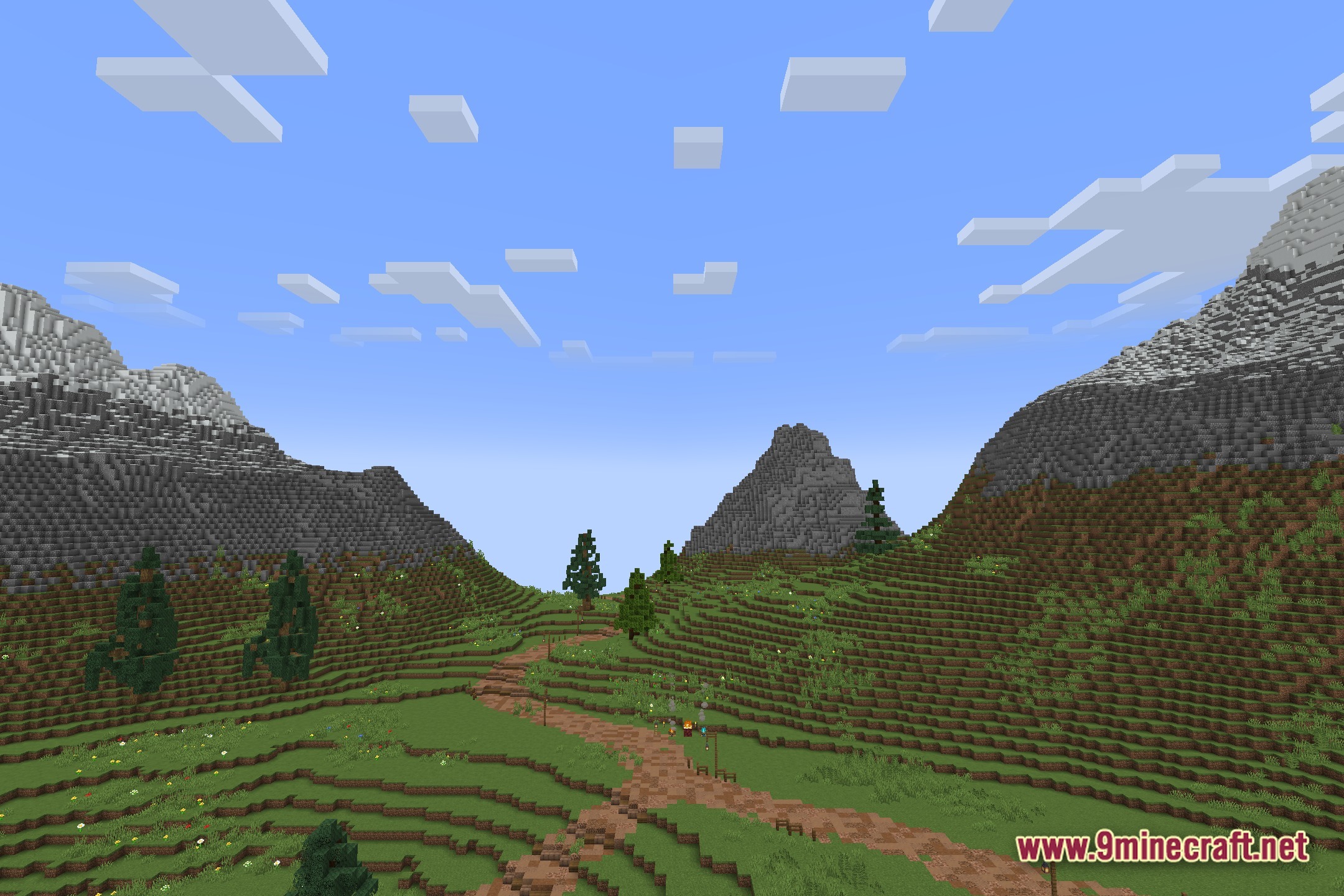
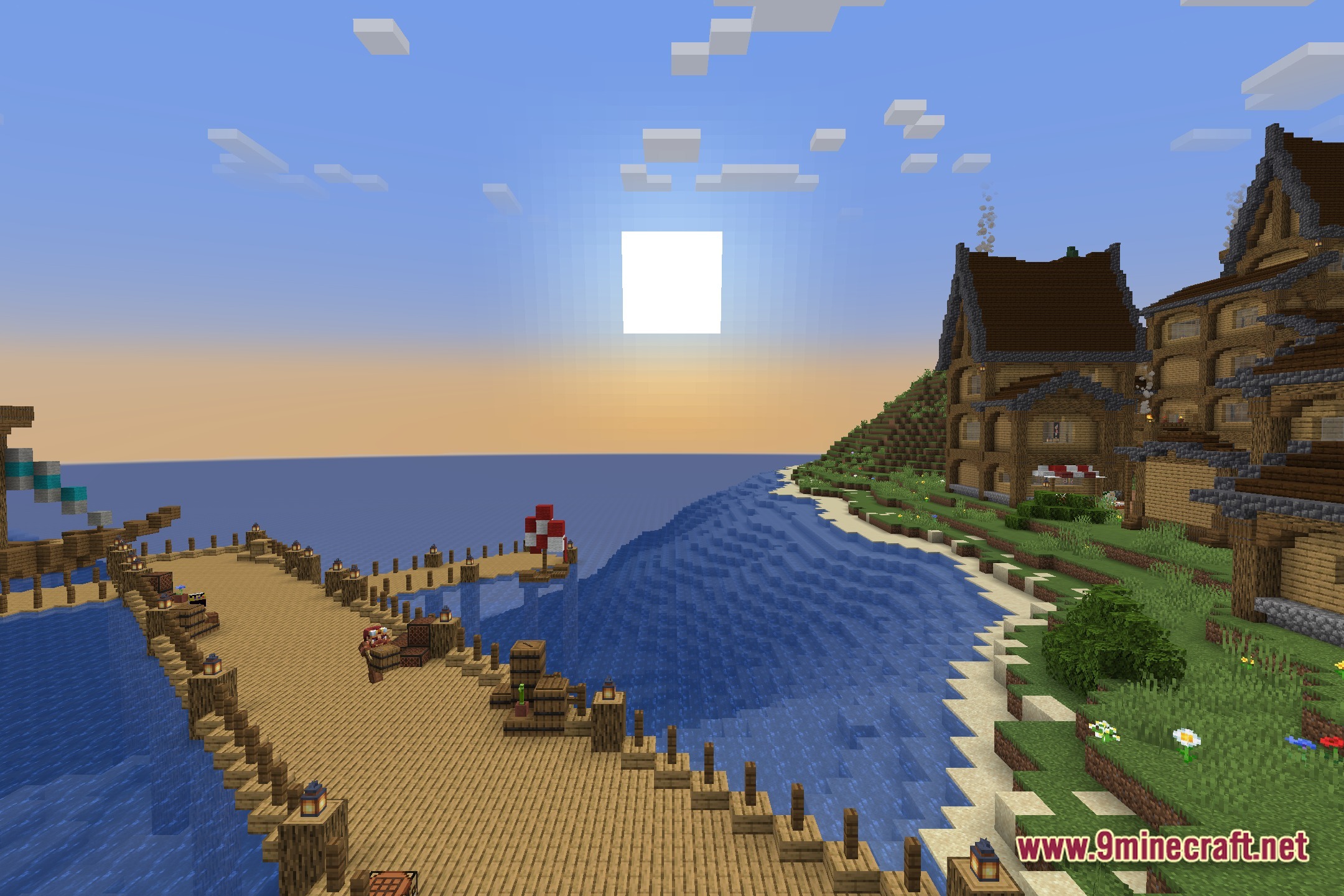
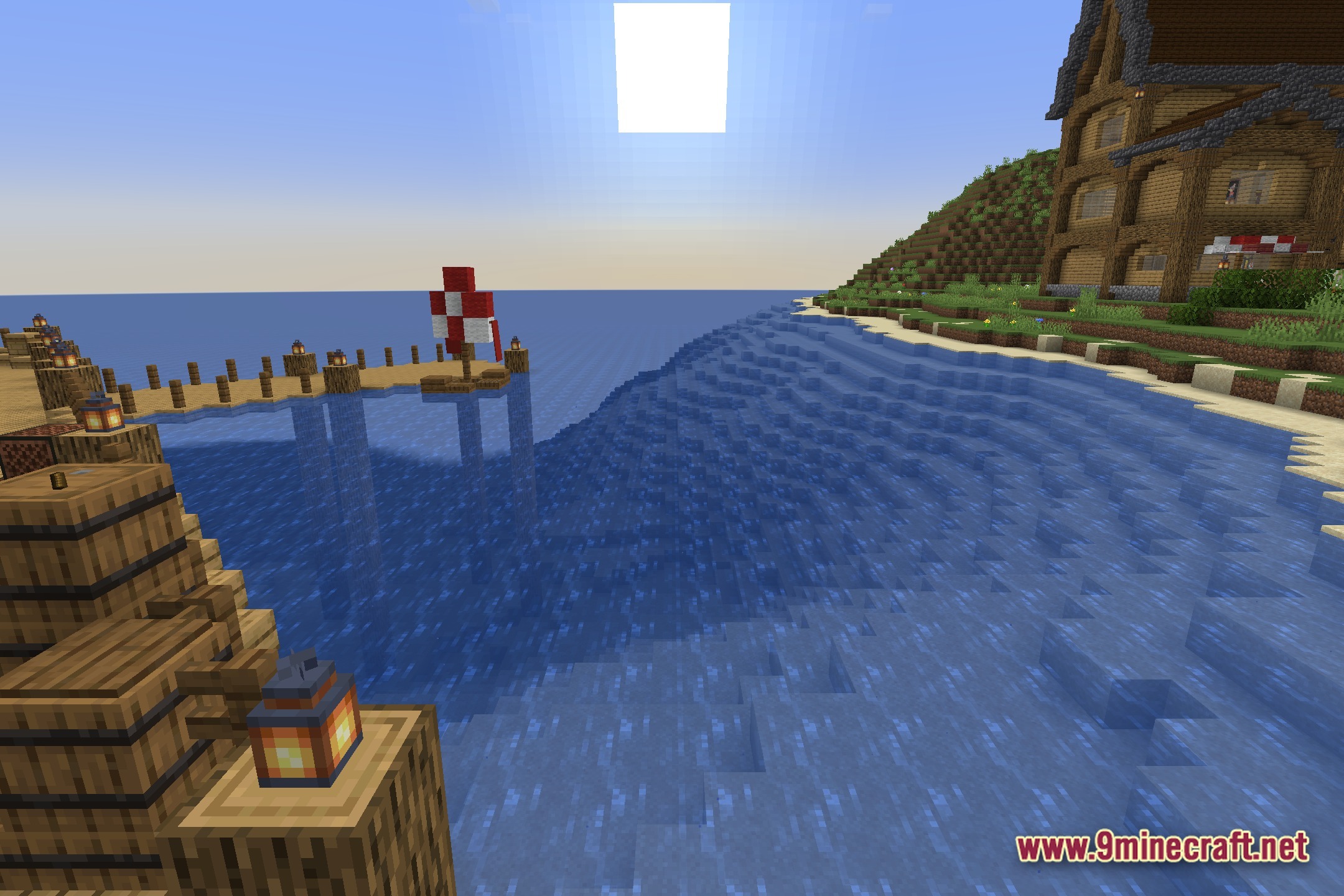
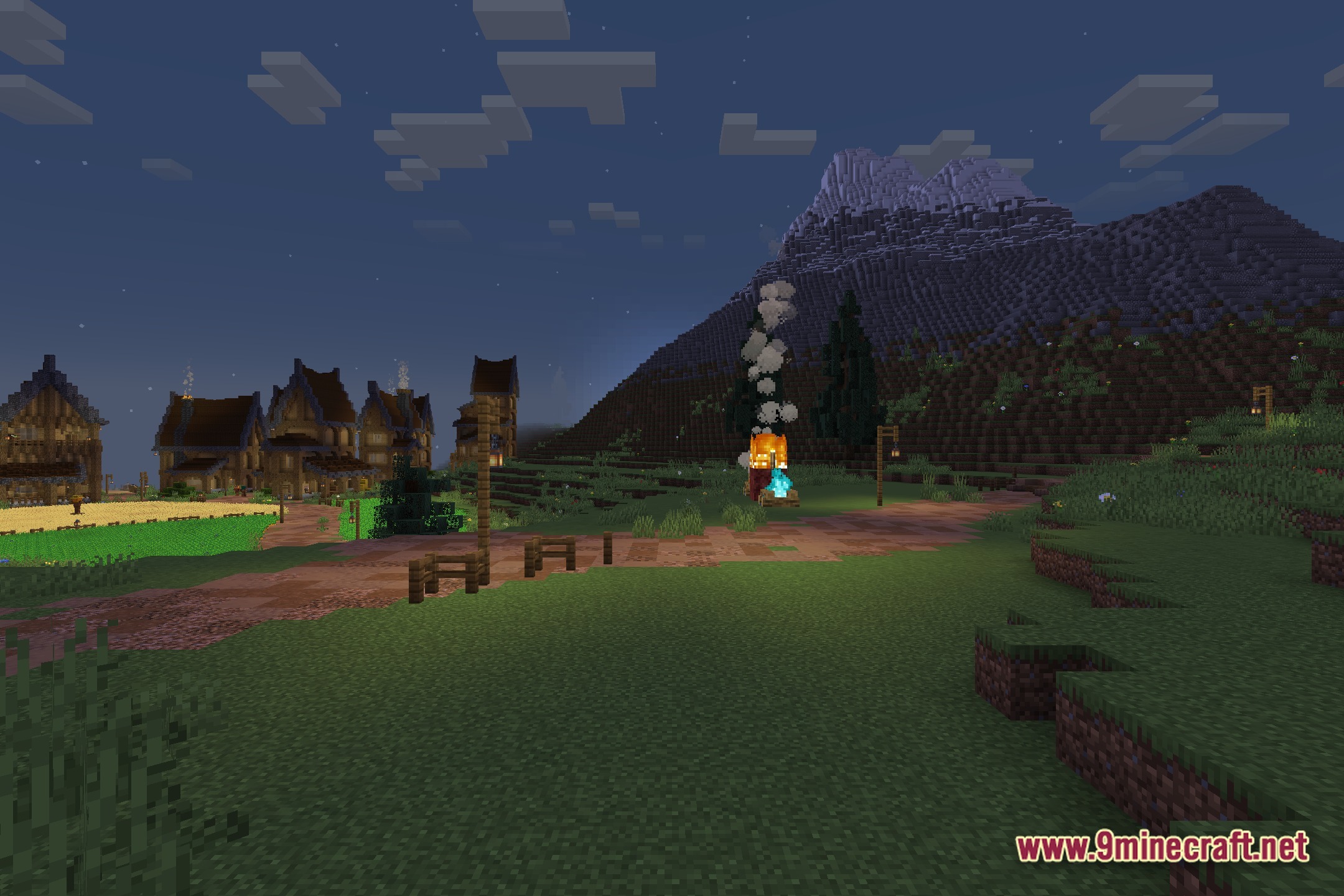
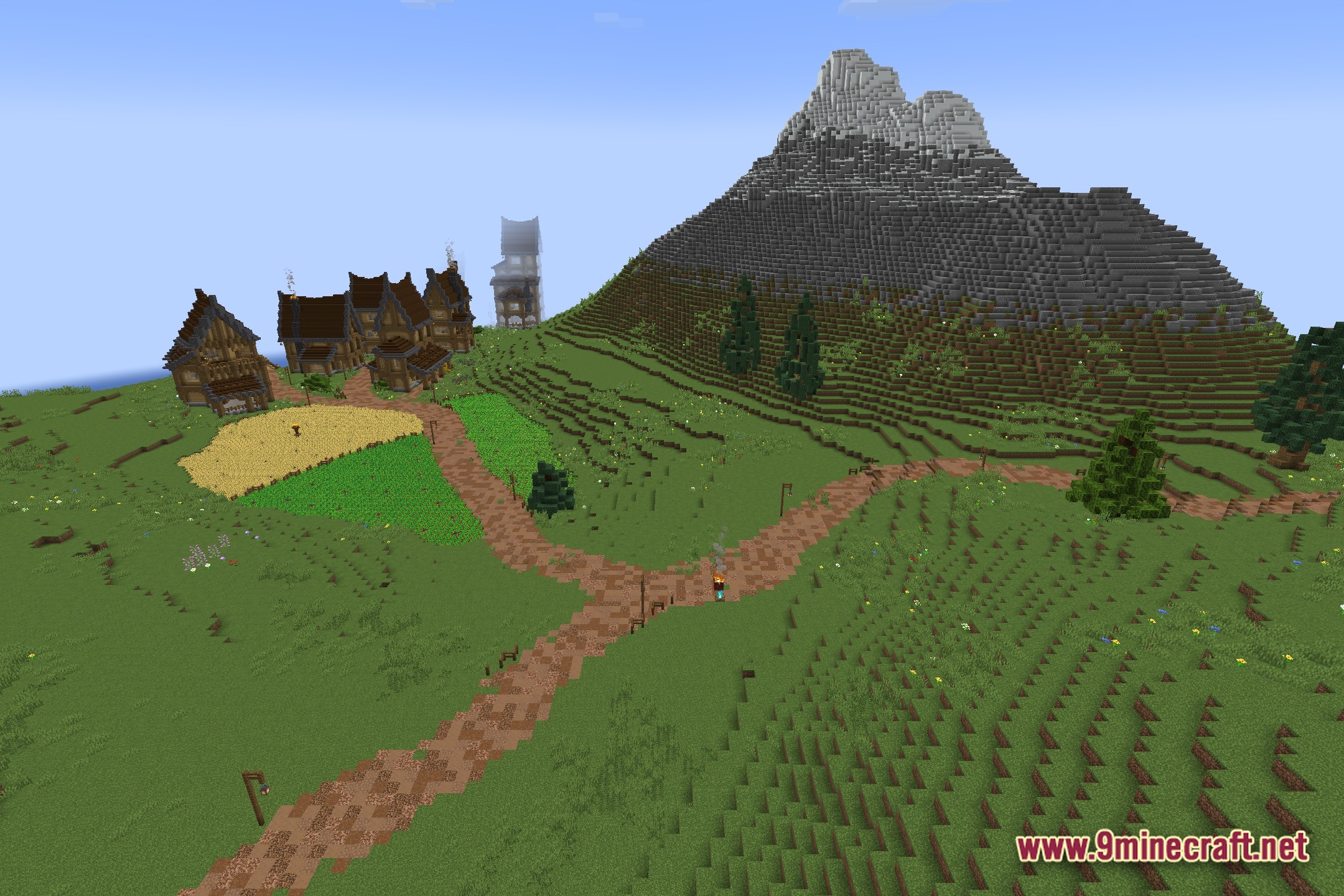
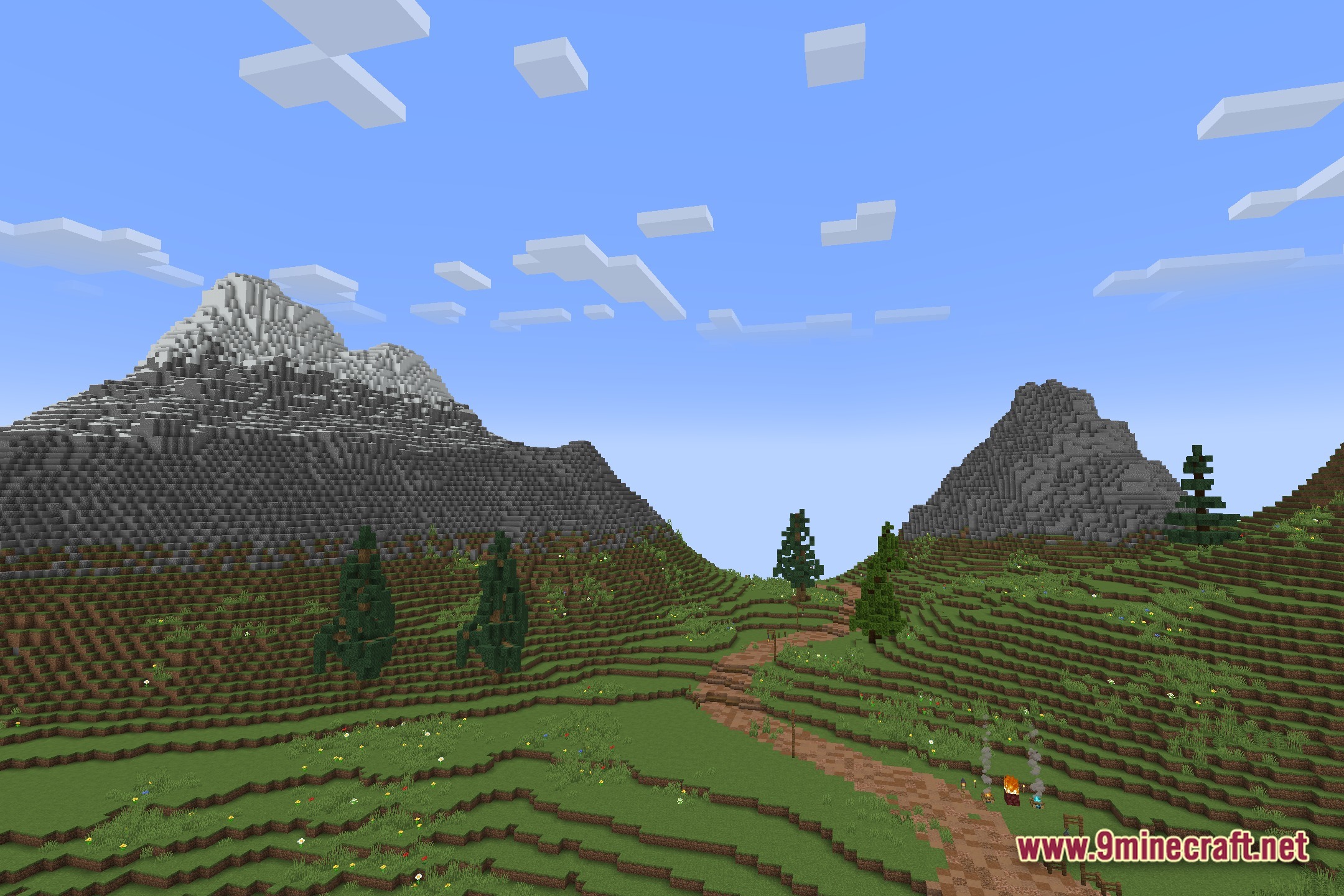
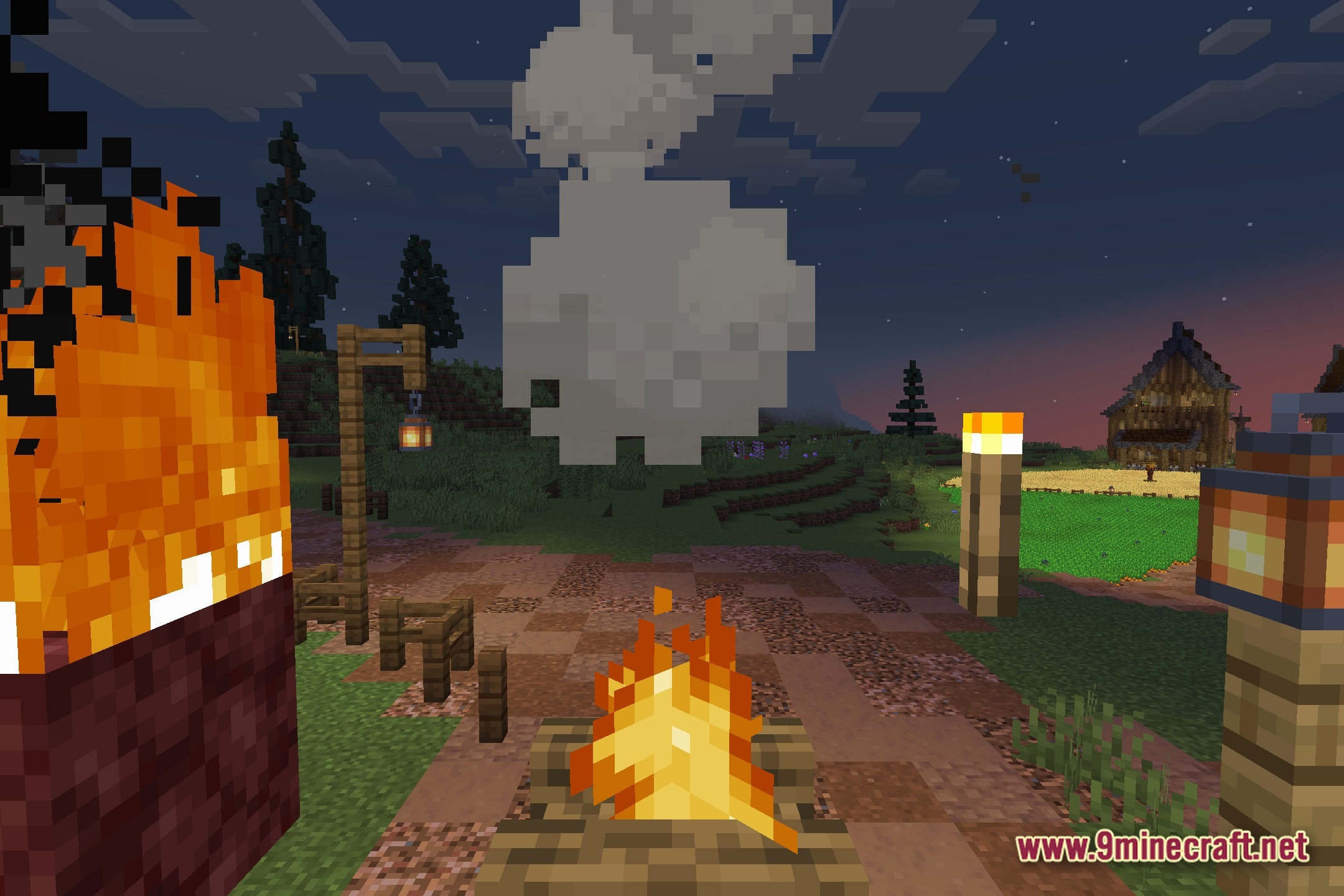
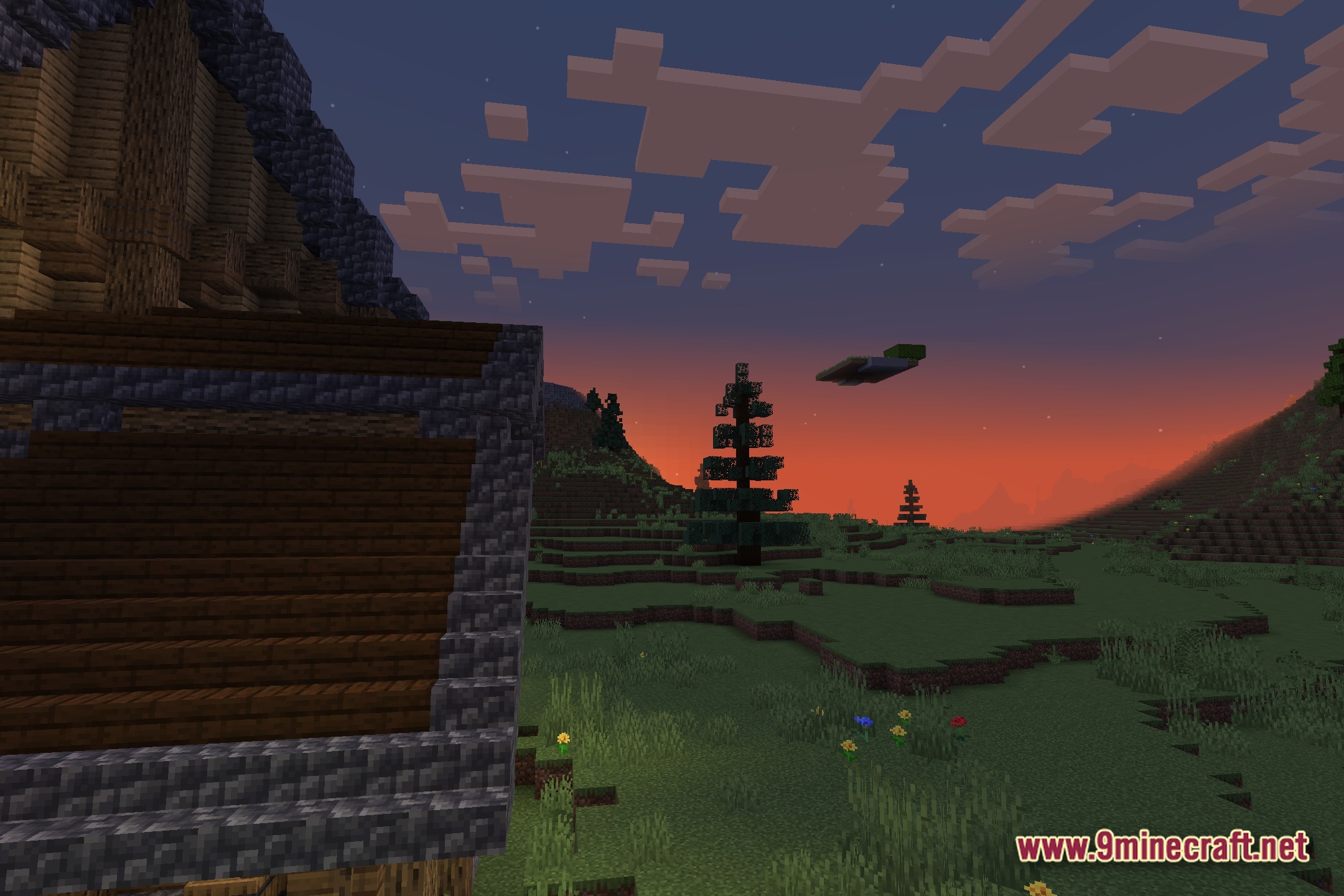
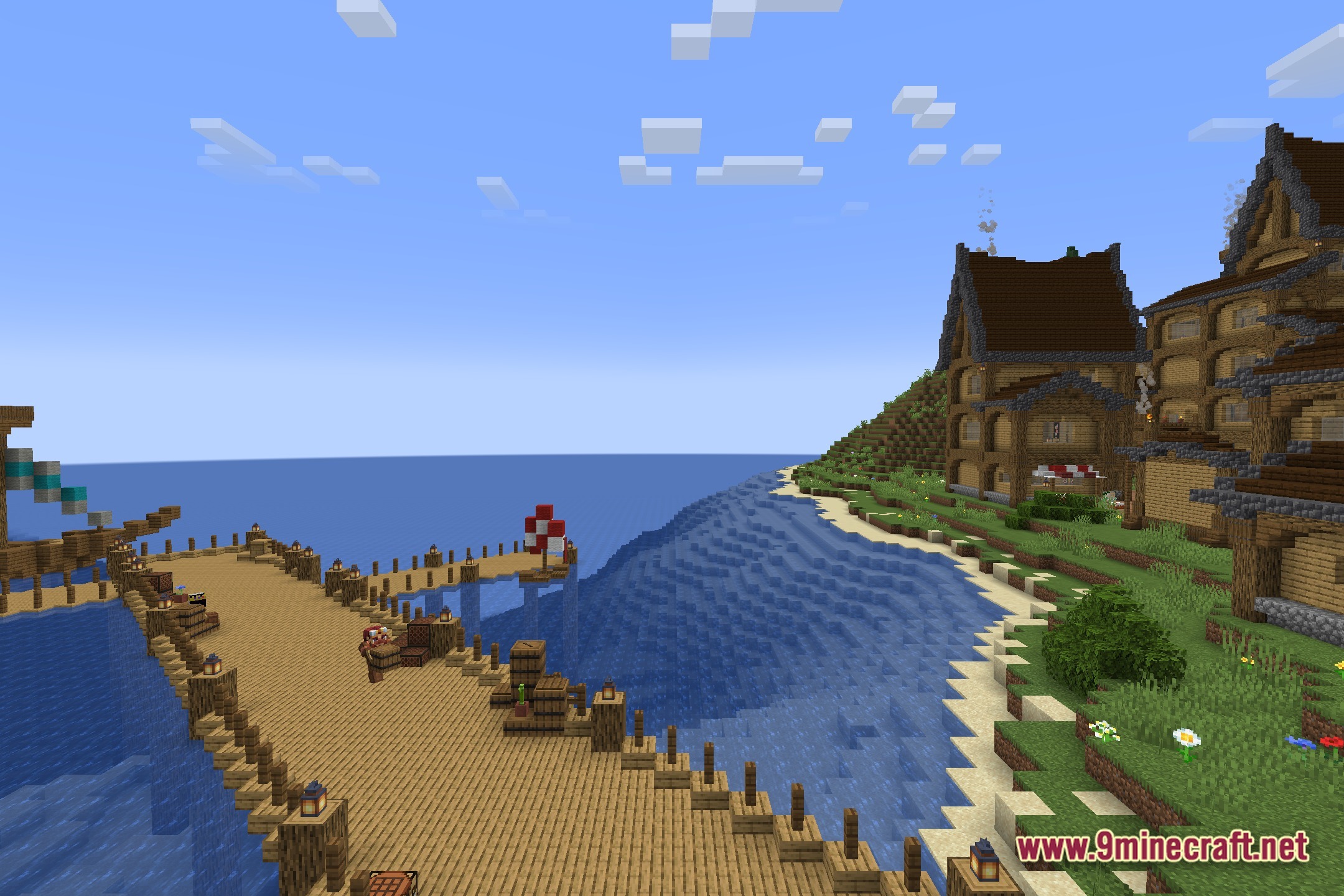
PlunderPixel's Reimagined Shaders brings classic realistic lighting to modern Minecraft Java Edition. This shader pack updates a legacy visual style with contemporary graphics, transforming how light, shadows, and water interact throughout your world.
Features
- Classic realistic lighting style updated for modern Minecraft versions
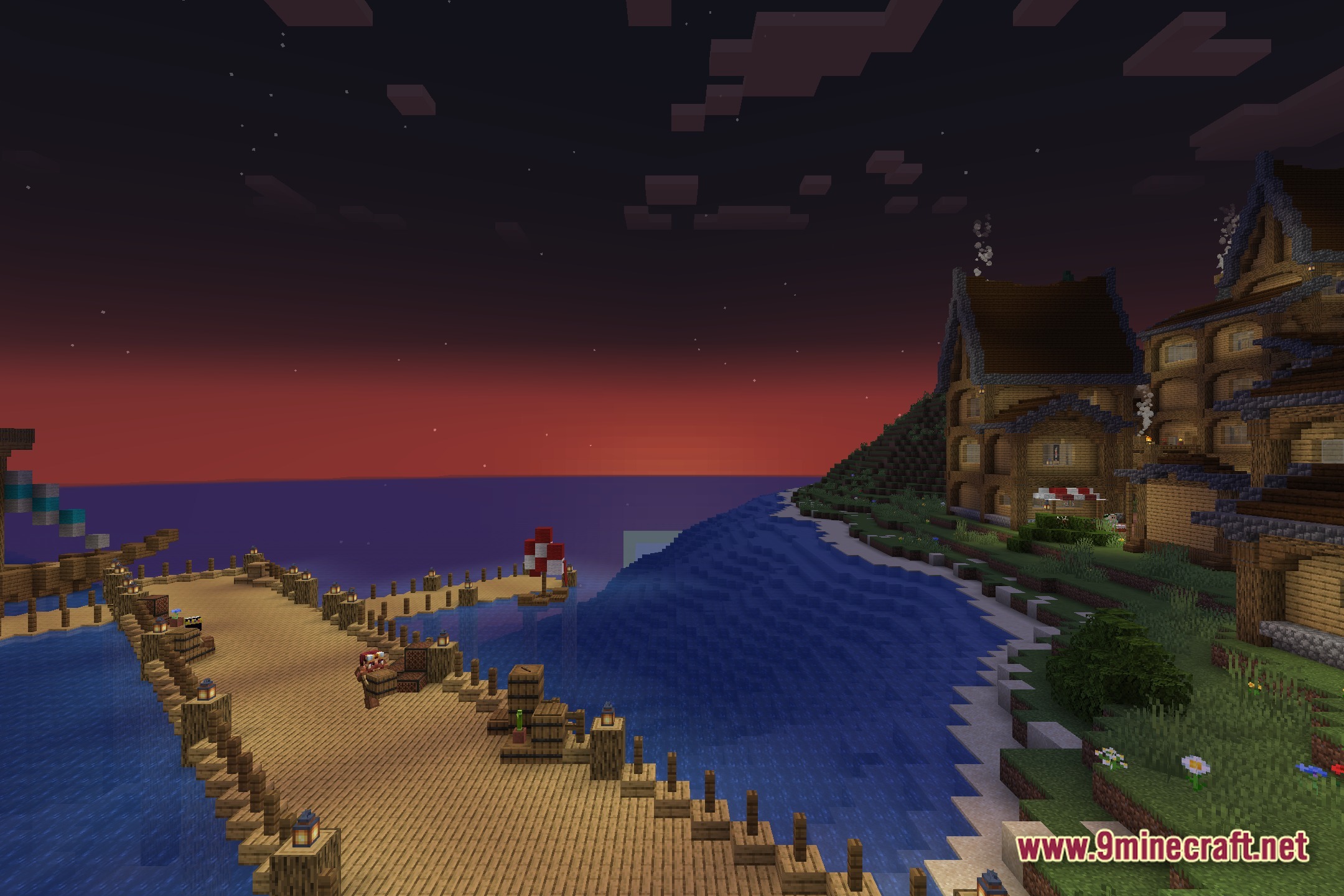
- Dynamic sun and moon light casting across the world
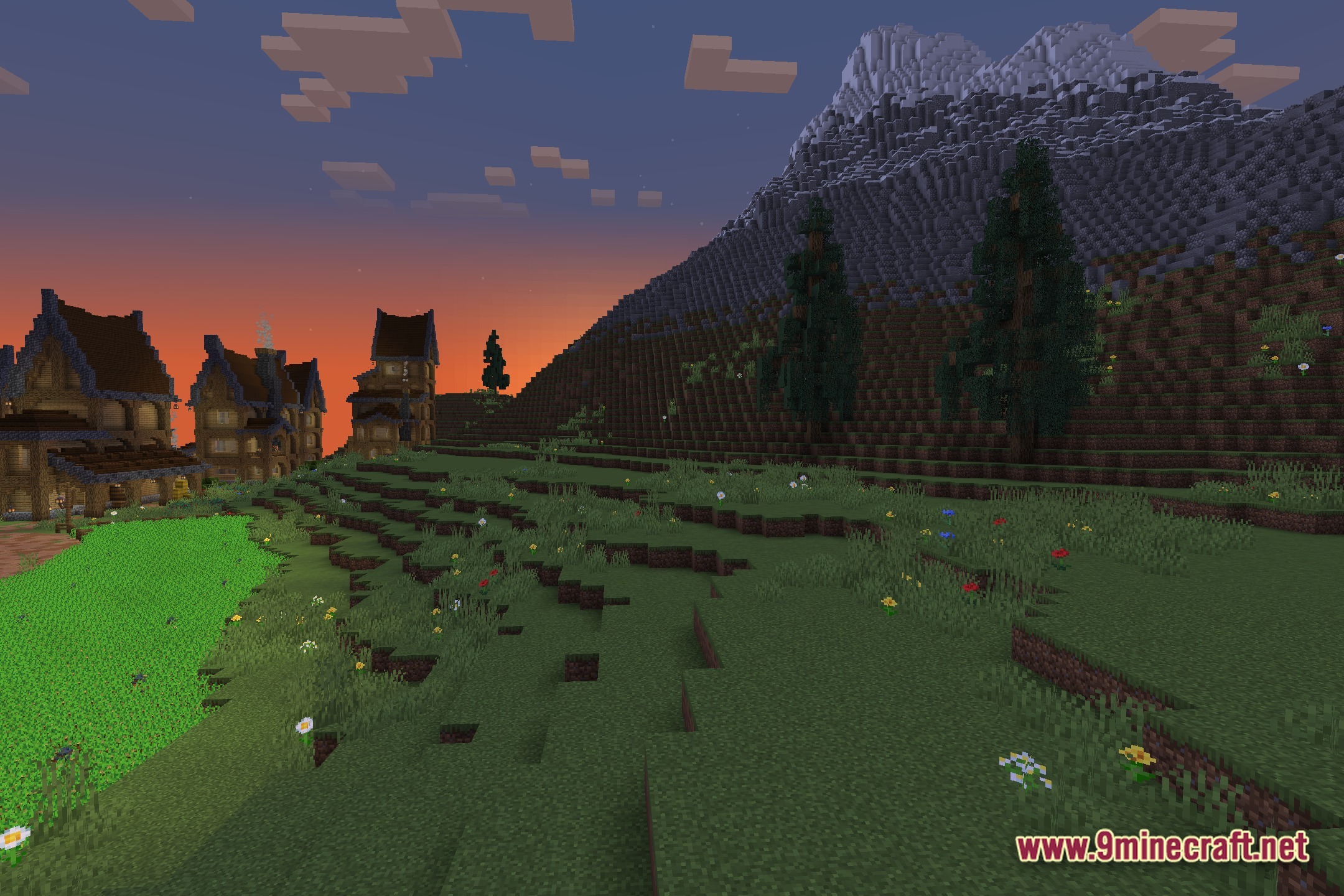
- Deep shadows that shift across terrain with the time of day
- Clear, reflective water rendering for lakes and oceans
- Enhanced sky colors during sunrise and sunset
- Improved surface lighting and shading for blocks and items
Installation
- Download the shader pack file
- Open your Minecraft Java Edition installation folder and navigate to the
shaderpacksdirectory, creating it if necessary - Place the shader pack file in the
shaderpacksfolder - Launch Minecraft, open Options, then Video Settings, and select the shader from the Shaders menu
- Adjust shader-specific settings as needed in the Shader Options menu